I have a CPT called “Dishes” and a CPT called “Chef” They are in a Bi-directional ACF relationship. In the Dishes Archive page, I want to add a few Search and filter options. Among which I have a Filter-Select field which is supposed to filter Dishes based on the Chef.
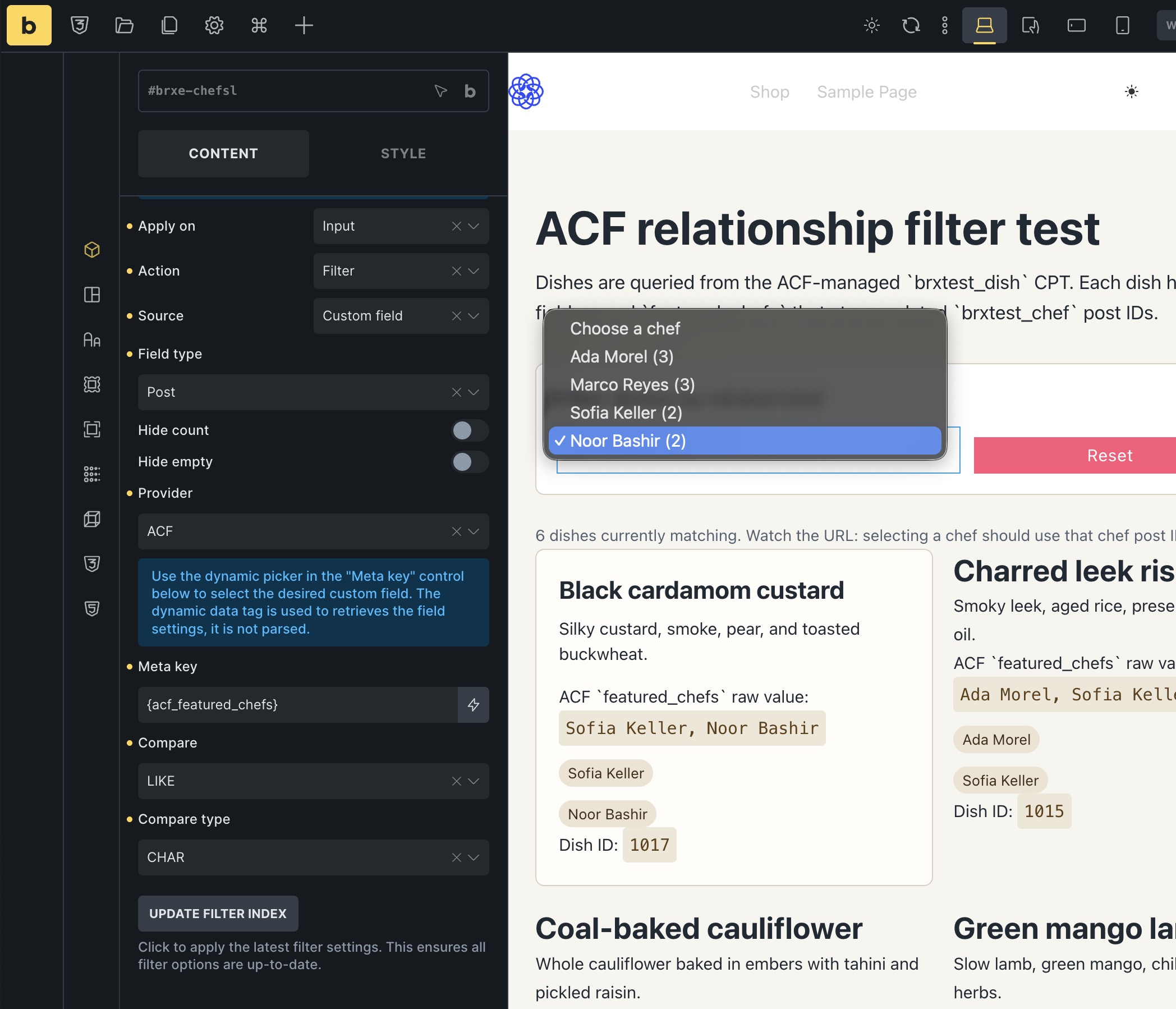
In the Filter Select, I selected source as Custom field, Field type as Post and Meta key is chef (from acf_chef) However, it does not render the name of the chef.
Is it cause it’s a relationship field unlike the other fields. How Do I achieve filtering by ACF relationship fields.
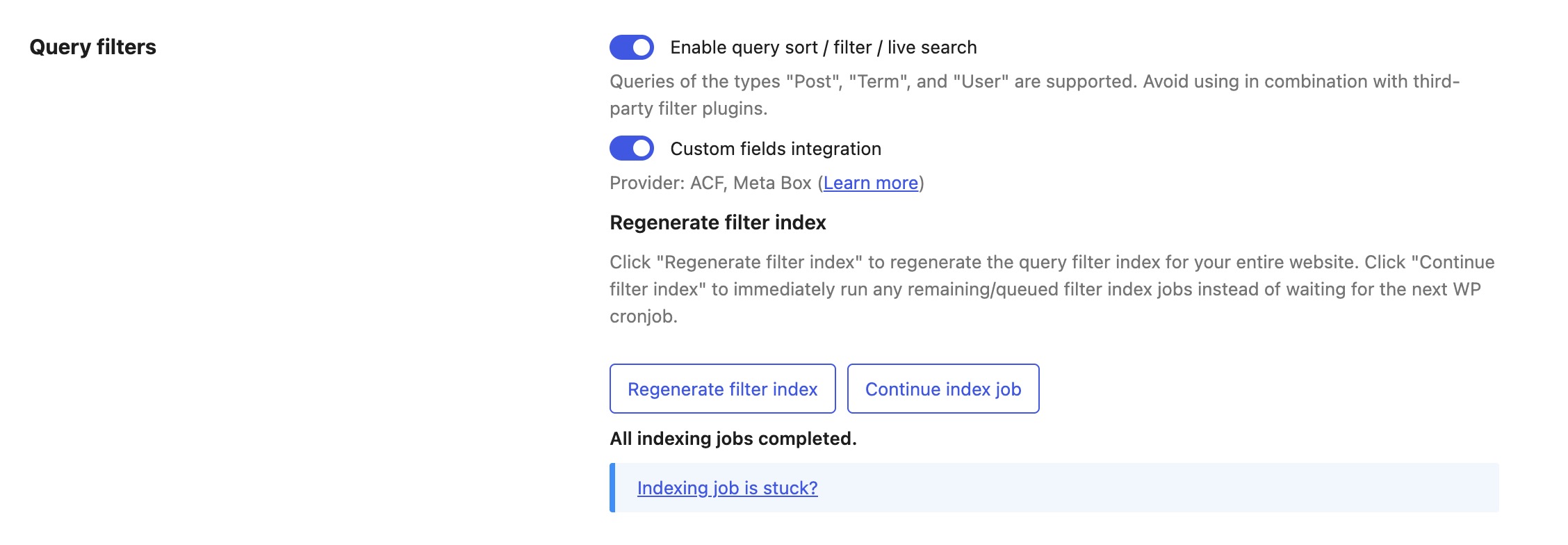
After that, the Provider control should show. Choose ACF, then use the dynamic data picker in the Meta key control to select the ACF field, for example {acf_chef} . Then regenerate the filter index under Bricks > Settings > Query filters.