Browser: Chrome 110 OS: macOS / Windows / Linux / etc. URL: Link to a page that illustrates this issue Video: Short screen recording that illustrates this issue (free tool: jam.dev)
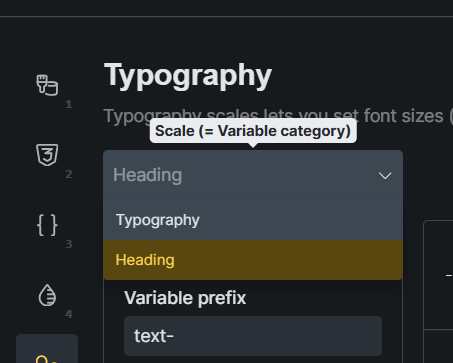
in style manager, typography
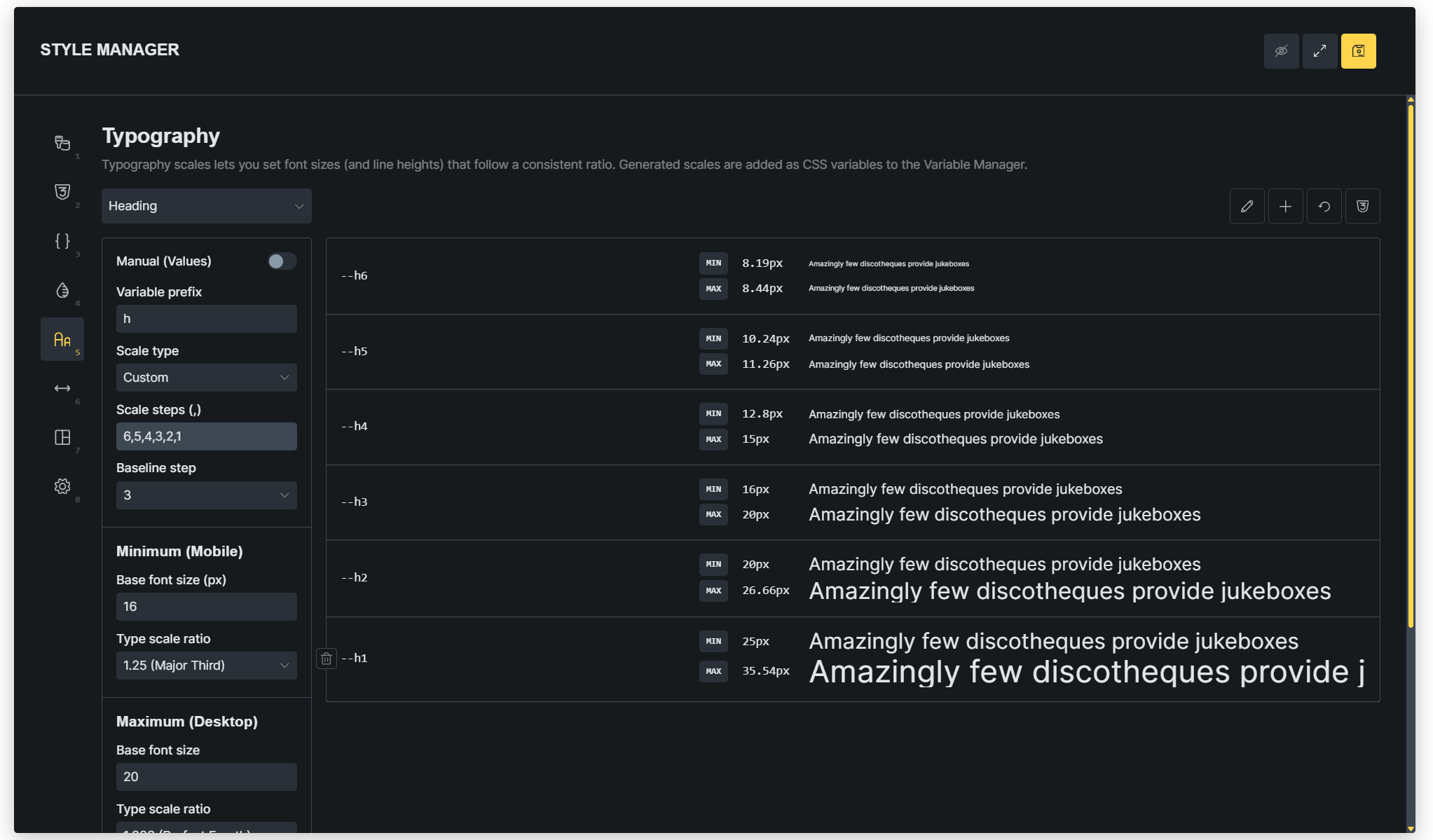
I was trying to create H1~H6 heading typography like this (below image)
Unfortunately, I cannot reproduce the issue. Would you be so kind as to provide a screencast using https://jam.dev showing and explaining what’s happening? Thanks!
Thanks, Paul!
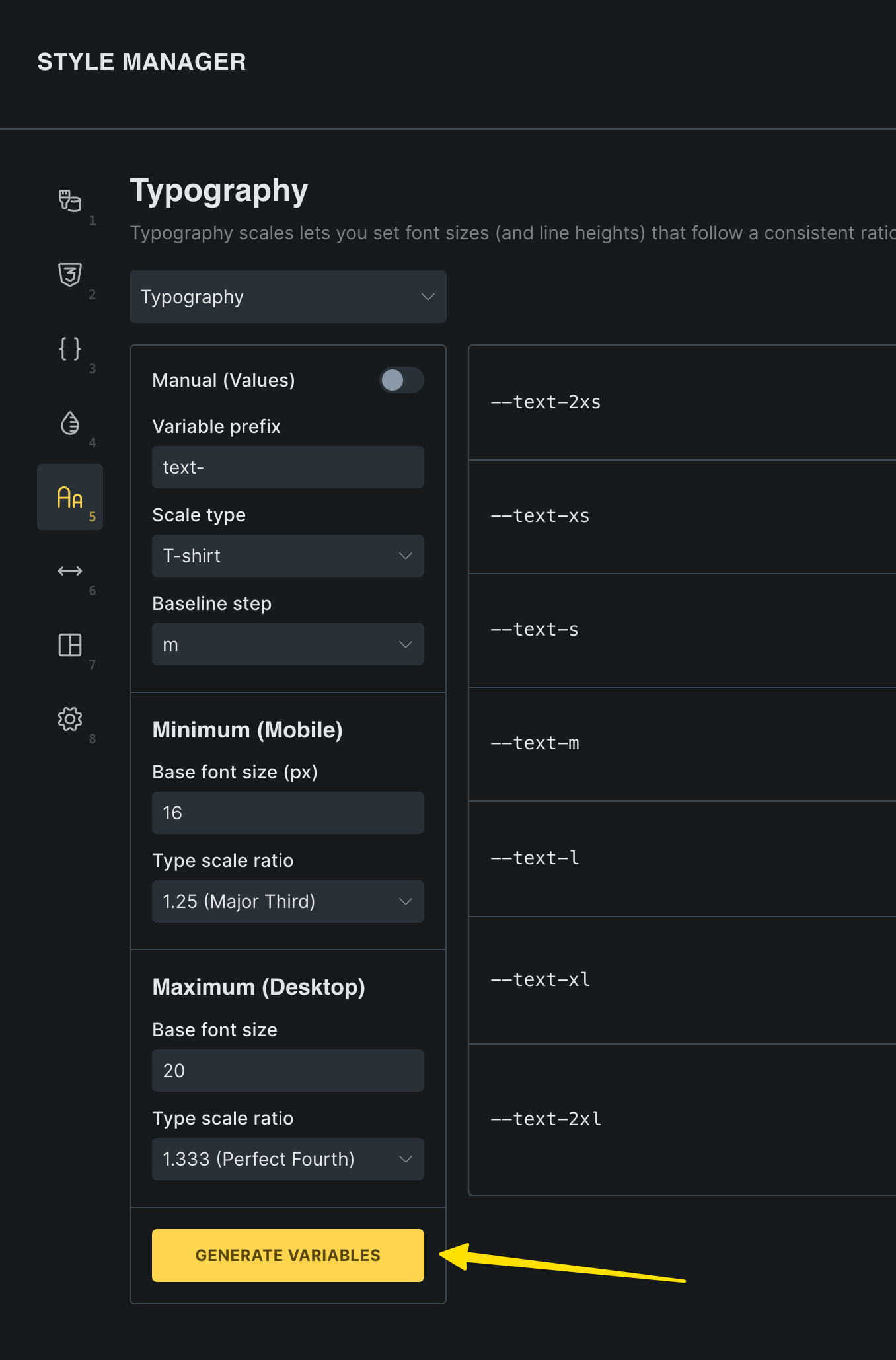
You’re missing a crucial step: regenerating the variables after you’ve applied the changes. You’re just clicking “save”, which doesn’t regenerate the variables (1:04 in your video).
Yes, I also tried your method, but I don’t find it user-friendly. In my view, when I save it, it should be saved and not revert to the old parameters. Do you agree?
I might suggest too that maybe upon clicking save if it determines there are changes to the variables in the variable generator pages, that it ask if the user definitely wants save their newly generated variables/variable values. Then it can be a one and done type of thing instead of having to click two completely different buttons in very different places.
We’ve addressed this in Bricks 2.4-beta (beta release), now available for manual download from your Bricks account.
Please read the changelog entry before testing, and let us know if you experience any issues. Note: beta builds are not recommended for production sites.