How to create a Timeline Autoplay type layout. Where the Timeline tabs flow from one tab to another?

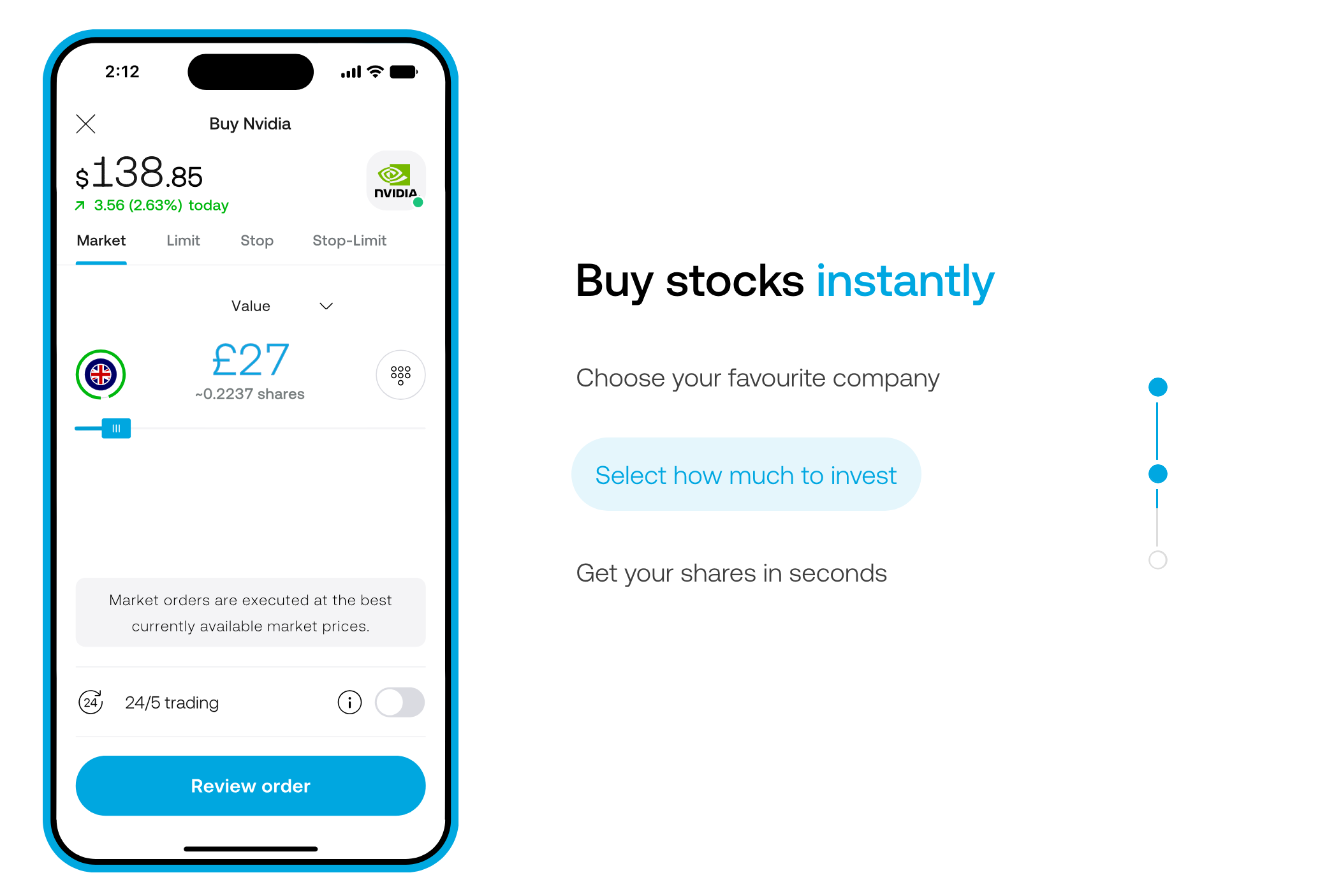

bumping, since no reply…
Splide.js (the slider library that bricks uses) supports autoplay with a progress bar:
So this is possible with a code element inside your slider:

Here’s the code:
<div class="splide__progress">
  <div class="splide__progress__bar"></div>
</div>

<style>
.splide__progress {
  background: #ddd;
  height: 4px;
}
.splide__progress__bar {
  height: 4px;
  background: #e63;
  transition: width 0.1s linear;
}
</style>

<script>
setTimeout(function () {
  const splide = document.querySelector('.splide');
  const progress = document.querySelector('.splide__progress');
  if (splide && progress) {
    splide.appendChild(progress);
  }
}, 300);
</script>
Just make sure to enable: Render without wrapper.
Place the code element INSIDE the slider.
Like so:
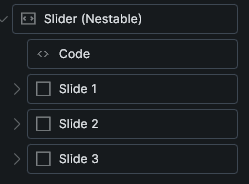
This is just for a progress bar, an actual timeline it’s different.
I recommend using a custom component for that from a third party dev.
Thanks @div
This is a nice slider animation, but not exactly the Timeline thing I am looking for.