Hi everyone,
I’m struggling with what should be a very basic styling task in Bricks, and I can’t find a native, clean solution that doesn’t involve custom CSS or dirty HTML hacks.
The setup:
I have a dark background section in my footer. Inside, I have a Rich Text element containing normal text and a link (a phone number).
-
I set the Rich Text element’s typography color to White so the text is readable on the dark background.
-
In my Theme Styles > Links, I set my global link color to Blue with an underline.
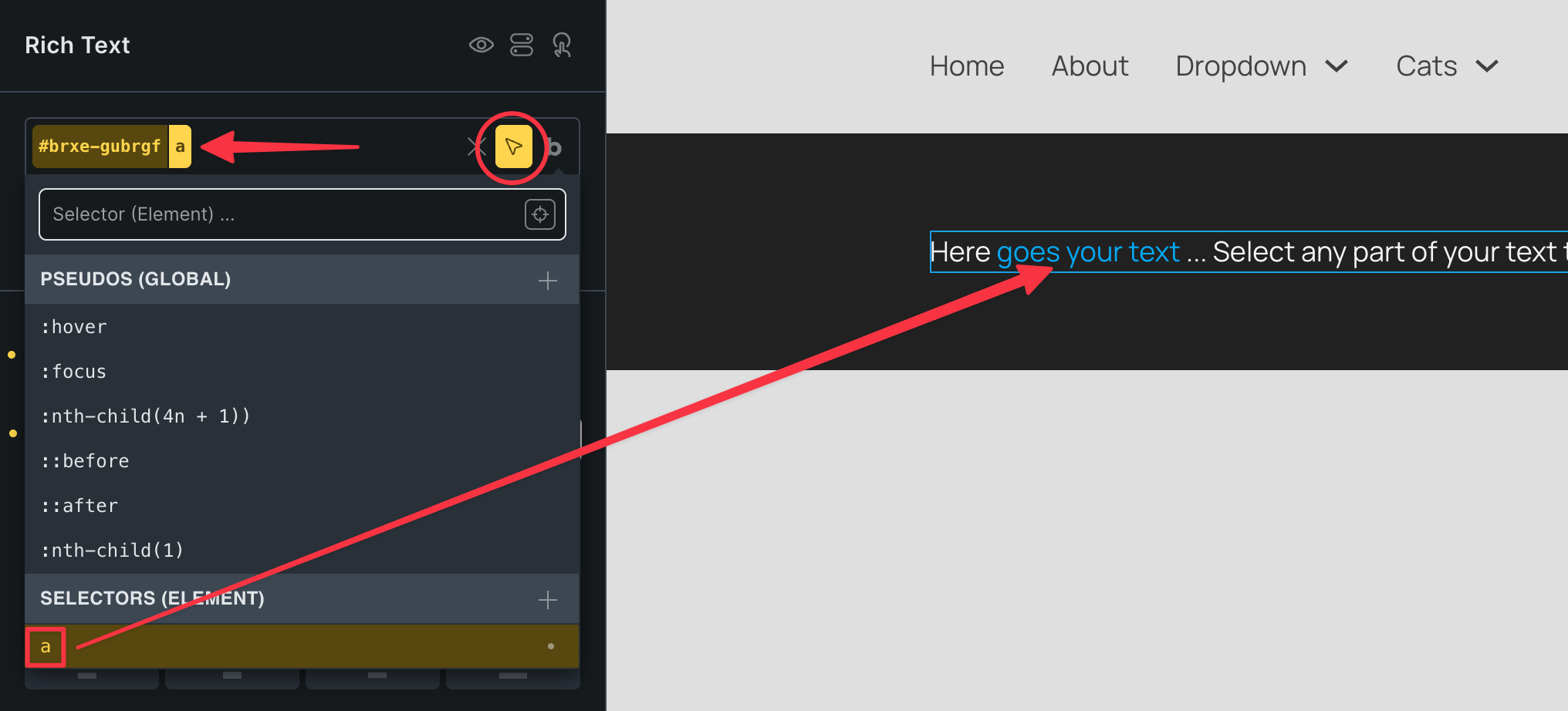
The problem: According to the style hierarchy, element settings override theme styles. Because of this, Bricks generates a high-specificity CSS rule targeting the element (#brxe-id a), which forces the link to be White. The global Blue theme style is completely ignored.
If I remove the white color from the element, the link turns blue, but the rest of the text becomes invisible/dark because it inherits the default site typography.
The “Link: CSS Selectors” box in the Theme Styles panel is empty by default and doesn’t allow overriding this element-level specificity properly without manually targeting every single text block ID, which defeats the purpose of a visual builder.
My question:
Is there a native, proper way within Bricks to say “this text block is white, but any links inside it must follow the global Blue theme style” without:
-
Writing custom CSS (
%root% a {color: ... !important;}) -
Splitting a single sentence into multiple separate Text / Link elements
-
Hardcoding
style="color: ..."inside the Rich Text HTML tab
If not, this feels like a major flaw in the Theme Styles hierarchy and element inheritance logic.
Thanks for your help!