Here are some observations and some feedback related to Theme Styles and the new Style Manager:
- I may have missed the proximate context toggle, if there is one, but it seems to be very cumbersome when you are styling, say a button element in Theme Styles, to add the hover options.
- There seems to be a large amount of setup needed before the user can start site building. Just consider how long it takes to create a blueprint site. This is especially true if you actually go into more than a couple of the Elements to set their styles. I would like to suggest that Bricks adds, lets call them “Theme Style Kits,” which would allow designers and developers to create a JSON file that could be imported and would automatically apply all of the settings in the Theme Styles area and the Style Manager. Then encourage CSS frameworks to support it. These Theme Style Kits could then be included in third party add-ons and community members could create them and share them. Bricks could include one or two as starters. This would have the additional benefit of having one UI for this purpose rather than having CSS frameworks or third party add-ons creating alternate ones - perhaps this would be a better experience for the user as there would only be one consistent UI.
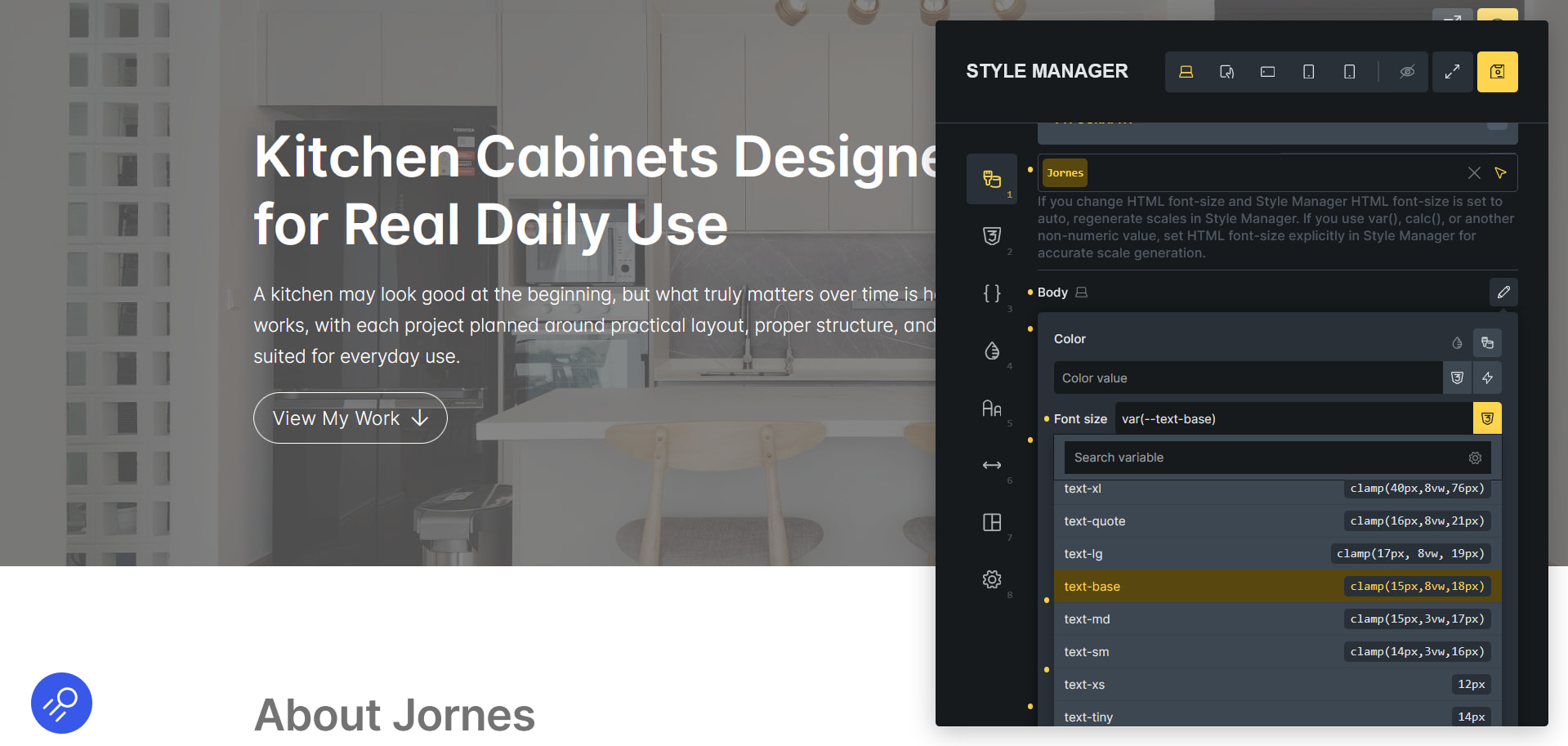
- I’m not sure how important it is, but an observation is that in the Style Manager all of the categories persist except for the typography and spacing generators. That is that revisiting some area you see what you previously set while in the generators you go to a place where you start over. Is it impractical to read in the previous variables here, like if you used “Custom” scale type?
- In the variables manager you see for example the “Spacing “ category and there is a badge by it that says SCALE. You are allowed in the variables manager to add more variables to this category, but they are deleted if you use the generator again. There is warning when saving from the generator that the previous ones will be overwritten. So maybe lock the SCALE categories and only allow them to be changed in the generator, or if you go to manually add a new variable to that SCALE category also show a warning there that it might be overwritten. Or have that category locked by default and the user has to manually unlock it to manually edit its items.
- A related observation is that you can create another variables category with the same name, “Spacing”, though it doesn’t have the SCALE tag. I’m not sure if that matters, but I guess it would be good to consider this.
- When using the Theme Styles and the builder is in Light Mode, when a value hasn’t been entered yet there is a gray background on the input box to show that it is a settings area. In 2.1 after you enter a value the gray background persists but in 2.2 it goes to white. I think we want the gray background to persist. Also related, when you pick a light color, and you are in Light Mode, the color drop is easier to see in 2.1 than in 2.2.