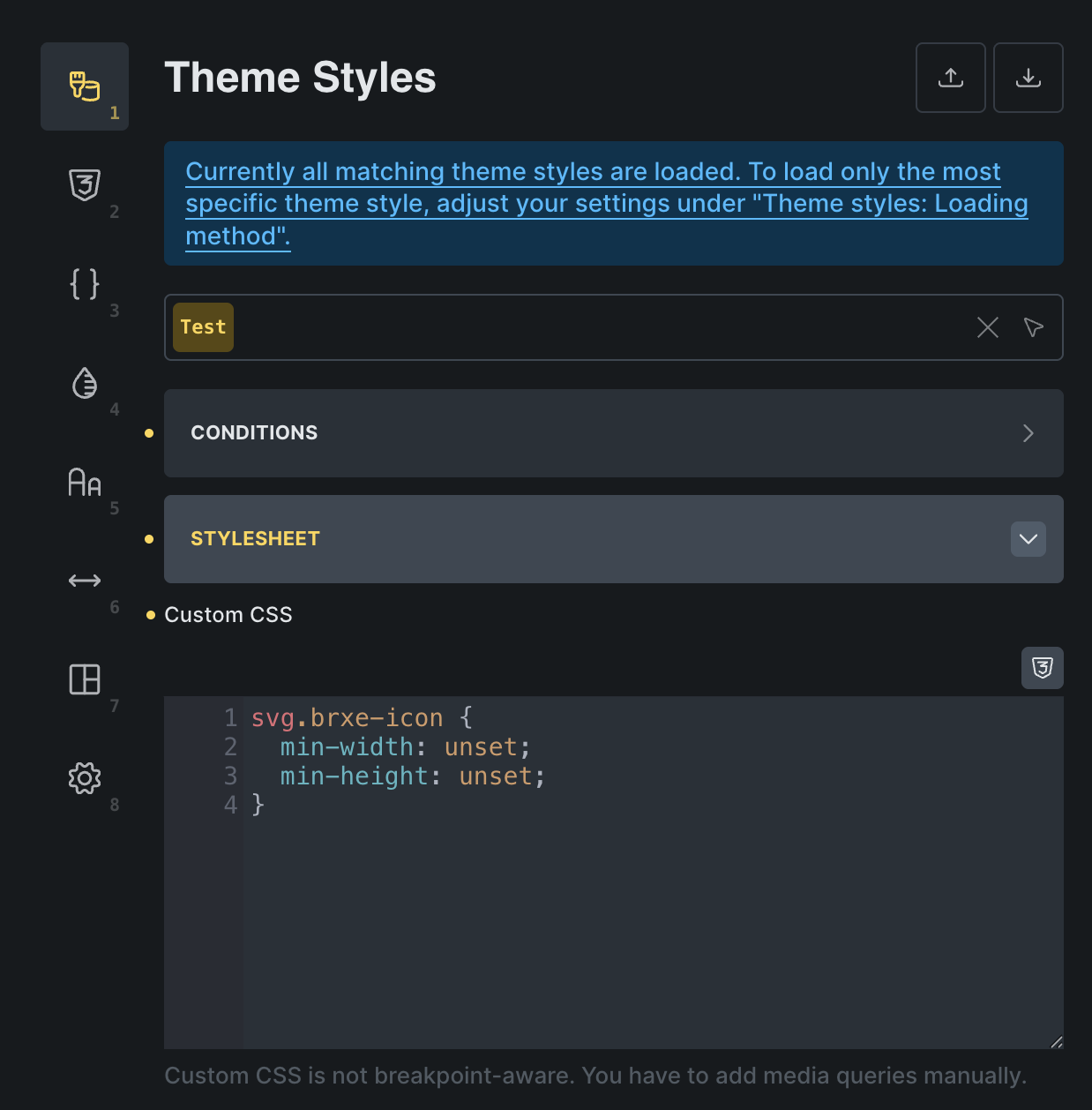
Changing the sizes of SVGs (in my case it’s a custom icon set, so I’m using the custom icon UI for styling) becomes impossible under 1em because there is a higher specificity from Bricks standard (un-editable) rules that states that for all SVGs, min-width and min-height is set to 1em. Why would we want that ? I can understand an SVG can be invisible if no size is set, so for some users it’s nice to have a minimum set so they don’t freak out, but at the same time, why make the lower limit to 1em ? It’s huge !
Once again the styles imposed in bricks “frontend-light-layer.css” file are too restrictive, not modifiable in the Theme styles (there is no field for “min-width / min-height”, only for “width / height”), and I don’t see the benefit of this default over the use we have to style SVG our way.
Can we please change this so working with custom icons becomes a bit less a pain in the rear ?
Thanks in advance