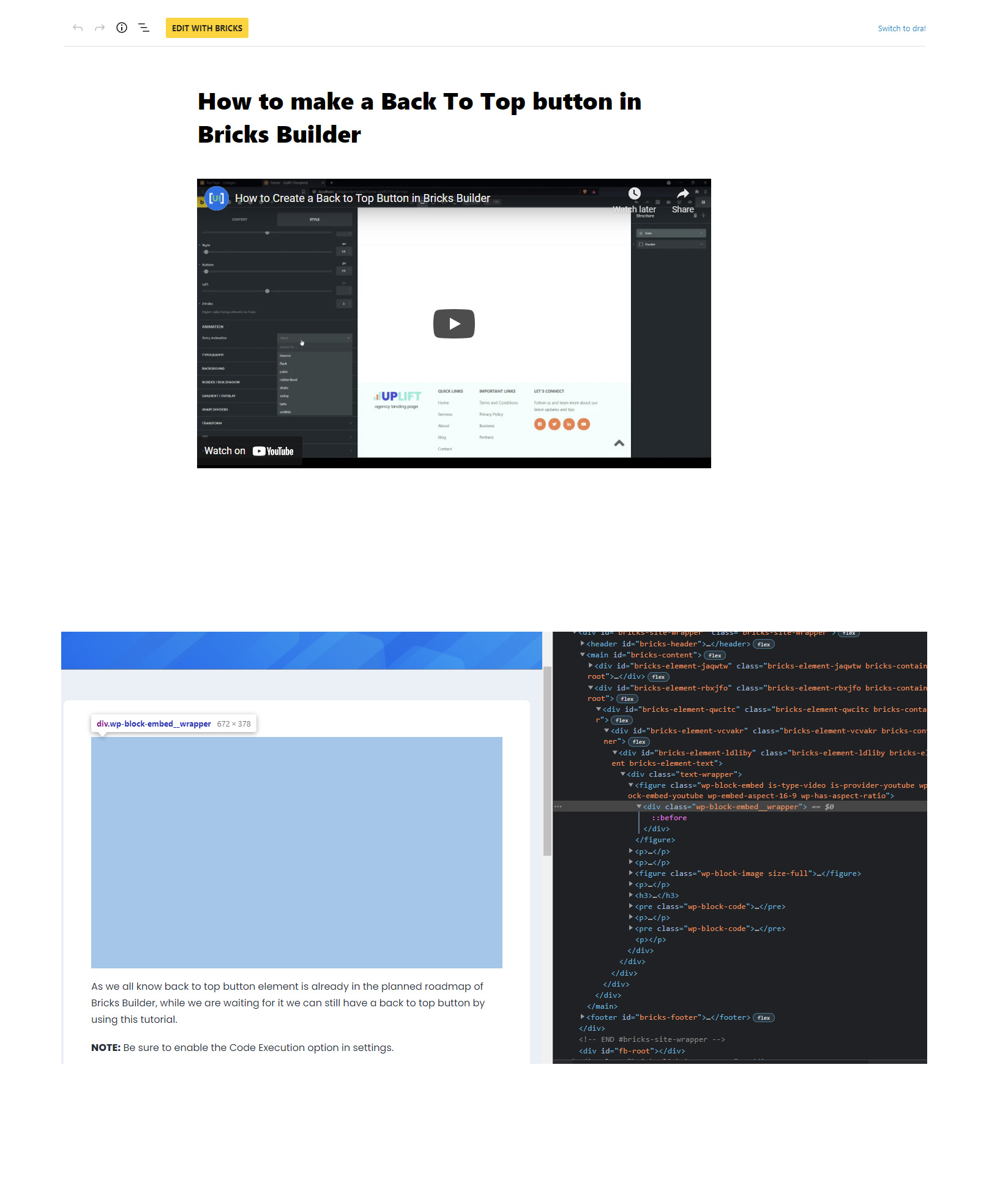
Bricks Version: 1.3.6 Browser: Chrome 95 OS: Windows 10
Hi guys after the update, the YouTube Gutenberg block is not rendering in the frontend, attached are the screenshots. I have tried disabling my caching plugin and regenerate CSS as well.
I was able to reproduce your issue when using the Rich Text element with {post_content}. We will take care of it
In the meantime, you can use the Post Content element instead of the Rich Text element, where the embeds work fine. In my view, this would be the first choice for embedding or displaying Gutenberg content anyway, since it’s just a single div.
this bug is fixed in Bricks 1.3.7. However, I would still recommend using the Posts element instead of the Rich Text element to render your post content