Browser: Chrome 150.0.7871.116
OS: Windows
Hi,
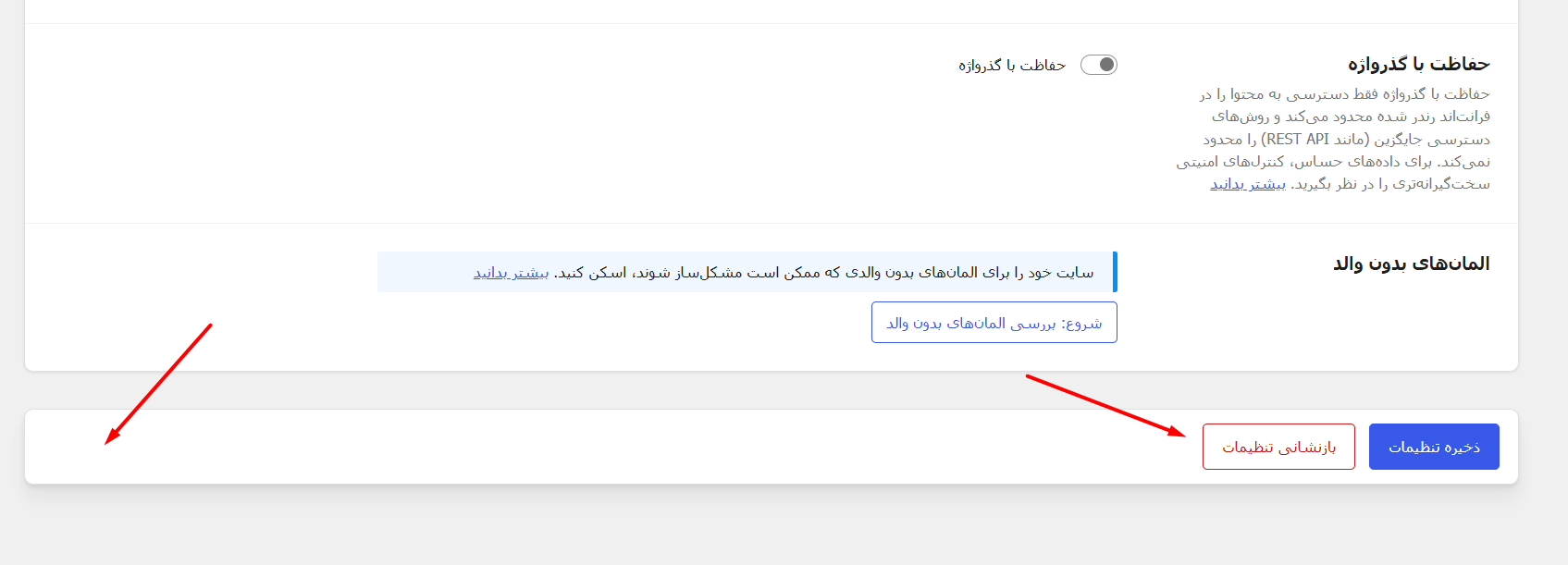
In RTL, the reset settings button is in the wrong position.
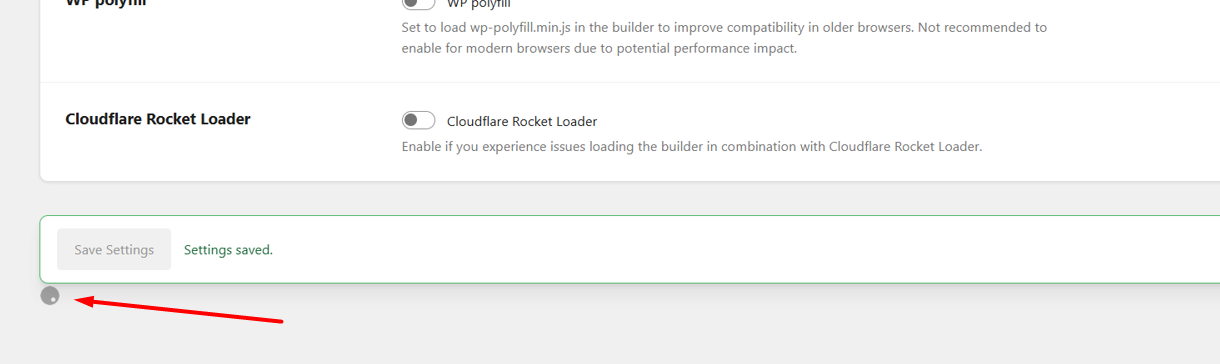
Also, I’m not sure if this is a bug or not, but it seems like the Loader is appearing in the wrong position. In both RTL and LTR.
Thanks for the report, Hosein! I was able to replicate this issue and added it to our internal bug tracker. We’ll update this thread once it’s fixed.
We’ve addressed this in Bricks 2.4-beta3 (beta release), now available for manual download from your Bricks account.
Please read the changelog entry before testing, and let us know if you experience any issues. Note: beta builds are not recommended for production sites.