Browser: Chrome 110 OS: macOS / Windows / Linux / etc. URL: Link to a page that illustrates this issue Video: Short screen recording that illustrates this issue (free tool: jam.dev)
Hello,
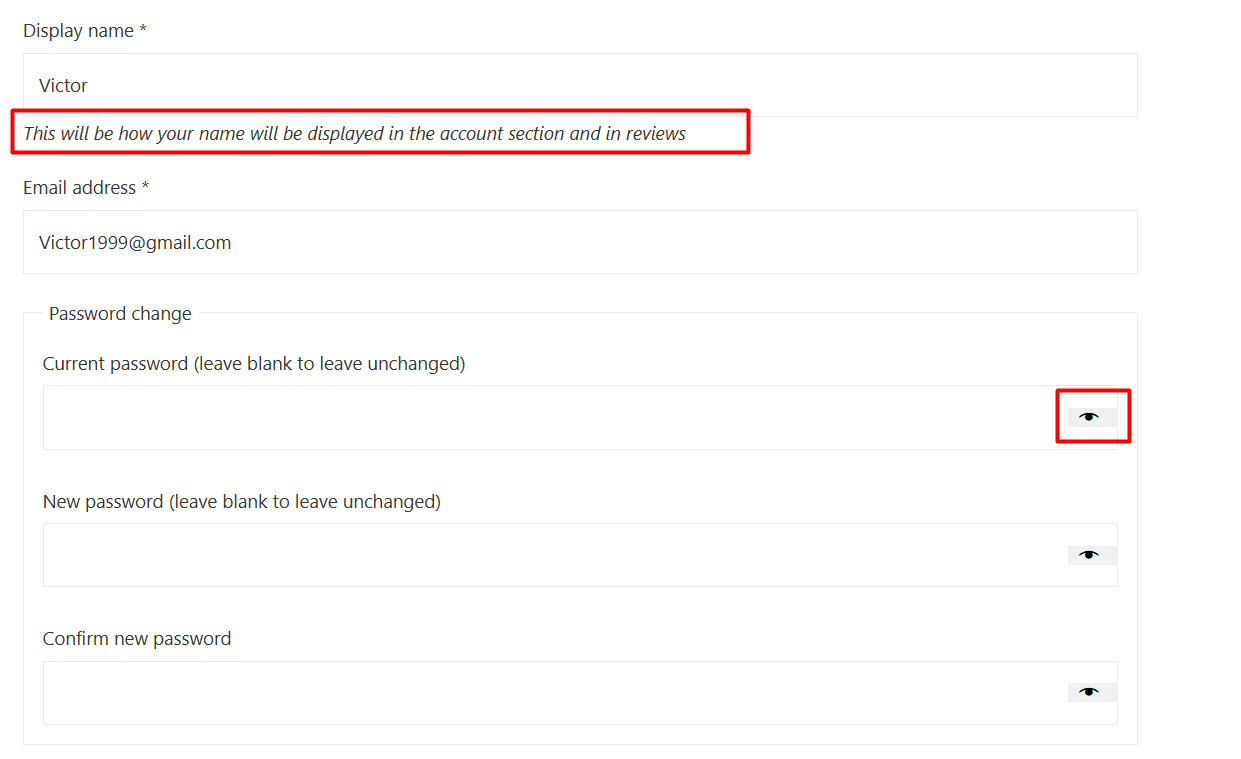
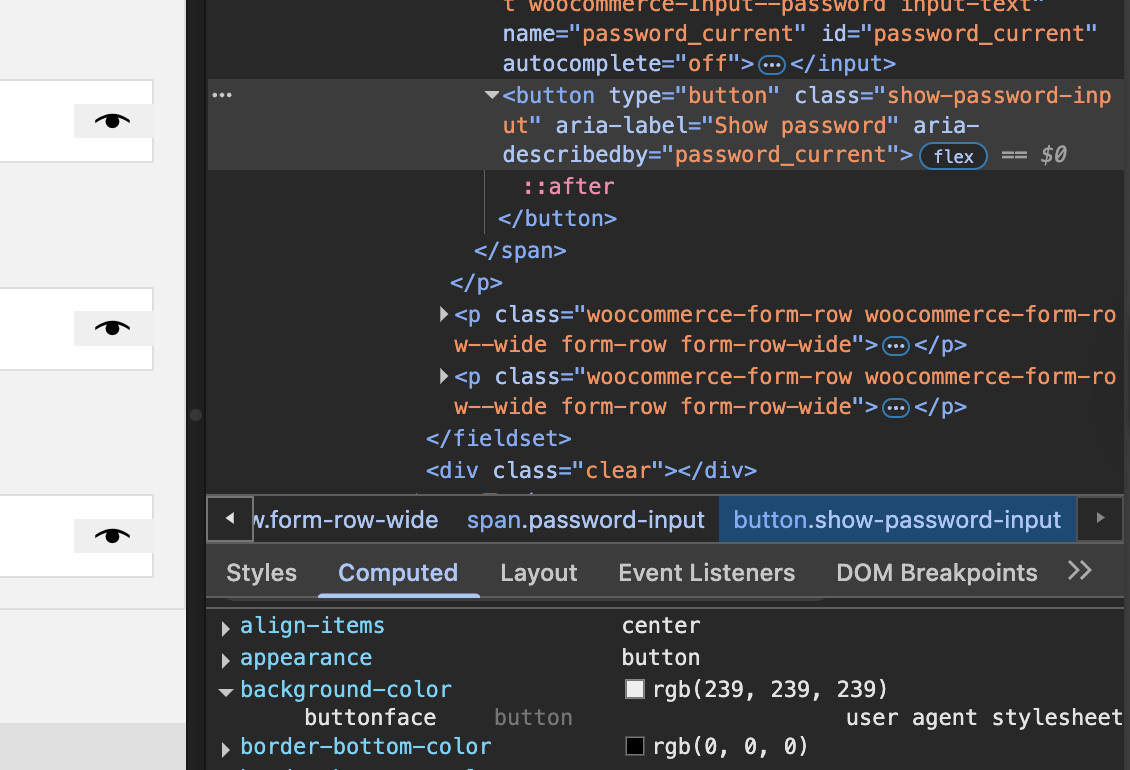
1- In the password change section, the eye icons have an unusual background color.
2- Eye icons are not displayed in the builder.
3- The text “This will be how your name will be displayed in the account section and in reviews” is Italic by default.
There may be a reason that I don’t understand at the moment – let’s wait and see I guess that it is added using JS, which is not used in the builder because it is not necessary there.
Yep. It’s an <em> tag, which is usually italic. Just override it:
 I guess that it is added using JS, which is not used in the builder because it is not necessary there.