Mover
1
Browser: Chrome 144
OS: Windows 10
URL: Кимоно Фурисодэ с пионами и хризантемами - Salon dragon
Video: https://youtu.be/wnorEDGh0WA
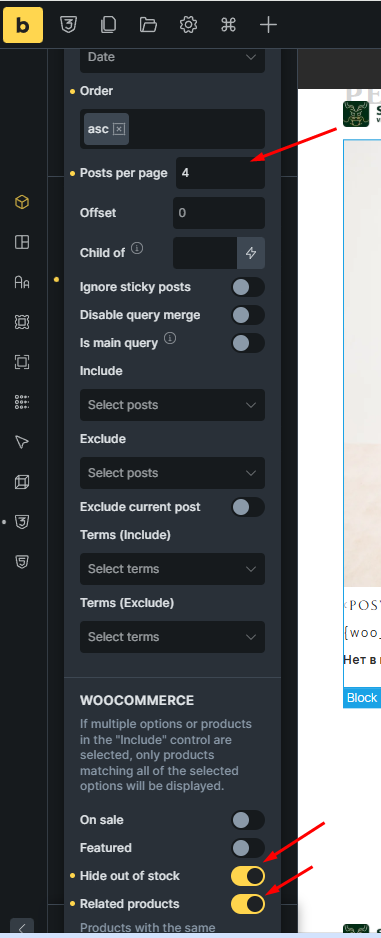
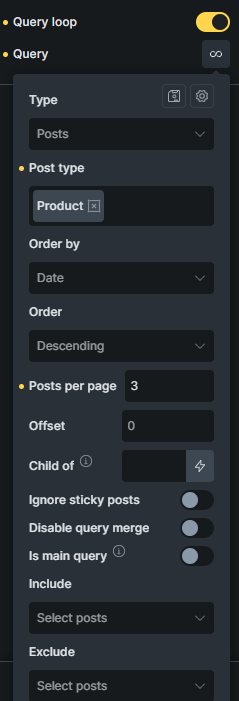
When the “Hide out of stock” and “Related products” options are enabled, the “Query Loop” doesn’t always display the specified number of posts.
For example, I should display 4, but it displays between 2 and 4. The number changes every time I refresh the page.
Mover
2
Update:
The problem isn’t related to hosting. I was able to replicate the issue in your sandbox: Log In ‹ Try Bricks – t2e098ec — WordPress
Matej
3
Hi @Mover,
first, I’m sorry for late response. 
With the help of your link, I was able to replicate it locally as well, and I’ve created an internal task for it.
Thank you,
Matej
We’ve addressed this in Bricks 2.3.7, now available as a one-click update in your WordPress Dashboard.
Please read the changelog entry before updating, and let us know if you experience any issues.