Browser: Chrome 137.0.7151.69
OS: Windows
Hi team,
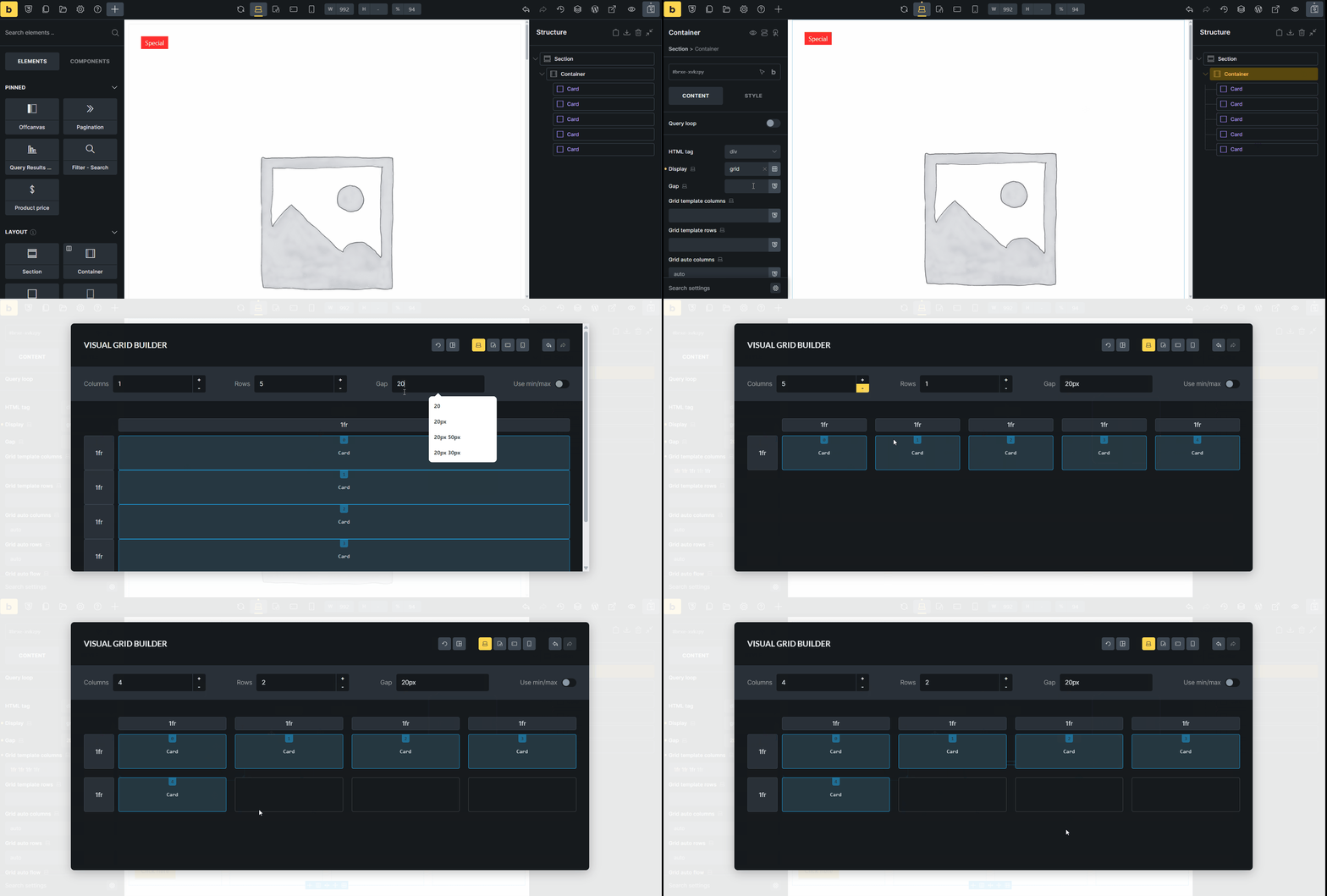
If we change the position of the components using Visual grid builder, it doesn’t work at all. Please see the gif below.
Browser: Chrome 137.0.7151.69
OS: Windows
Hi team,
If we change the position of the components using Visual grid builder, it doesn’t work at all. Please see the gif below.
Oh, of course it doesn’t work because the components don’t have Grid item settings. I just realized that and in that case, the solution is to wrap each component in a div?
Hi @HOSEIN,
thank you. I was able to replicate the issue and I’ve added it to the bug tracker. As for now, wrap the components with the block/div, or write custom CSS for this.
I know, not ideal, but seems like this needs to be revisited by us.
Thank you,
Matej
We fixed this issue in Bricks 2.1, now available as a one-click update in your WordPress Dashboard.
Please take your time to read the changelog entry before updating: Bricks 2.1 Changelog – Bricks + Bricks 2.1-beta Changelog – Bricks, and let us know if you continue to experience issues.