Browser: Chrome Version 144.0.7559.133 (Official Build) (64-bit) OS: Windows 11.
Hi,
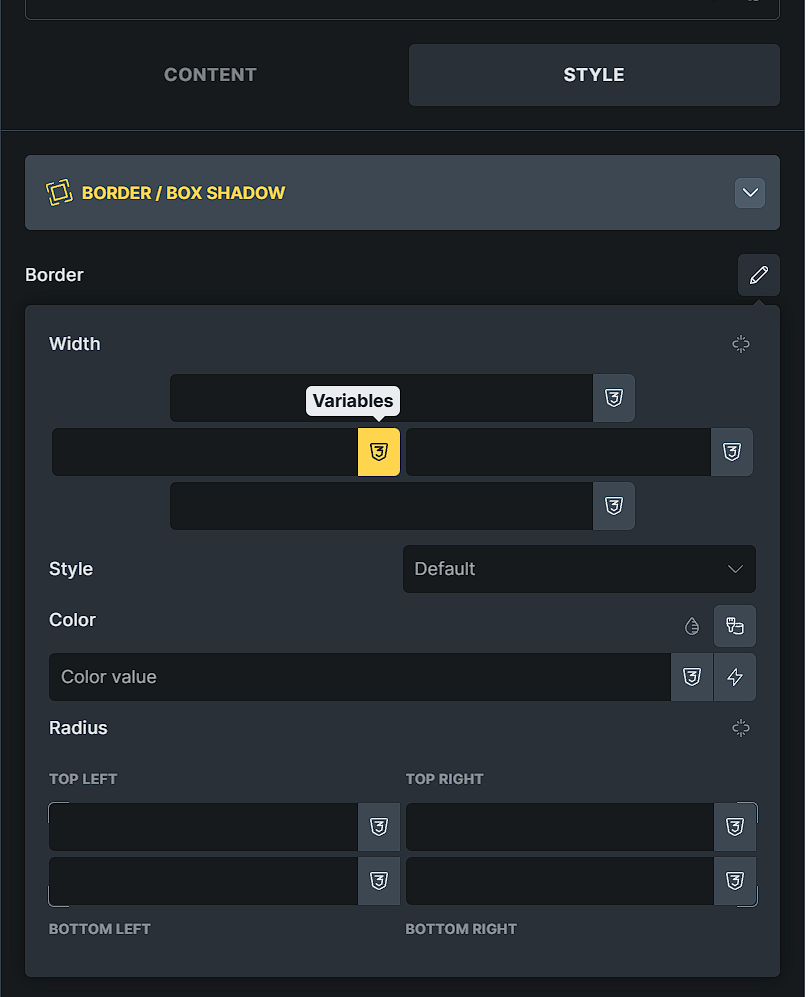
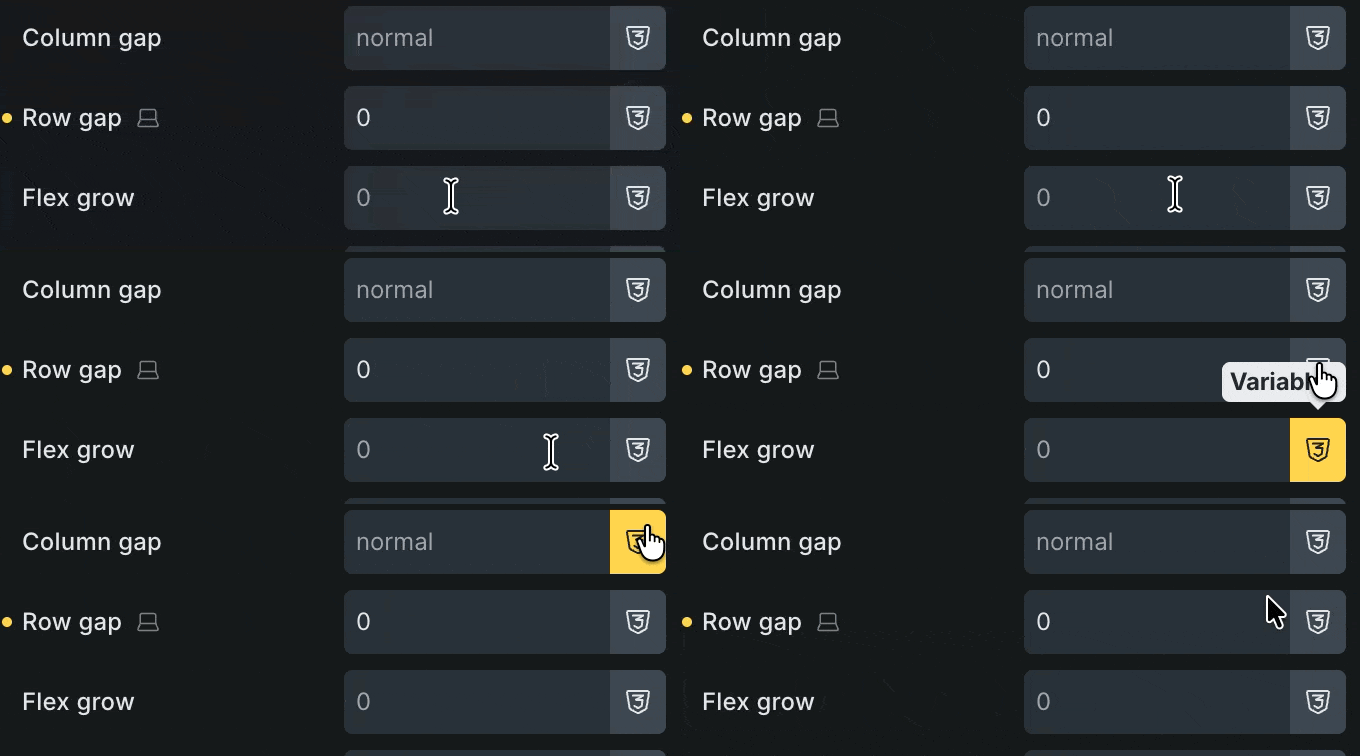
In Bricks Builder 2.2, the “Variables” buttons display an incorrect cursor style when hovered.
This issue occurs across the entire Element Panel, not just in the Style tab.
Anywhere a field includes a Variables button, hovering over that button shows a text cursor (I-beam) instead of a pointer.
However, I cannot see any problems or differences compared to 2.1.4, for example. The browser default is used on the input field (cursor: text), and on the icon, it’s pointer
Nice catch! Whether this is an “error” remains to be seen – after all, it was obviously added deliberately, for whatever reason… But yes, in my opinion it can be removed, especially since you can still click the button anyway.



 But yes, in my opinion it can be removed, especially since you can still click the button anyway.