Browser: Chrome 137.0.7151.122
OS: macOS
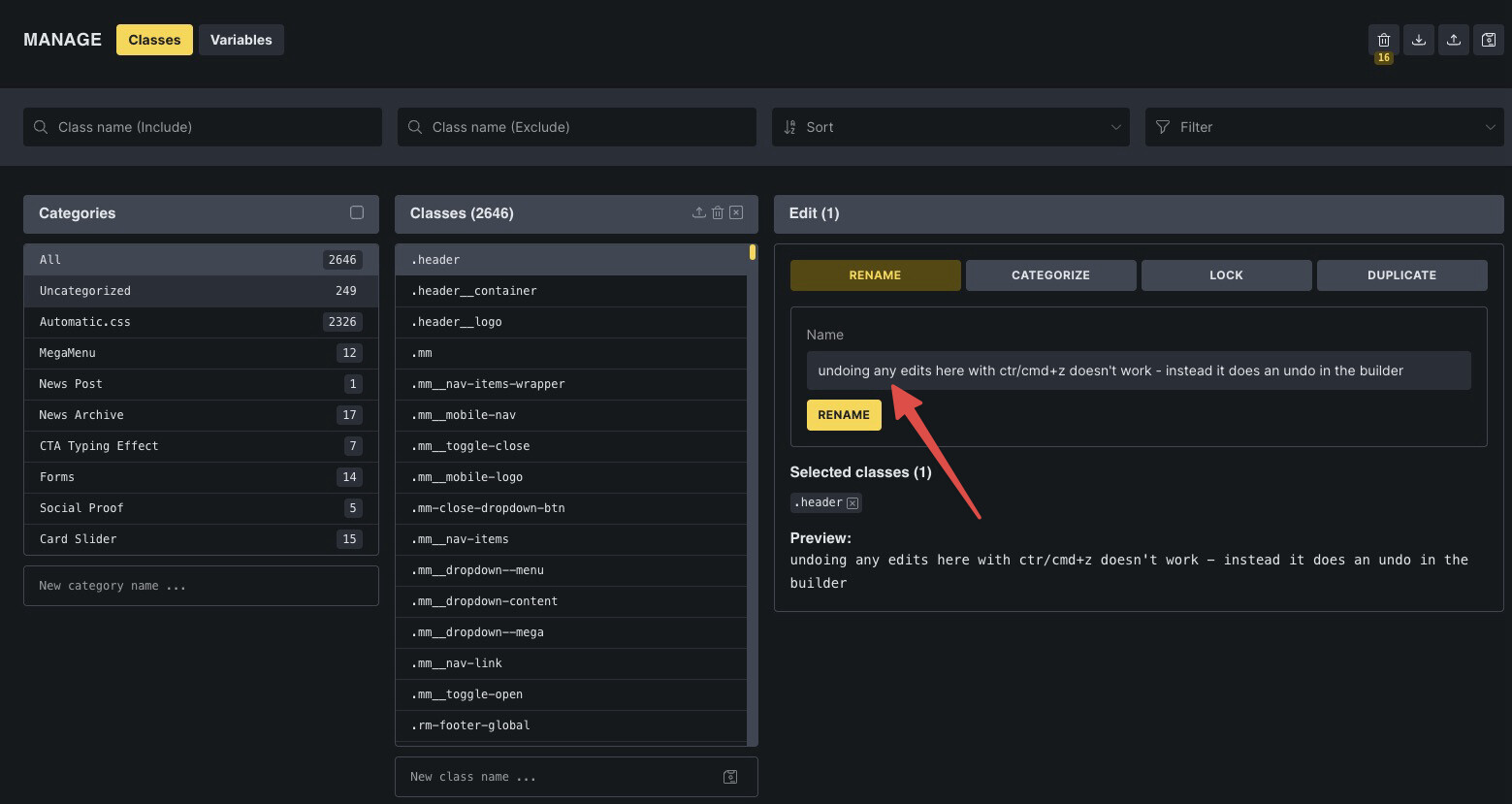
Using Cmd/ctrl+Z while editing or renaming a class in the Class Manager does not undo the text input change. Instead, it performs an undo action in the Bricks Builder canvas behind the modal, leading to unintended content loss or layout changes.
Steps to Reproduce:
- Open Bricks Builder and create/edit any element in the canvas.
- Open the Class Manager .
- Begin typing in the class name field (e.g. rename a class).
- Press Cmd+Z expecting to undo your typing.
- Observe that nothing happens in the input field.
- Close or minimise the Class Manager modal - you’ll see the builder has undone previous actions in the main canvas.