Hi,
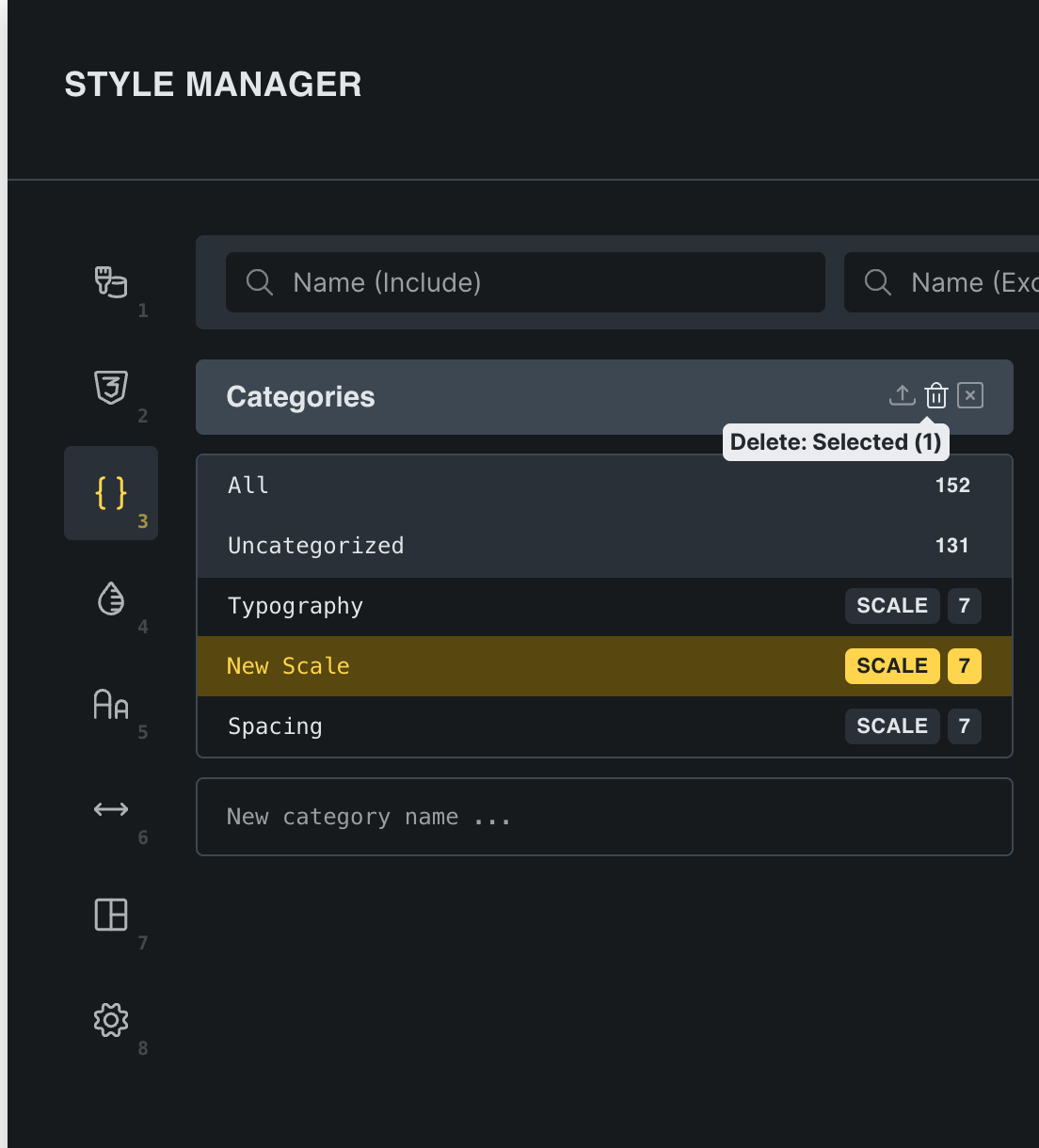
I have two questions about managing variables in the Style Manager:
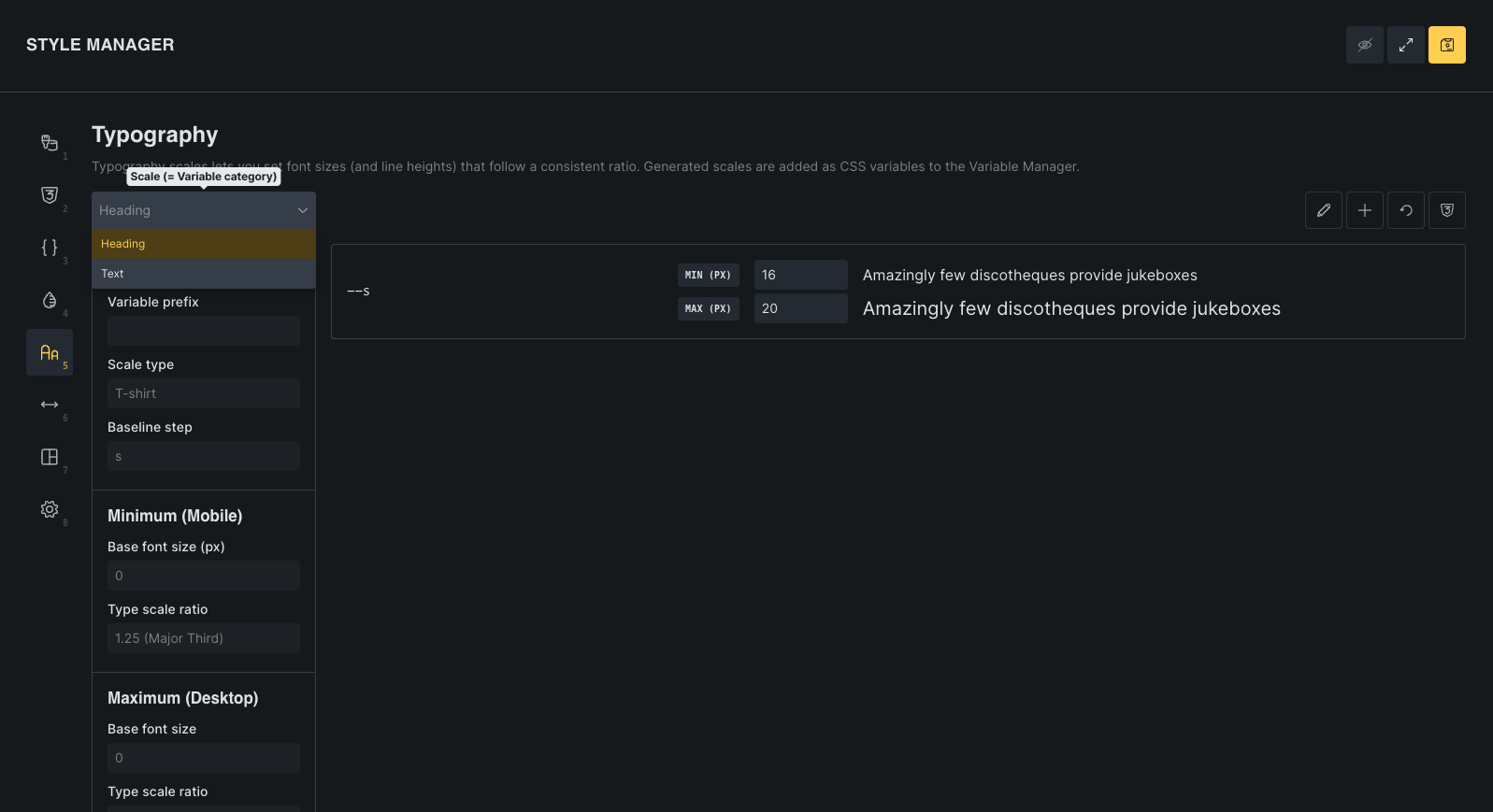
1. Deleting elements in Typography: I accidentally created an additional font size in the Typography section and can’t find the option to delete it. Once created, it remains registered with its name and variable, but I don’t see any way to remove it. Is there any way to delete these elements without having to recreate the entire typographic scale?
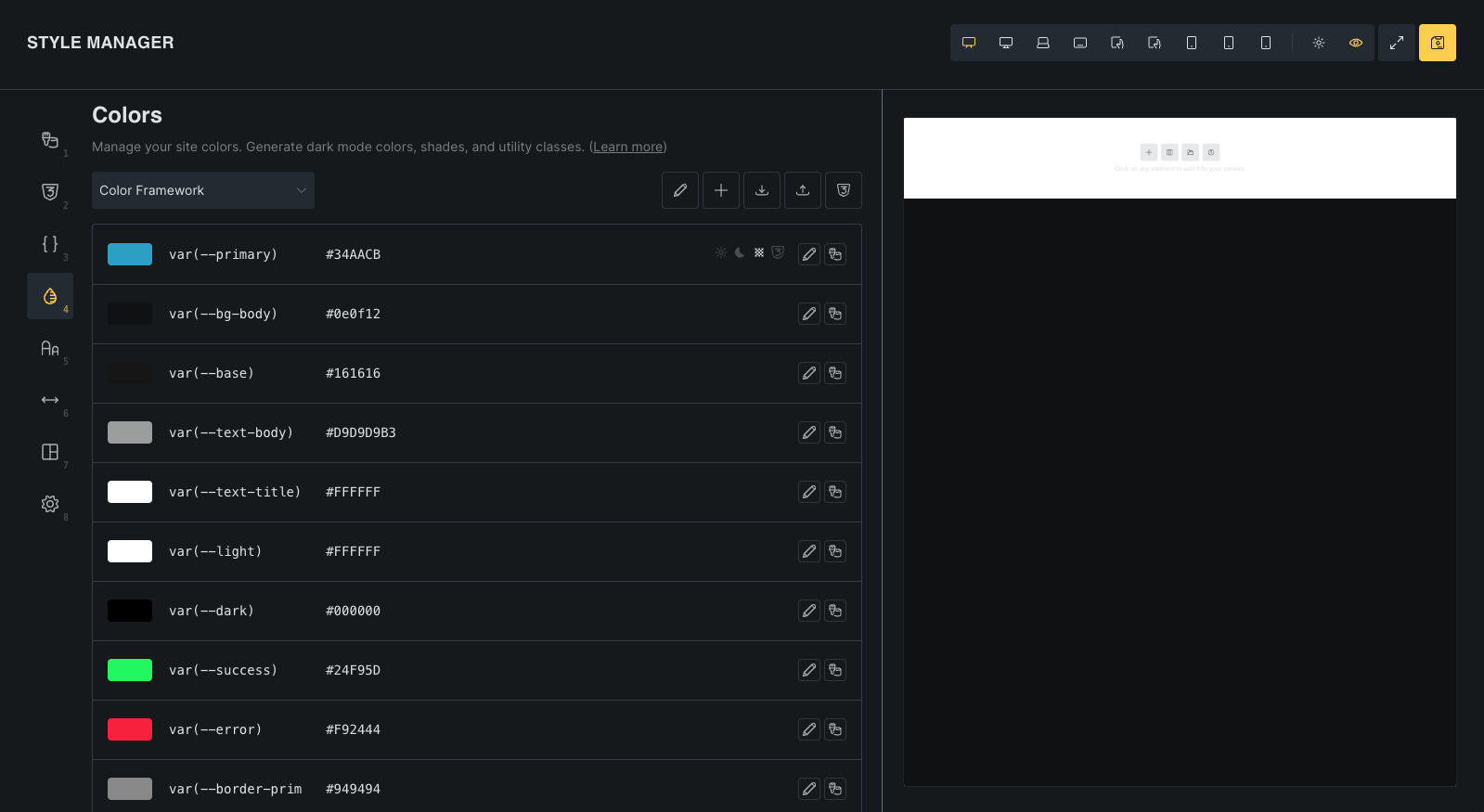
2. Reorganizing variables in Colors: Additionally, in the Colors section, when I try to reorganize the order of the created variables, it doesn’t allow me to move them and they return to their original position. Is it necessary to delete everything and recreate it in the correct order, or is there a solution to reorder the color variables after they’ve been created?
I would appreciate any guidance on these two points.
Thanks