SOLVED: Unable to change text color in header with Bricks when using ACSS

Bricks Version: 1.5
Browser: Chrome 104.0.5112.101
OS: Windows 11
URL: http://bricks.8wk40muzdq-xlm41ndl53dy.p.temp-site.link/

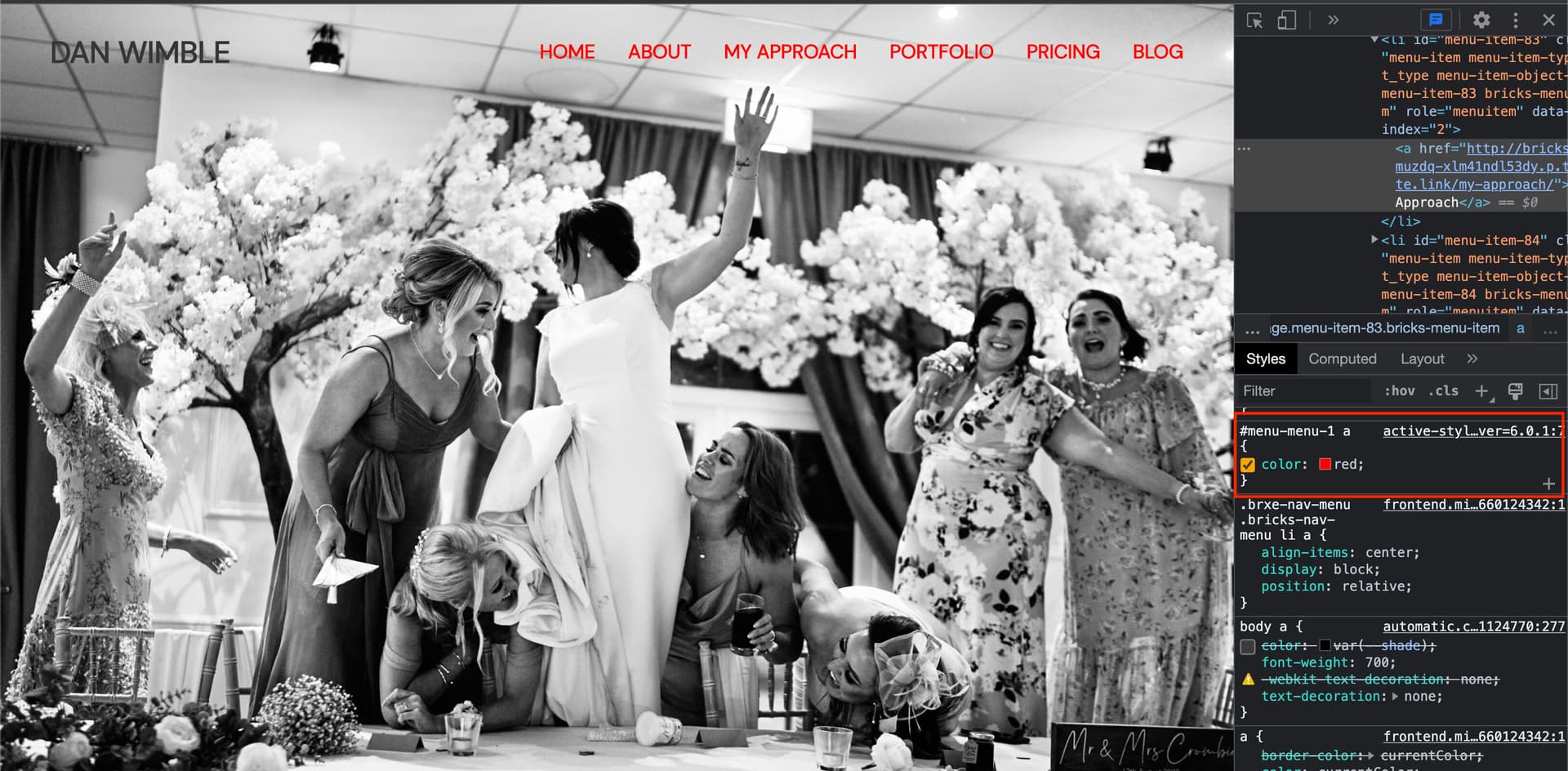
Unable to change the color of link text in the header at the ID and Class level using the builder with ACSS 2.0.2 installed.

I can’t change it using microthemers targeting either which makes me think it’s a bug.

Hi Dan,
Welcome to the forum, and thank you very much for your report!

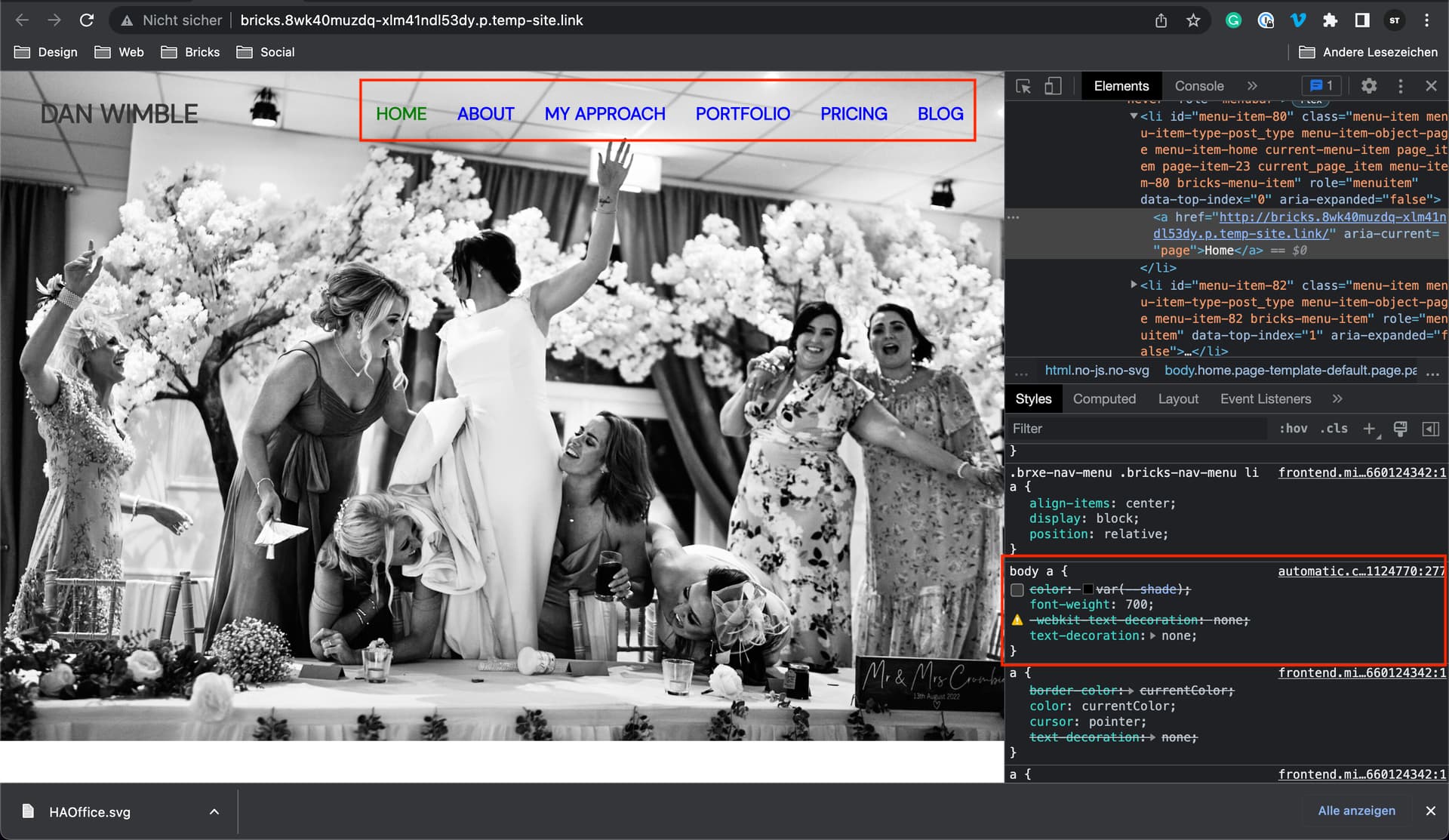
The dark link color comes from ACSS body a. If I disable it, your menu looks like this:

These seem to be your Microthemer styles, but they don’t work if the ACSS body a rule is active because they are only applied to the menu, not to the links in it.

It should work if you add an “a” to the Microthemer styles.

Therefore I do not think that this is a bug.

Best regards,
timmse

Hi Timmse,

I’d rather not have use Microthemer to style tbh.

How would I style this via Bricks?

Is this something @digitalgravy needs to weigh in on?

Ok, if I disable both the ACSS and the Microthemer styles a mint green appears that you gave to the whole menu element in the style tab.

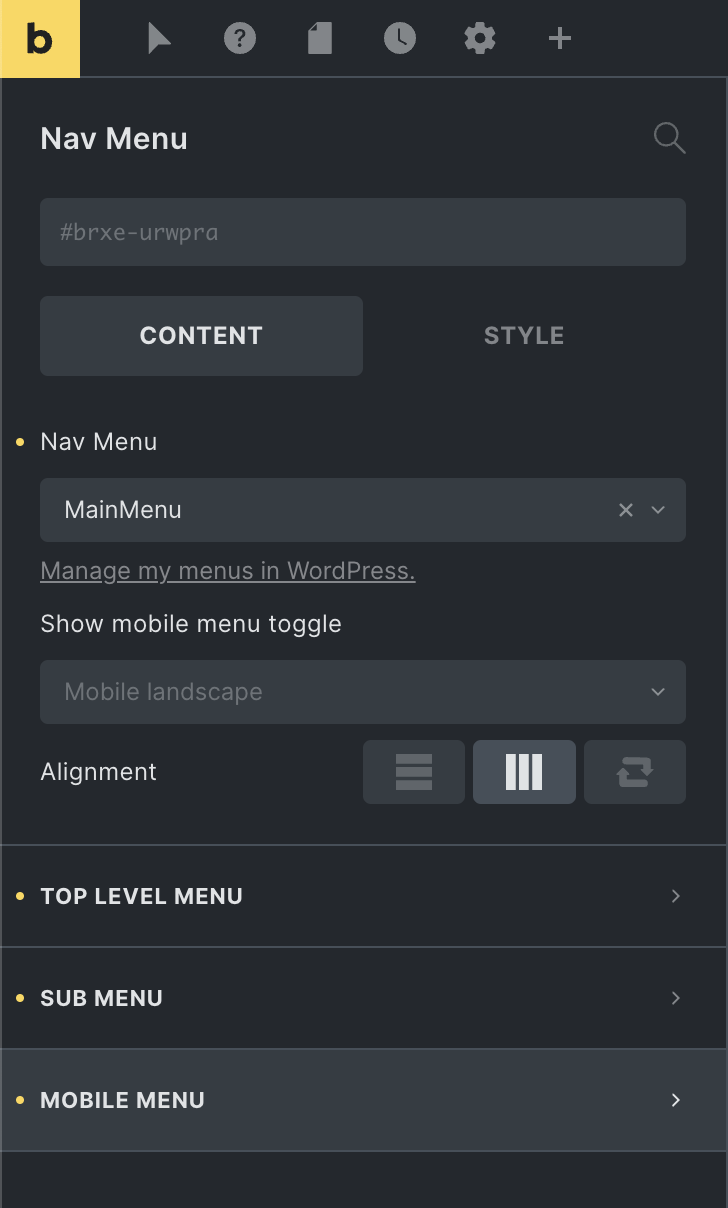
Remove the color and set your link colors in Content » Top Level Menu / Sub Level / Mobile Menu instead - then the selectors will be the right ones, and ACSS should not overwrite your links anymore :slight_smile:
1 Like

Timmse,

thank you man. I was adding the color property in the wrong place then.

All working here for me now :slight_smile: )

Do i need to do anything to mark this as resolved?

Dan

1 Like