Browser: Chrome 110
OS: macOS / Windows / Linux / etc.
URL: –
Video: screenshot added
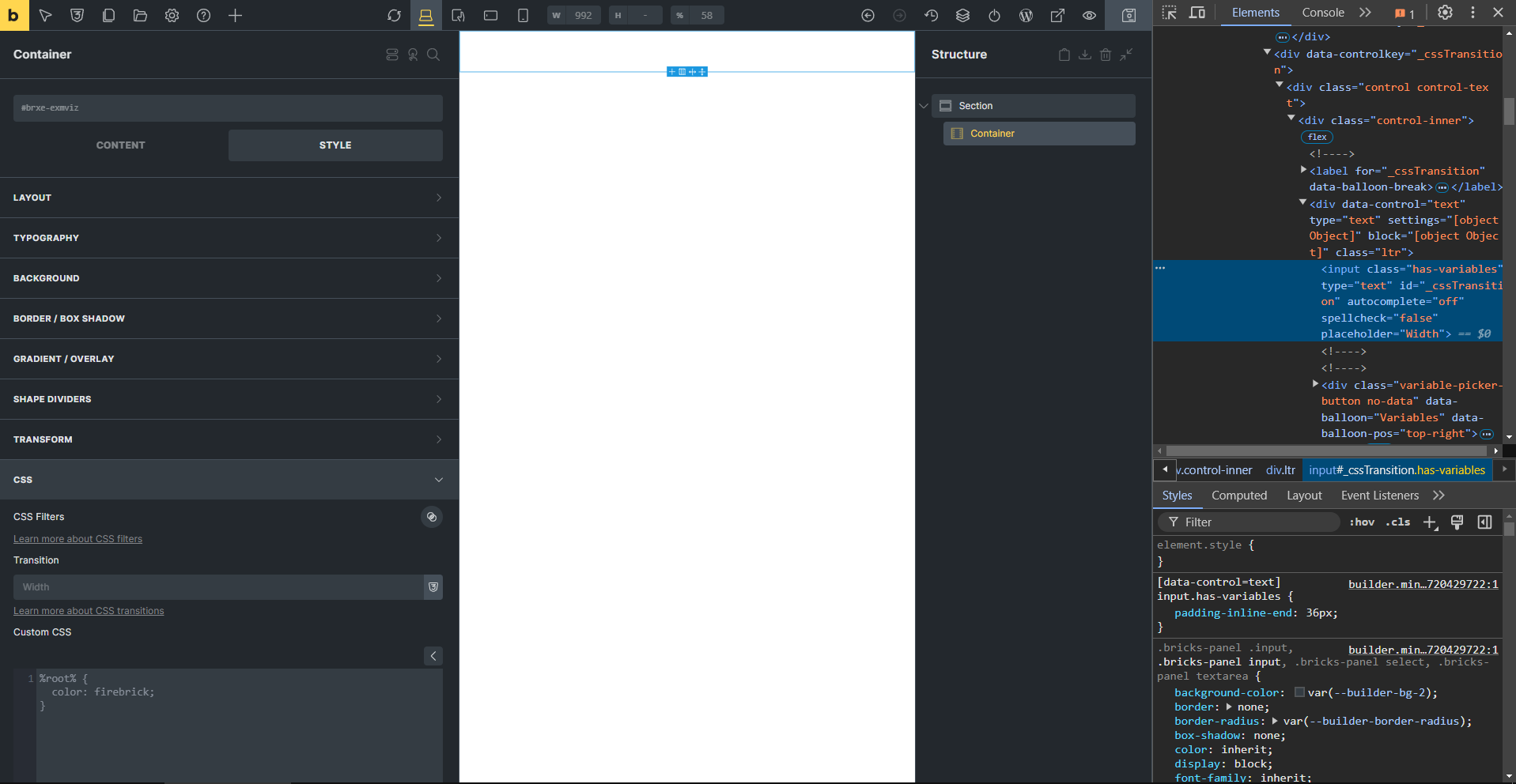
transition input placeholder saying width?
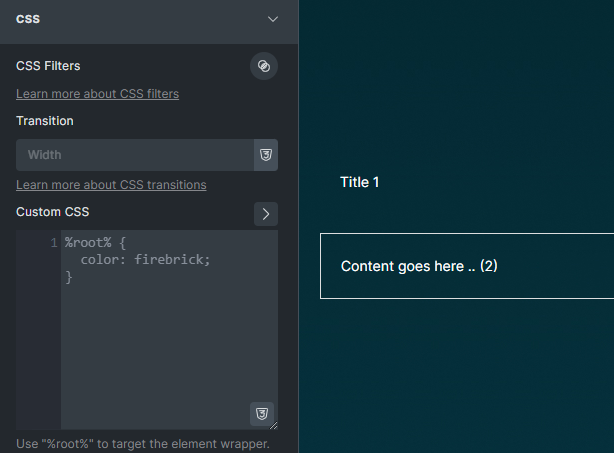
recommendation: default placeholder text can be 1s like in the interactions
Browser: Chrome 110
OS: macOS / Windows / Linux / etc.
URL: –
Video: screenshot added
transition input placeholder saying width?
recommendation: default placeholder text can be 1s like in the interactions
Hi Sinan,
Thanks so much for your report!
Thanks for pointing that out.
I think I would rather do it without a default placeholder. Otherwise, you might think that a transition property has already been defined.
Best regards,
timmse
yep leaving empty would be good too. 
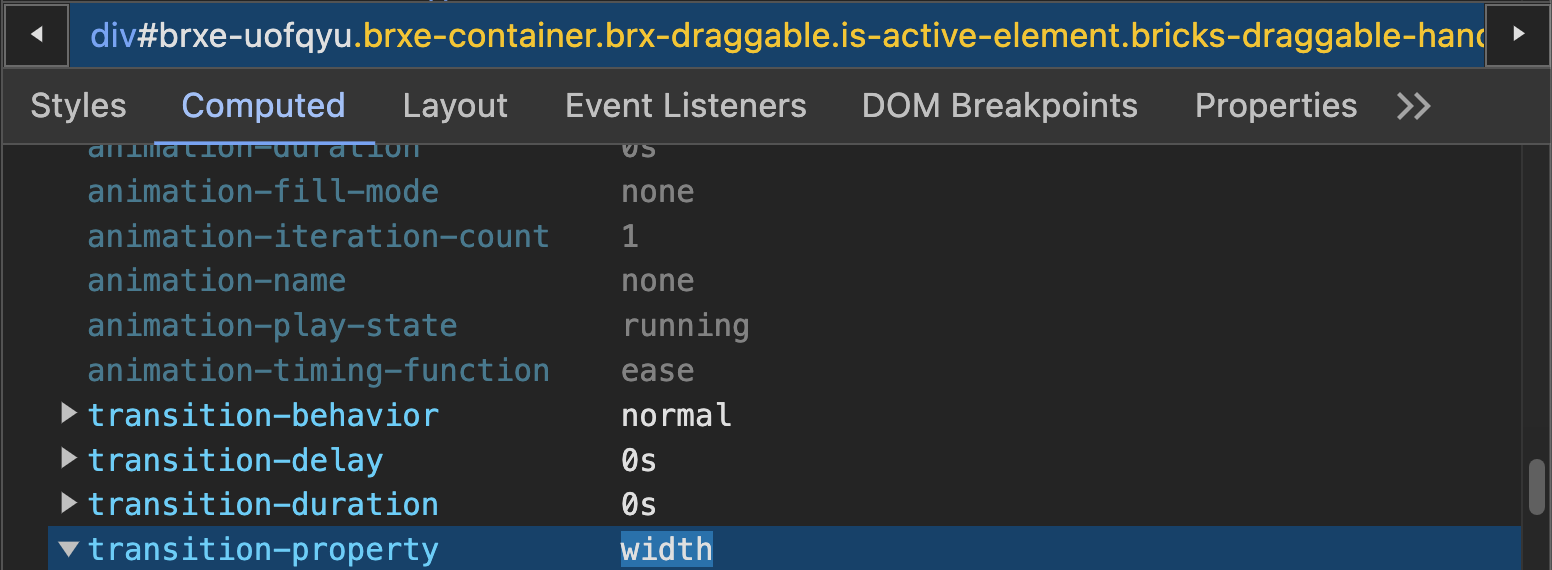
The transition placeholder value is retrieved dynamically from the computedStyle of the selected element. If the transition placeholder says “Width” then that’s because that’s the actual computed style of it.
@sinanisler Can you share a full-page builder screenshot of the selected element, so I can double-check it?
Yep, and width is the transition-property for the container:
You can confirm this by inspecting the “Computed” tab inside the “Elements” tab of your browser.
It’s coming from a builder-only CSS rule, though, which is confusing. We’ll set the placeholder to all for the layout elements like the container (.brx-draggable).
Hi guys,
We’ve fixed this issue in Bricks 1.10.2, now available as a one-click update in your WordPress Dashboard.
Please let us know if you are still experiencing issues.
You can see the full changelog here: Bricks 1.10.2 Changelog – Bricks
Best regards,
M