Browser: Chrome Version 139.0.7258.155 (Official Build) (64-bit)
OS: Windows 11
Element Rich Text (TinyMCE / Classic Editor). Bricks adds a Dynamic data button to the TinyMCE toolbar. Since Bricks 2.0.x, this button renders with an incorrect height, causing the entire toolbar row to become taller than intended (see attached screenshot).
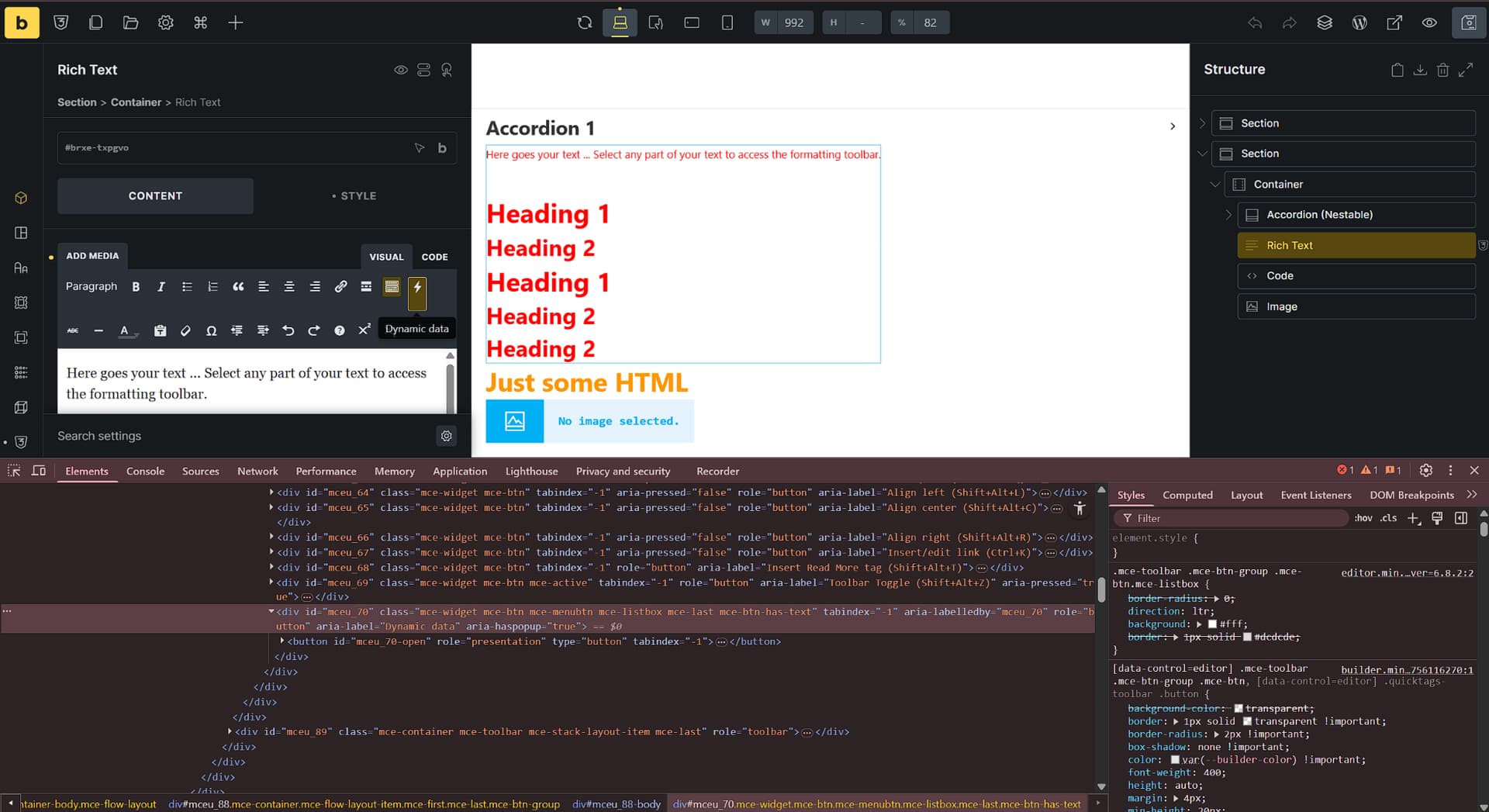
The Dynamic data button (TinyMCE “menu button”, e.g. #mceu_12, #mceu_70-open) introduces extra vertical size, so the toolbar row “bloats”.
Temporary hotfix (CSS)
→ selector: #mceu_12
#mceu_12 {
   height: 0 !important;
}
or:
→ selector: #mceu_12
#mceu_12 {
    line-height: 0;
}

#mceu_12 button {
    line-height: 0;
}
Thanks
