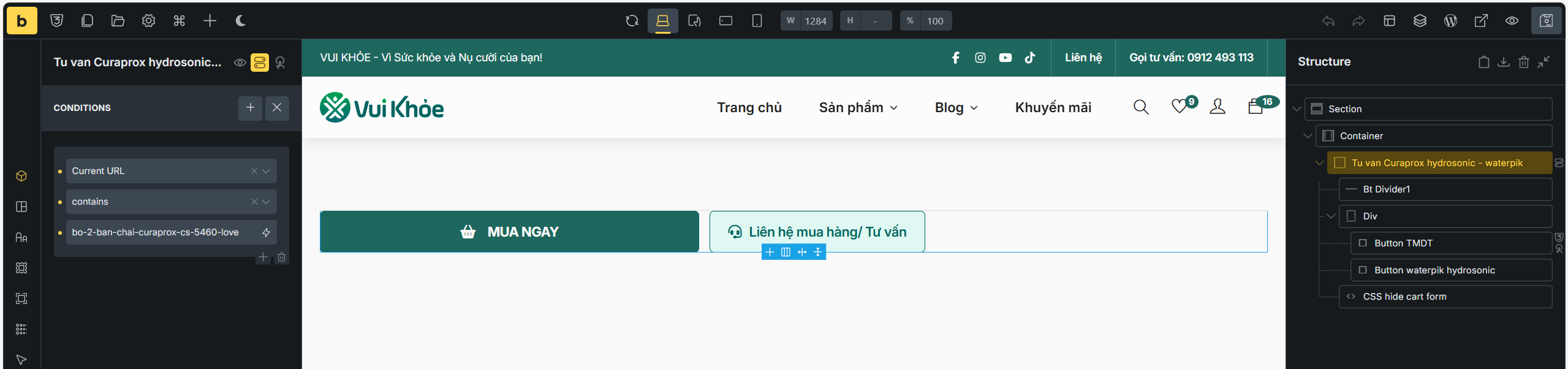
I use 2.2 RC
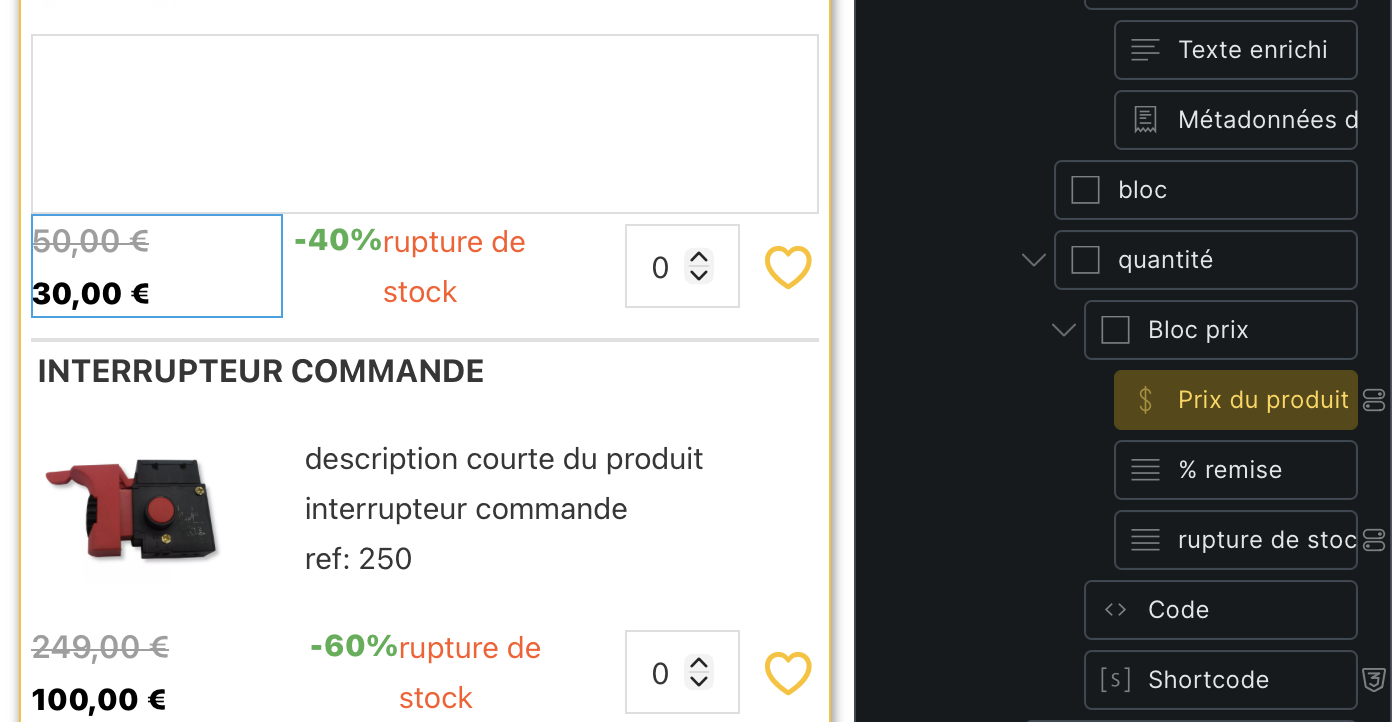
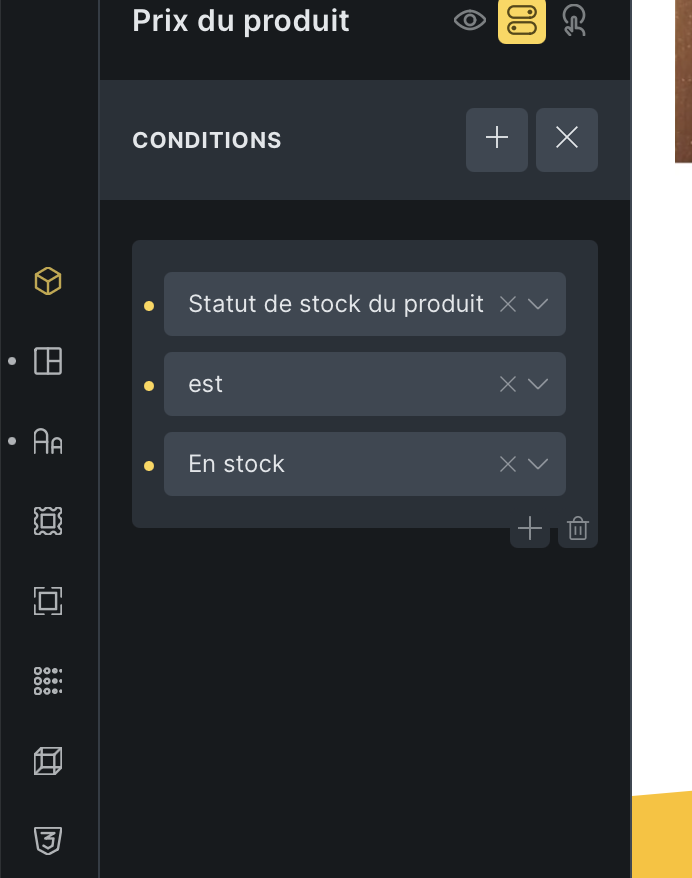
When I apply a condition to an element, the style disappears.
I made a video for you.
https://drive.google.com/file/d/105XNhHqFS2VUlDKepk7-0X1P4HvjH_WJ/view?usp=share_link
I use 2.2 RC
When I apply a condition to an element, the style disappears.
I made a video for you.
https://drive.google.com/file/d/105XNhHqFS2VUlDKepk7-0X1P4HvjH_WJ/view?usp=share_link
Hey @antoineb,
I’m not able to replicate the issue. Can you copy-paste the element (with condition), so I can try?
Matej
Hey.
I tested just this, but can’t replicate it. Can you replicate the same with any other element? Or maybe with this element, but with other controls (under Style tab?)
Best regards,
Matej
I just did a test with a text element.
Indeed, it’s the same; the style disappears.
I also tried adding a new element, “product price,” outside my query loop, but it didn’t change anything.
It’s strange because the style is clearly visible in the builder.
I even tried disabling the WP Rocket plugin, but it didn’t change anything.
And I also opened the page from another browser in a private browsing window, and it doesn’t work there either.
Hi @antoineb,
can you copy-paste that basic text element here (just Right click on element → copy, and then paste it here).
While doing that, can you also test if the the same is happening on empty page, with only this element?
Please let me know.
Matej
Hey @antoineb,
I just figured out why I was unable to replicate it… Because I was testing in latest development version, where the issue is already fixed 
But you are right, the issue was there in the 2.2-RC version. Once we release a new version, can you please test and let me know?
Thank you,
Matej
We fixed this issue in Bricks 2.2 RC2, now available as a manual download in your account (see changelog).
Please let us know if you are still experiencing issues.
As with any pre-stable release, please do not use it on a production website. It is intended for testing in a local or staging environment only.
I’ll test this as soon as the new version is released.
It is already released - for testing purposes. Assuming there is still a problem, this would be your chance to point it out to us before the problem ends up in the stable version
No problems to report, it works.
Hi Timmse, I still got this problem with 2.2 RC2.
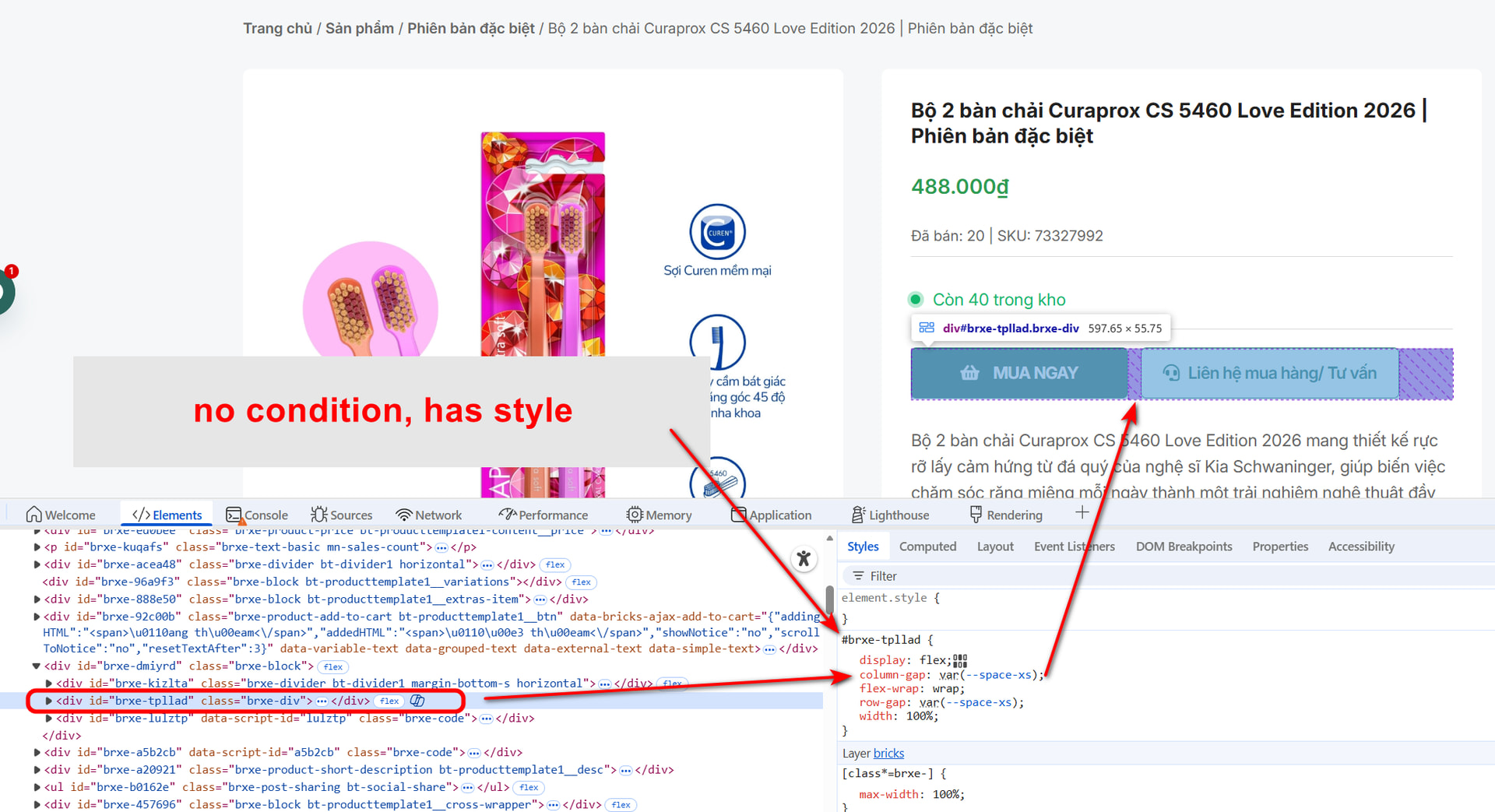
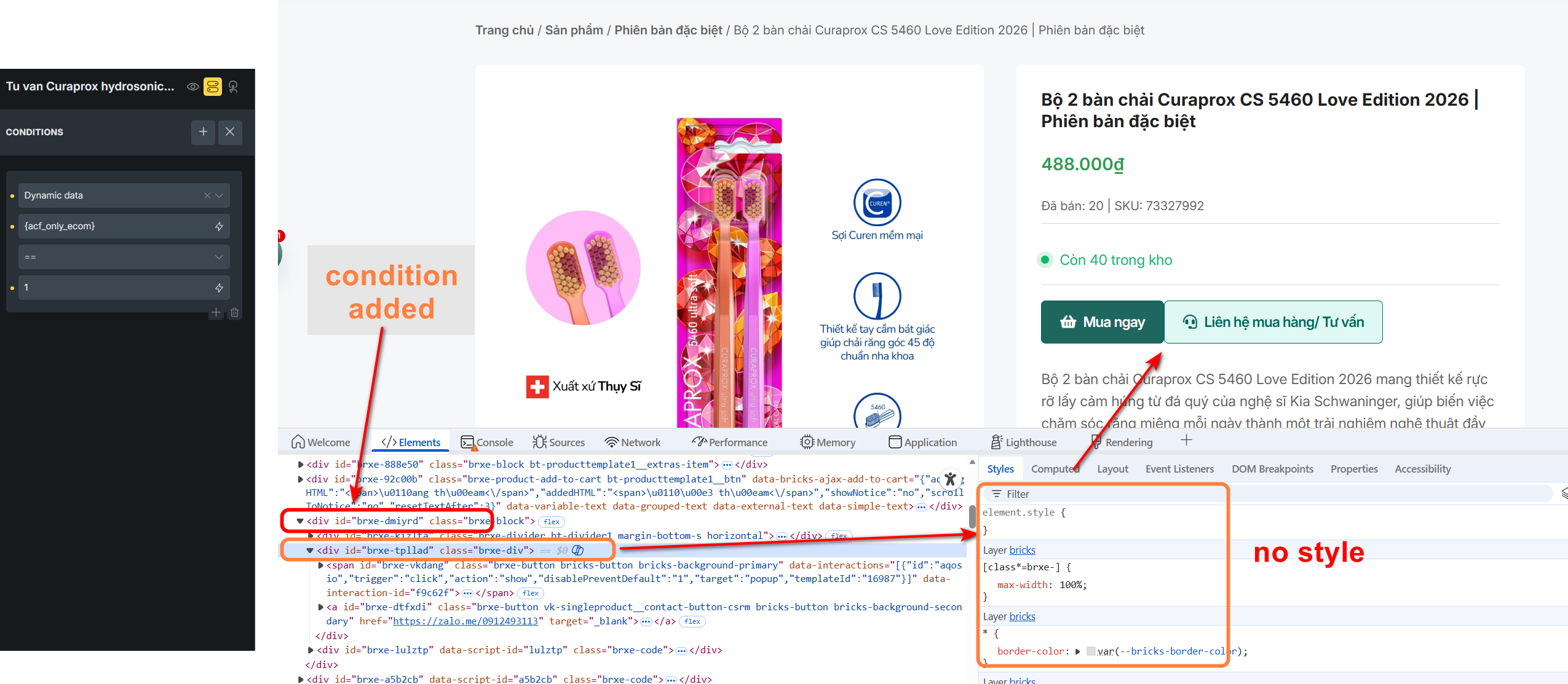
Description: I found a specific behavior regarding the bug where child element styles (Global Classes) are missing. The issue only occurs when the Parent uses a Dynamic Data condition (e.g., ACF True/False). Standard conditions (like User Login status, OS, etc.) work correctly and do not break child styling.
Detailed Findings:
Standard Condition (Works  ):
):
Parent Condition: User login status == logged in
Result: Child elements render correctly with all styles/classes applied.
Dynamic Data, Current URL Condition (Fails  ):
):
Parent Condition: Dynamic Data {acf_only_ecom} == 1 (ACF True/False field)
Result: Child elements lose their styling (Global classes not loaded/applied), even if the condition is met.
Environment:
Bricks Version: 2.2 RC2
Dynamic Data Source: ACF (True/False field)
Hey @minhnhut,
I’m not able to replicate this issue. Can you share your related HTML structure with me (copy-paste it here), so I check with your example.
Also, your CSS is set to external ir inline styles?
Best regards,
Matej
Hi Matej, this is JSON for the whole section, it’s good inside builder, but without style in frontend.
Follow this link, pls: JSON for bricks 2.2 rc2 - style conflict with condition - Online Notepad
HTML rendered:
<section id="brxe-acgnnq" class="brxe-section"><div id="brxe-dtdzbt" class="brxe-container"><div id="brxe-dgryic" class="brxe-block"><div id="brxe-urwpvq" class="brxe-divider bt-divider1 horizontal"><div class="line"></div></div><div id="brxe-uooppy" class="brxe-div"><span id="brxe-wtniqh" class="brxe-button bricks-button bricks-background-primary" data-interactions="[{"id":"aqosio","trigger":"click","action":"show","disablePreventDefault":"1","target":"popup","templateId":"16987"}]" data-interaction-id="dcb207"><i class="fas fa-basket-shopping"></i>Mua ngay</span><a id="brxe-rlexgh" class="brxe-button vk-singleproduct__contact-button-csrm bricks-button bricks-background-secondary" href="https://zalo.me/0912493113" target="_blank"><i class="fas fa-headset"></i>Liên hệ mua hàng/ Tư vấn</a></div><div id="brxe-bntkum" data-script-id="bntkum" class="brxe-code"><style>form.cart {
display:none !important;
}</style></div></div></div></section>
CSS loading method: External files
Hi @minhnhut,
thank you for the update. Now we were able to replicate it and we noticed that this is the same issue as in the following topic:
We will improve this one, and it will be fixed in the next release. We will update the topic mentioned above, once we release it.
Thank you,
Matej