SOLVED: Text link with icon(svg) can not show fill color properly at different breakpoints

Browser: Chrome 110
OS: macOS / Windows / Linux / etc.
URL: Link to a page that illustrates this issue
Video: Short screen recording that illustrates this issue (free tool: jam.dev)

[Please describe this bug in as much detail as possible so we can replicate & debug this bug]

custom breakspoint, mobile first

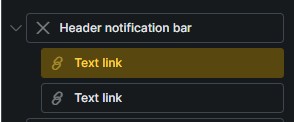
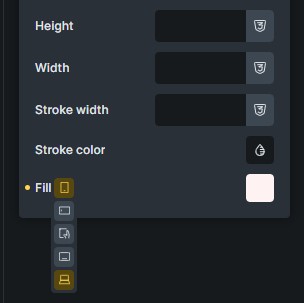
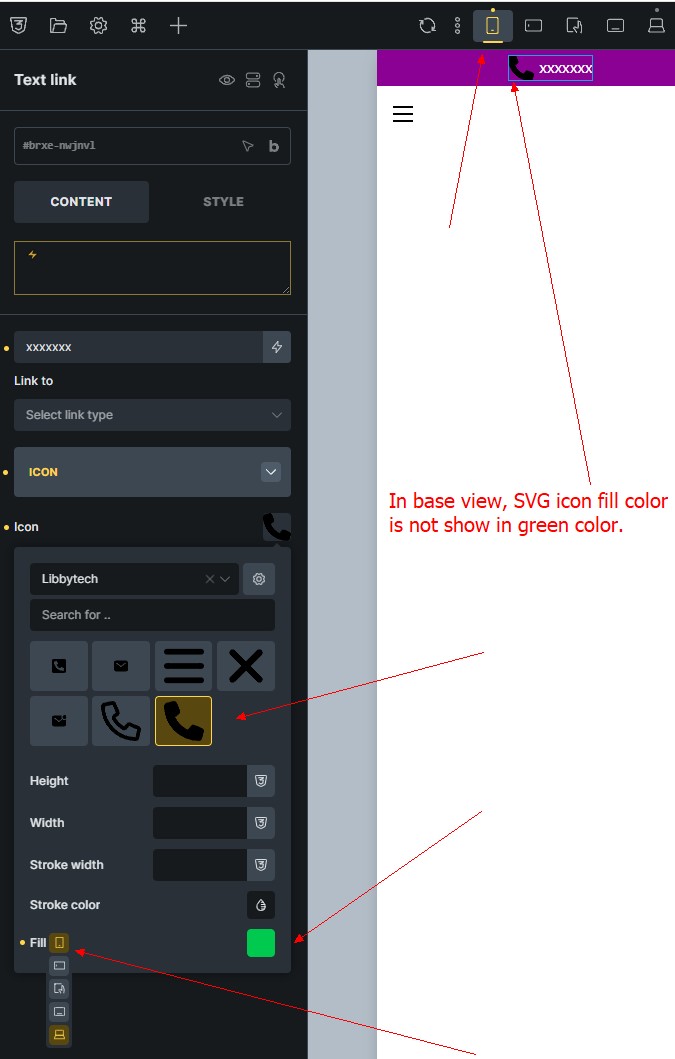
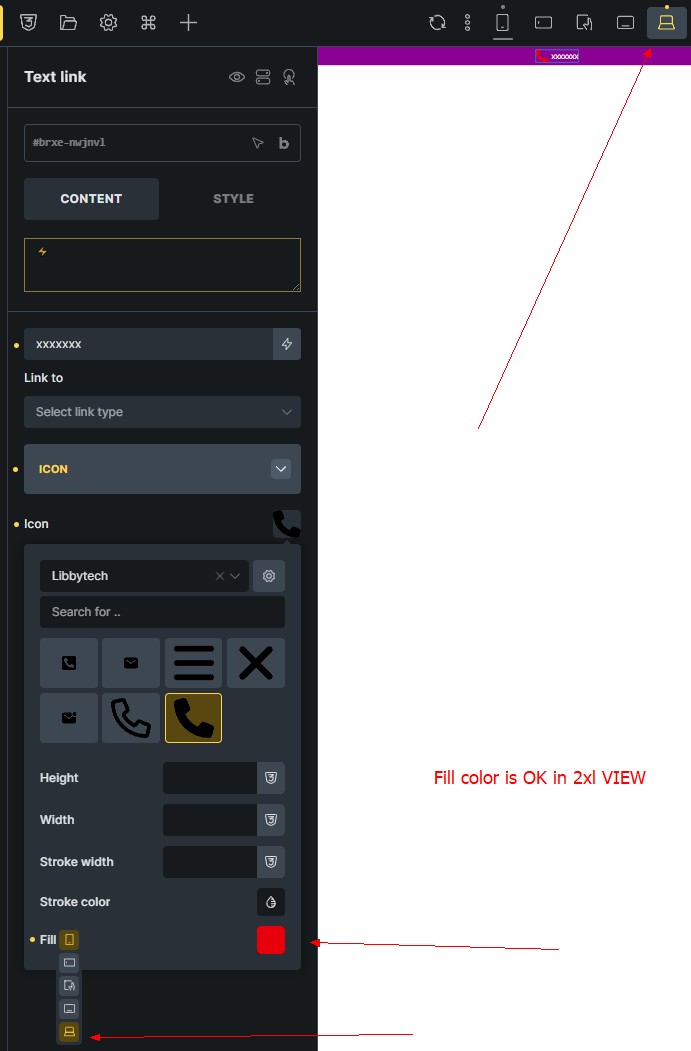
textlink with custom icon(svg), set fill color white for basepoint and 2xl,

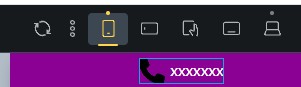
basepoint’s icon fill color is not change, 2xl’s icon fill color is normal.
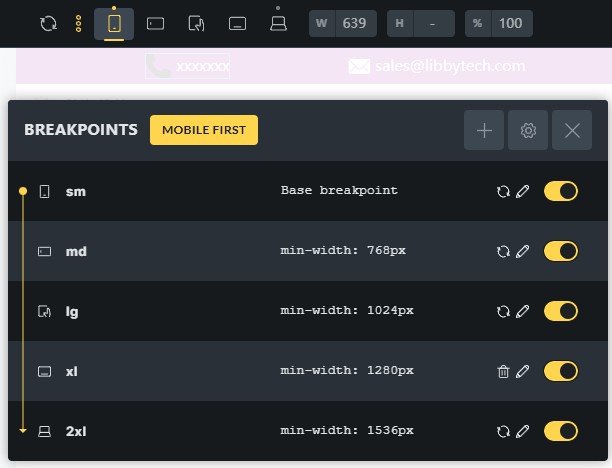


can not show properly

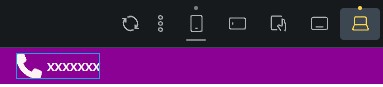
fill color at 2xl breakpoint is ok

Hi William,
Thanks so much for your report!

Unfortunately, I cannot reproduce the issue. Edit: now I can.
However, would you be so kind as to provide a live link? Thanks!

Best regards,
timmse

hi,
svg icon in 2.0-rc2 fix some problem,

but still have following issues, please help to improve.

Thanks.


The fundamental problem is still the same, which is: Custom SVG styles don’t show on canvas (mobile first), isn’t it?

yes, you are right! @timmse

The problem is still the same in v2.0.1, Custom SVG styles don’t show on canvas (mobile first),

Custom SVG styles don’t show on canvas (mobile first, in the template design UI).

In the template design UI, Custom SVG styles don’t show on canvas. Pls help to check, thanks

Hi @williammei,

the task is still WIP (=Work In Progress), so the issue is still not resolved. Once the fix is released, we will update the topic.

Best regards,
Matej

be waiting for your team’s fix, thanks

Hi William,
The task just popped up while we were working on another, related task. I tested it in 2.4 beta-2 and can no longer reproduce the problem.

If you’re still experiencing it, let me know. :v: