Browser: Firefox 147.0.1 (64-bit)
OS: Windows 11
URL: Link to a page that illustrates this issue
Video: Short screen recording that illustrates this issue (free tool: jam.dev)
[Please describe this bug in as much detail as possible so we can replicate & debug this bug]
I have a Dell XPS laptop with a secondary external ASUS USB monitor.
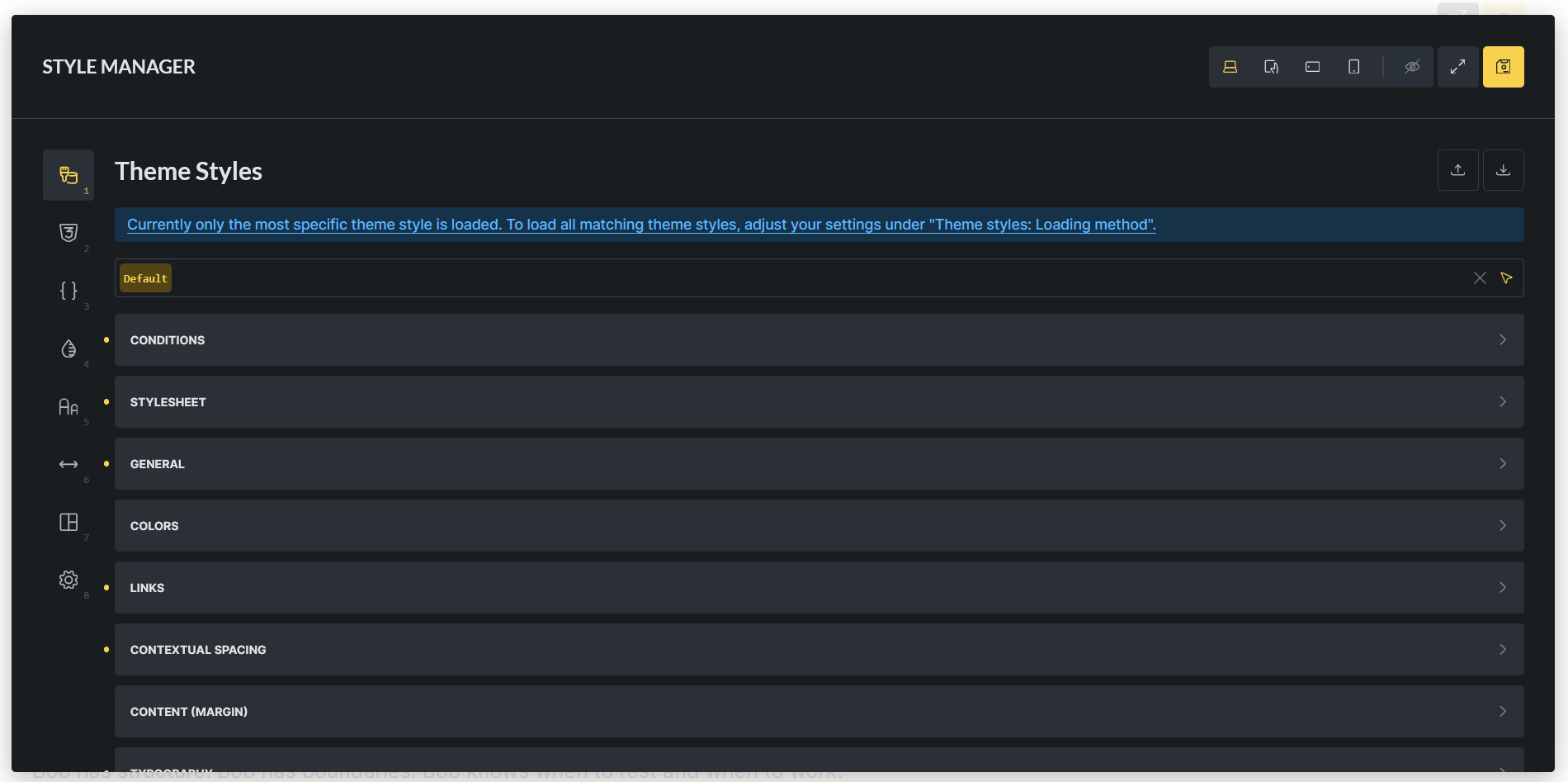
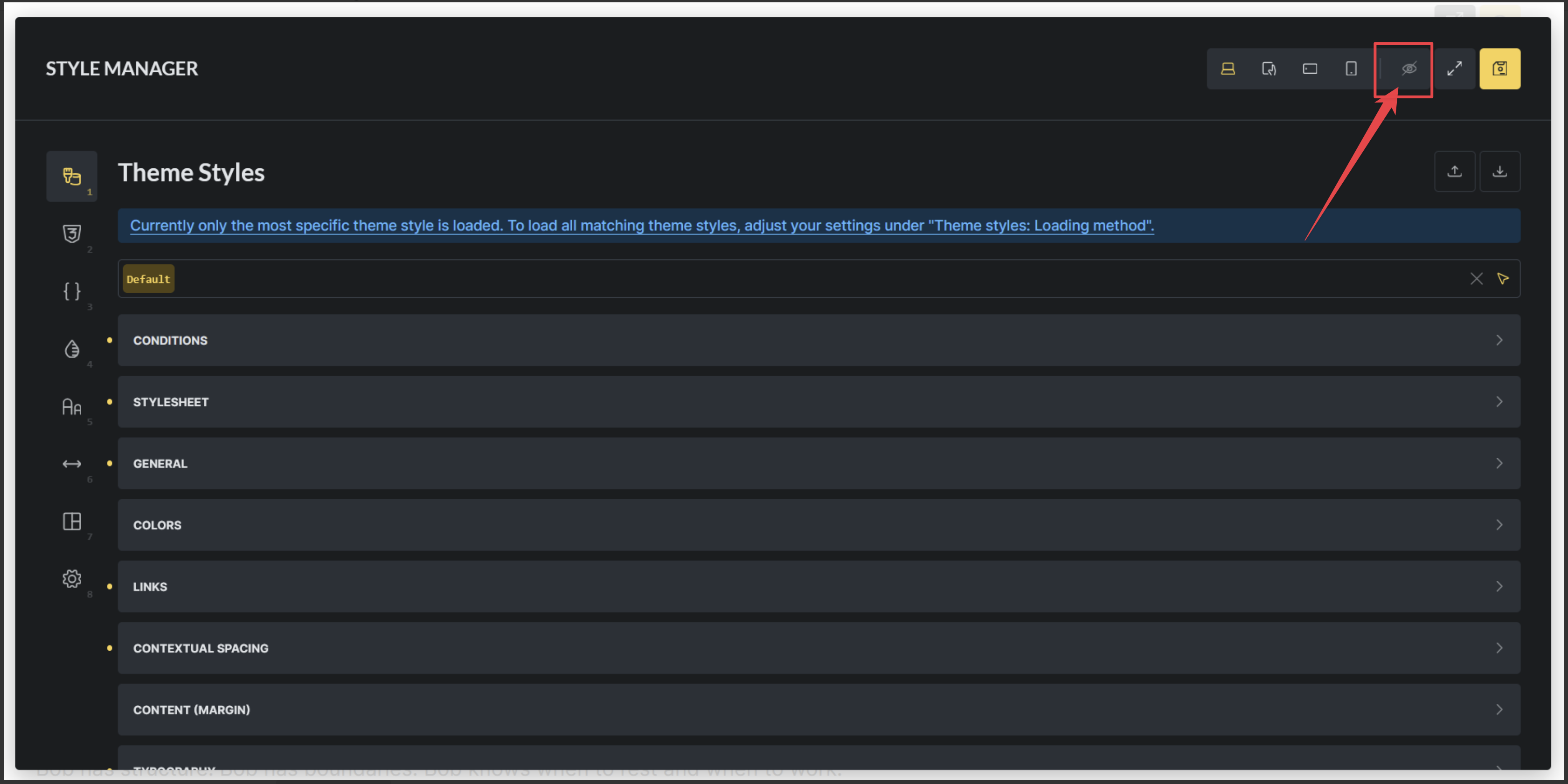
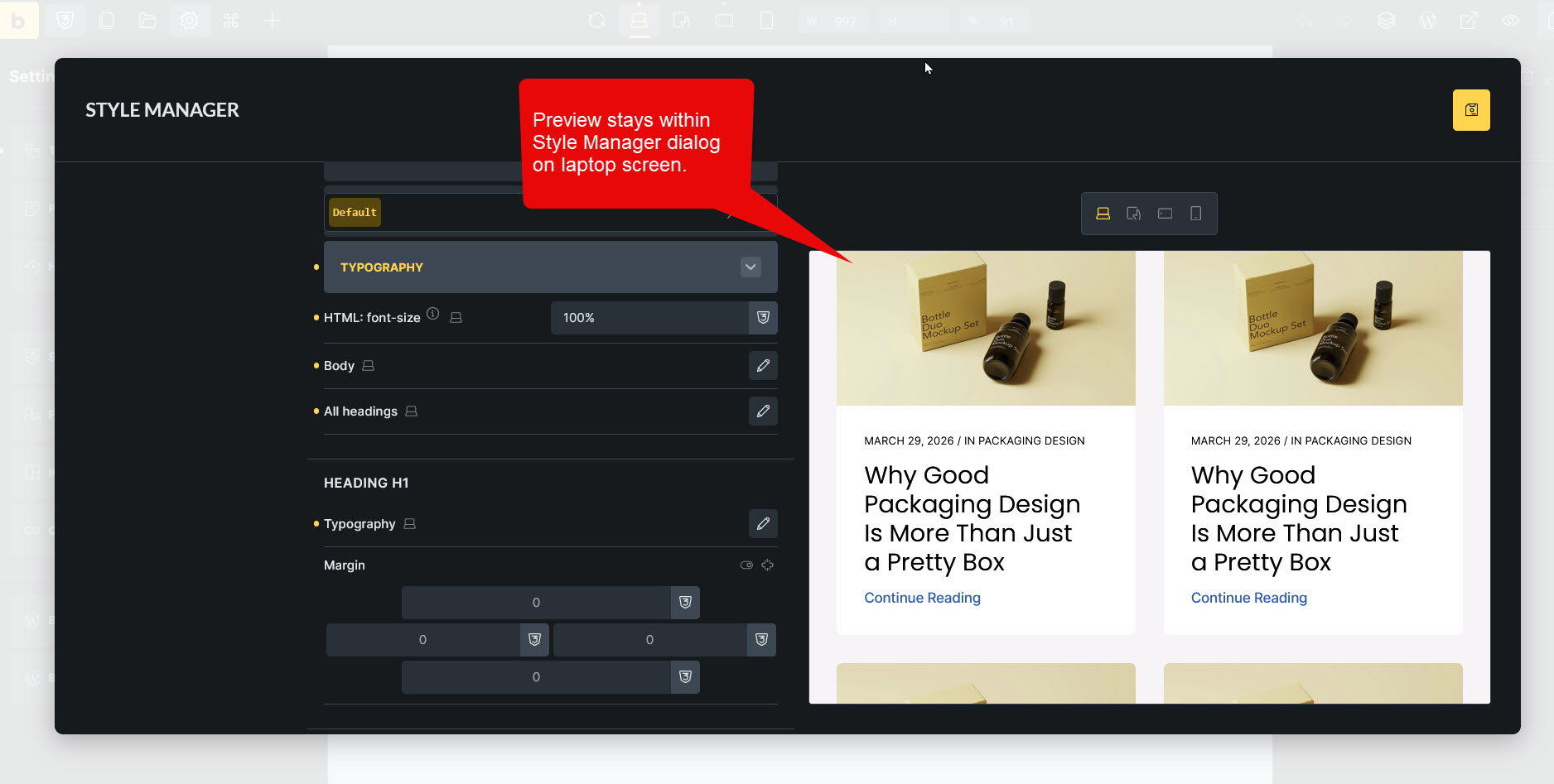
When I have Bricks displayed on my laptop screen, the Style Manager dialog completely encloses the page preview.
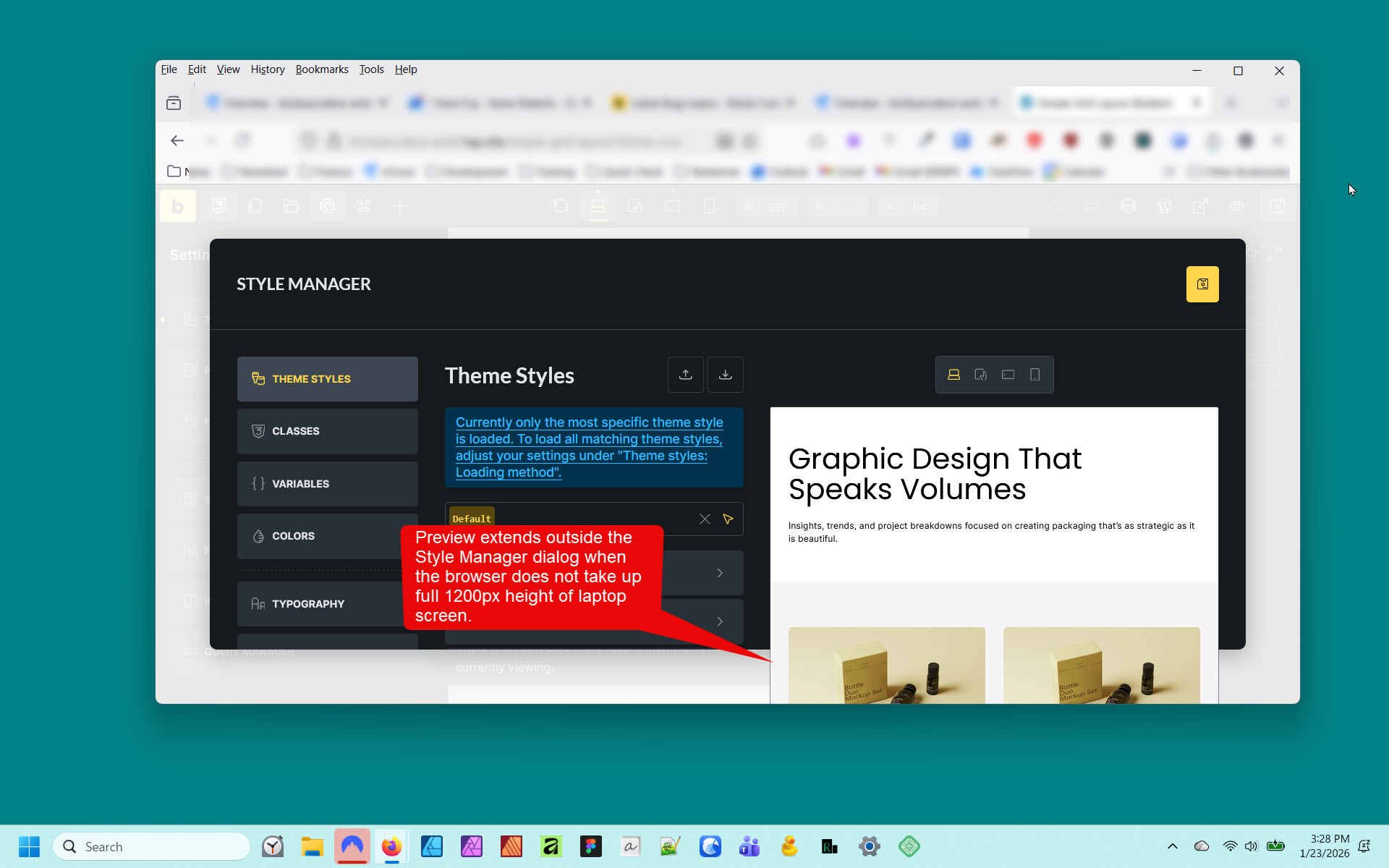
However, if I display Bricks on the external monitor, the preview extends outside the Style Manager dialog.
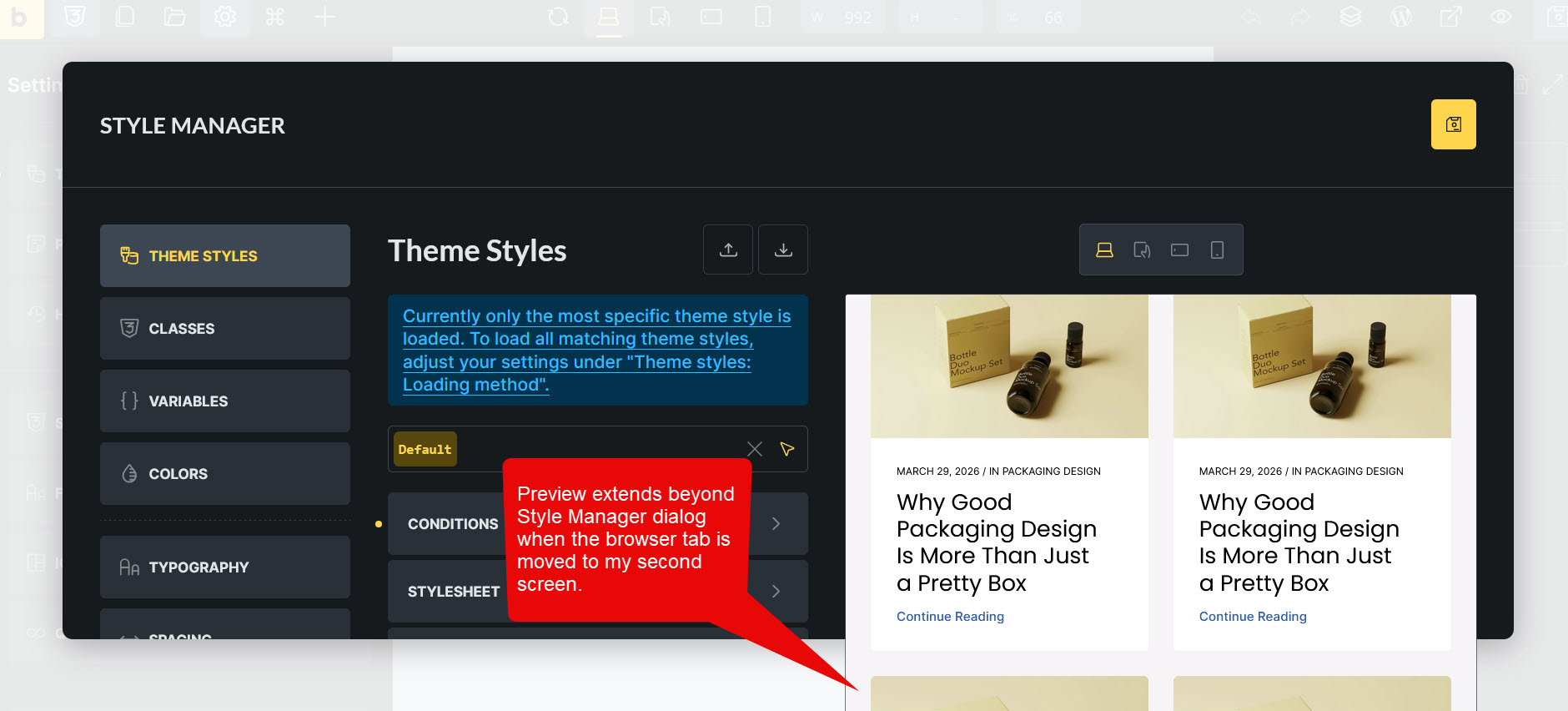
If I move the browser window from my laptop to the external monitor, the issue occurs, and it disappears when I move it back to my laptop.
FYI, my laptop screen resolution is 1920x1200p, and the external monitor has resolution 1920x1080.
The issue does not occur if I set the browser on the external monitor to “full screen” (F11) – I think because the browser viewport is then larger top-to-bottom.
The issue does not occur on my laptop screen if the browser window takes up the full 1200px height.
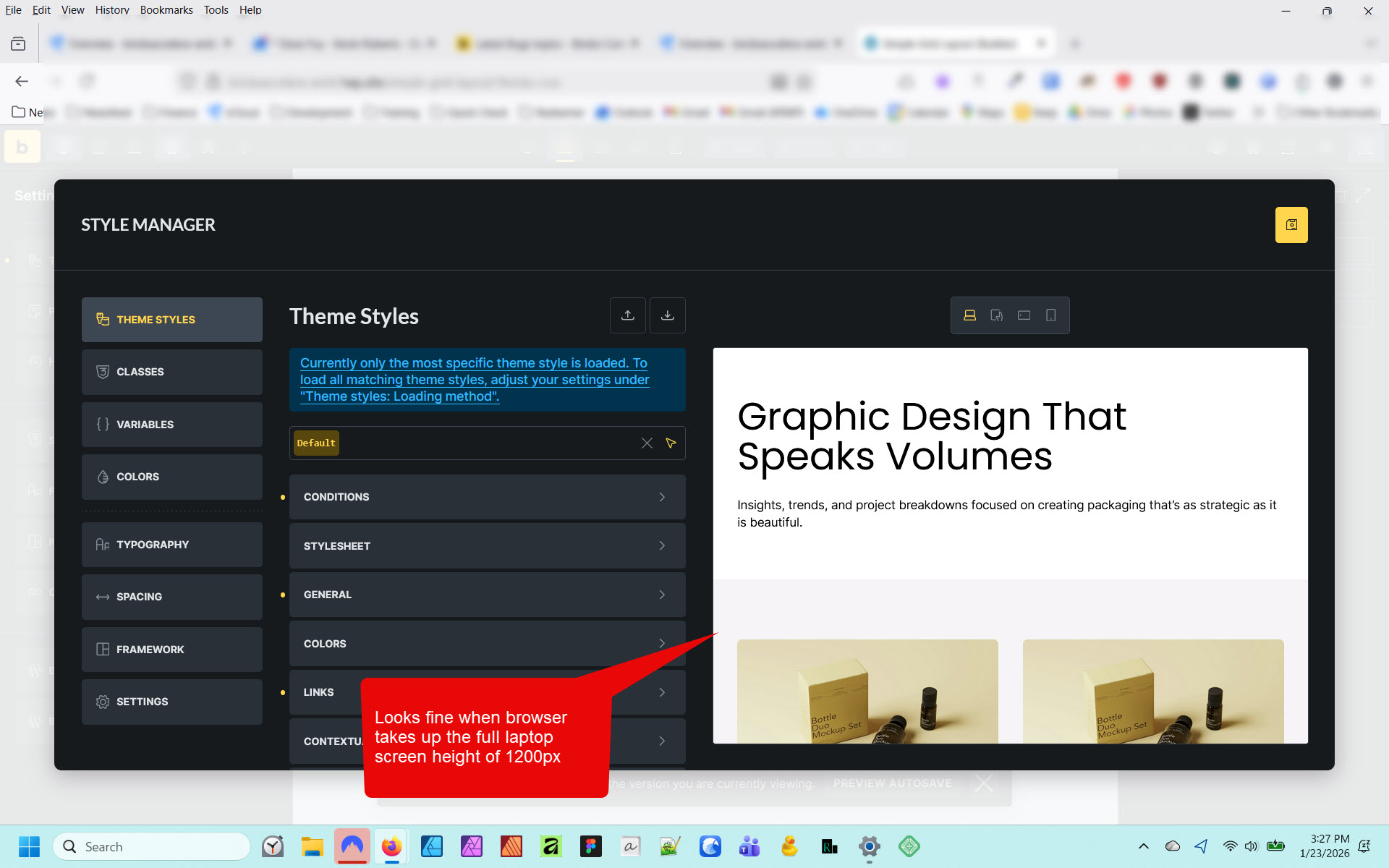
…but it does occur if the browser is NOT taking up the full 1200px height of the laptop screen (in other words, the browser viewport is smaller top-to-bottom).