Browser: Chrome 110
OS: macOS
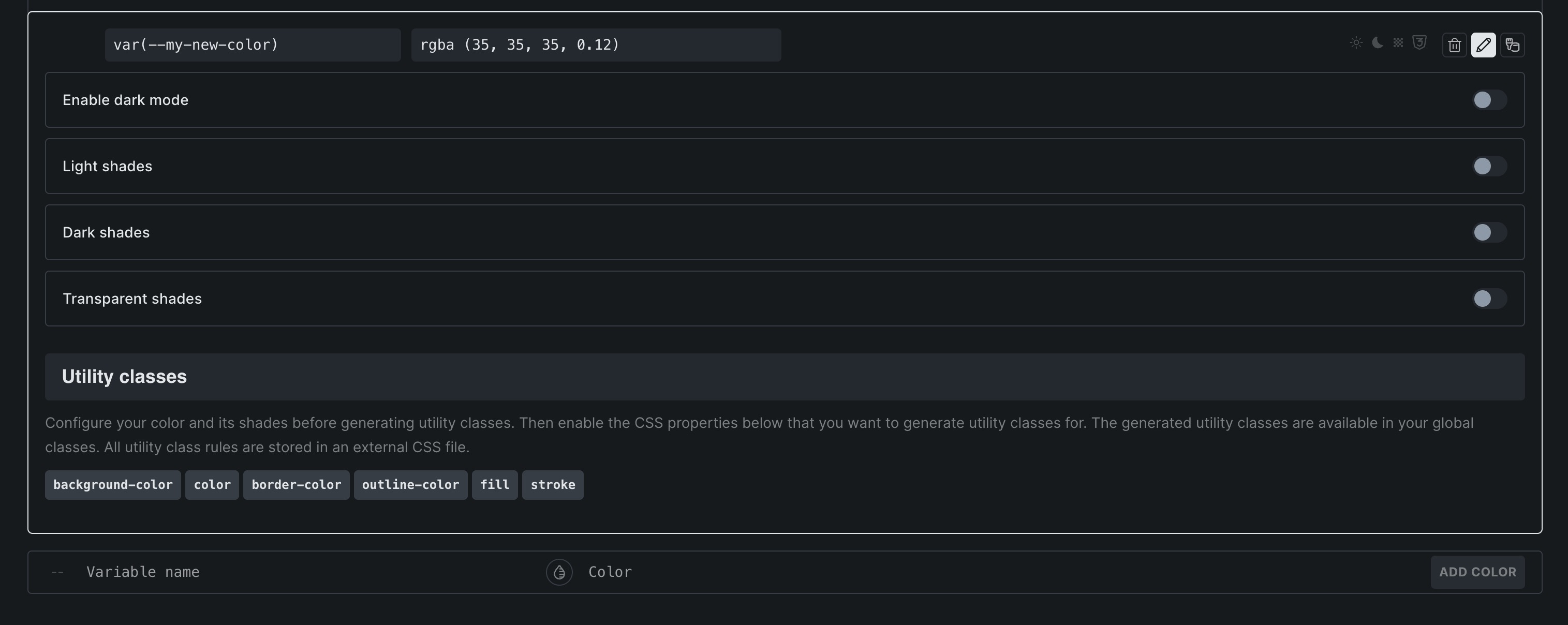
Within the Style Manager, whenever adding a new color under the "Colors” tab, the new color does not show. When I go to another tab and back to “Colors” it shows up, so it was created but just didn’t show.
Browser: Chrome 110
OS: macOS
Within the Style Manager, whenever adding a new color under the "Colors” tab, the new color does not show. When I go to another tab and back to “Colors” it shows up, so it was created but just didn’t show.
Hi Paul,
Thanks so much for your report!
Unfortunately, I cannot reproduce the issue. Would you be so kind as to provide a screencast using https://jam.dev showing and explaining what’s happening?
Best regards,
timmse
I made a screencast:
Screencast - Style Manager Added Color
Nothing urgent though. I love all the new features in Bricks 2.4! Keep up the good work 
Tried incognito and Safari, same problem. Nothing of interest in the console, sorry..
Anything else I can check to help you?
Clear both the server cache (if you use caching) and the browser cache completely.
If that doesn’t help, disable all plugins without exception, and clear the cache. If it works after that, one of the plugins is causing the problem. You can figure out which one it is by enabling them one by one until it stops working.
If that doesn’t work either, please send us your login credentials and a link to this thread to help@bricksbuilder.io
Clearing all cache did not help. Turning off all plugins did not help either.
However, I discovered something that might help. After editing and deleting the color variable and not leaving for another tab, it does actually work when making a new color variable.
If this does not help enough, let me know and I will send you my credentials.
Ok, please send login credentials and a link to this thread to help@bricksbuilder.io, using the email address you used during the purchase.
Thanks so much for the login credentials! I was able to reproduce the problem with your color palette. The problem occurs when there are more than 30 colors in a palette.
We’ll update this thread once it’s fixed 
We’ve addressed this in Bricks 2.4-beta3 (beta release), now available for manual download from your Bricks account.
Please read the changelog entry before testing, and let us know if you experience any issues. Note: beta builds are not recommended for production sites.