Hello! I’m new to bricks builder and just went “all in”, buying the lifetime license and switching from Divi. I will devlop all my new website projects with bricks.
Right now I am having some trouble with the icon box.
I’m currently experiencing two issues with SVG files:
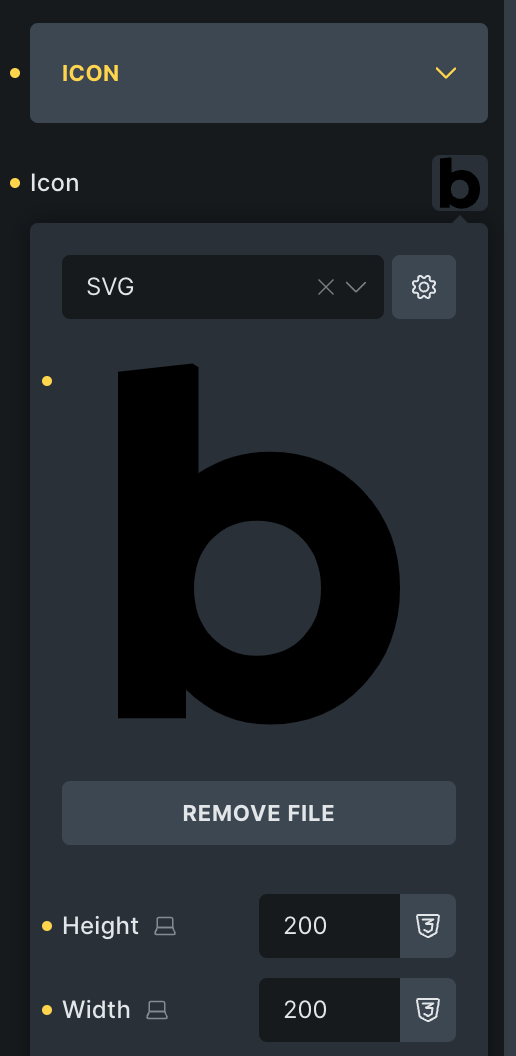
The SVG file appears in the frontend but not when editing with Bricks Builder; it’s invisible there.
I can’t adjust the SVG file size using Bricks Builder; this has no effect.
The third issue is not related to SVG, it’s also happening with icons from the offered icon fonts like FontAwesome:
3. When I have several icon boxes stacked, all of them have the icon on the left side and the text on the right side, icons have the same width and the same spacing, the text of all icon boxes isn’t aligned. It depends from the text length, where the text begins and how big the the gap between the icon column and the text column is. It differs in every icon box! (This is very annoying.)
4.
As a workaround for issue #3 I have replaced the icon boxes with 2-column containers now which contain an icon on the left and a text component in the right column. But it would be very helpful if the icon box would actually be usable since I need this kind of content formatting a lot.
Hi Micha,
Thanks so much for your report, and welcome to the forum!
Yes, it still renders the default icon on the canvas, even after a builder reload. I added it to our bug tracker.
When using a custom SVG, please use the SVG width and height controls. Due to issue #1, it currently doesn’t update on the canvas, but on the front end
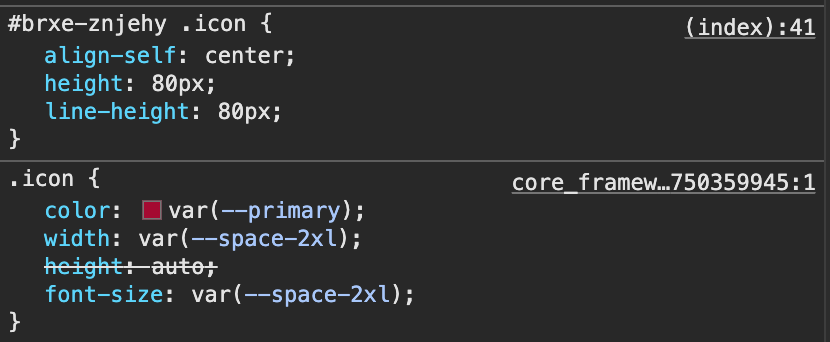
Is it possible to make control it’s width and heights via class? currently we have to do it at ID level only. It’s not just for Icon box but normal Icon element also.
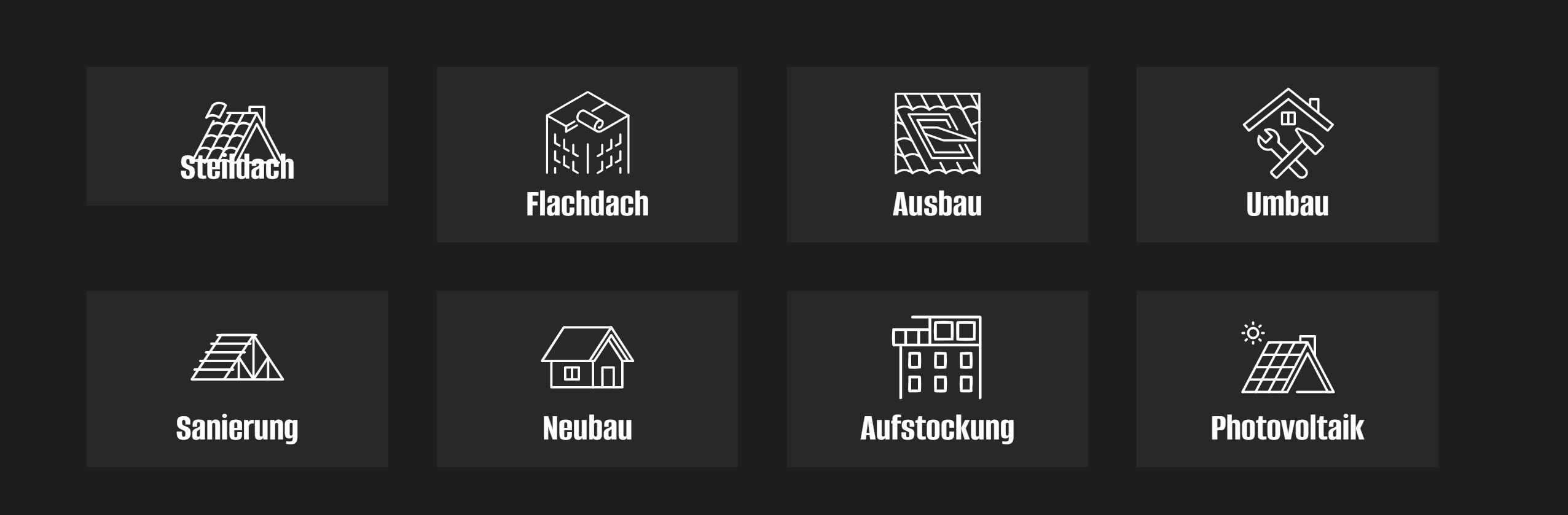
thank you for your quick reply. Thank you for adding the first issue to the bug tracker. I also followed your advice from #2 but it doesn’t work. Even when I add width AND height there, it doesn’t scale. It just provokes another bug: Instead of scaling the image, it moves the text from below the icon up, ON the icon.