Bricks Version: 1.3.2
Browser: Brave
OS: Windows 10
URL: I do not put the URL because they are under development, but below I have sent you an image
Step to reproduce:
In the Mobile Canvas
- Place a container element
- Put a “Search Element” inside the container
- Change the “width” of “Search Element” to 100%
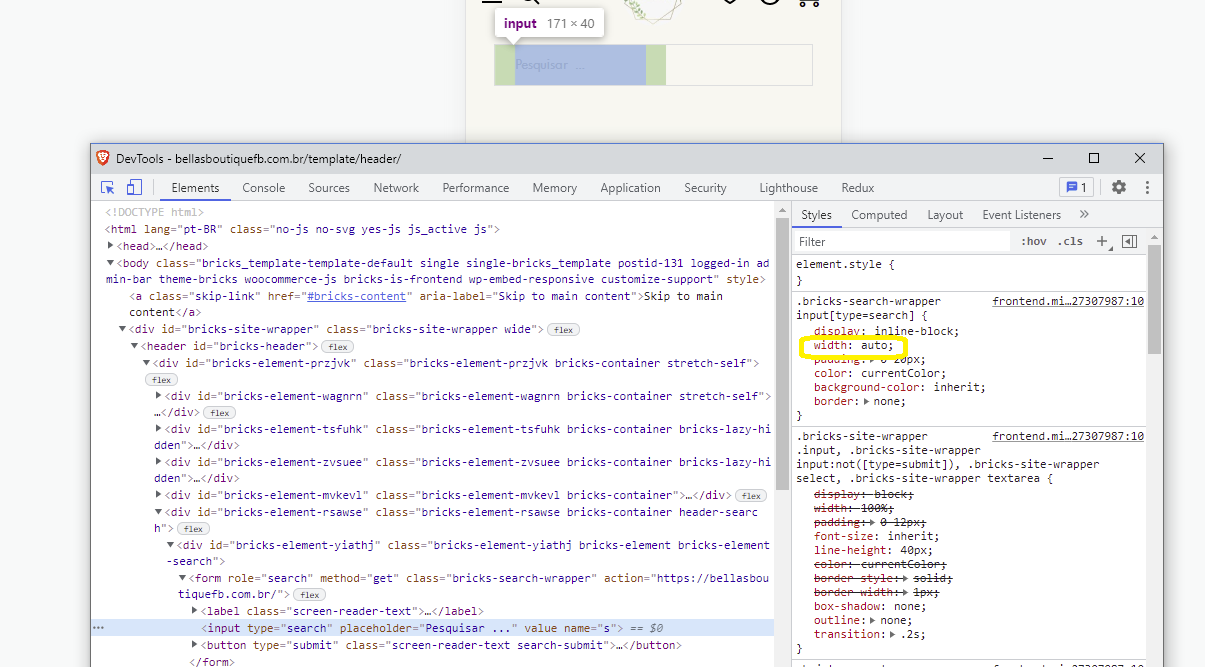
- The width of wrapper (form tag) is set to 100% but the width of input text is set to “auto”