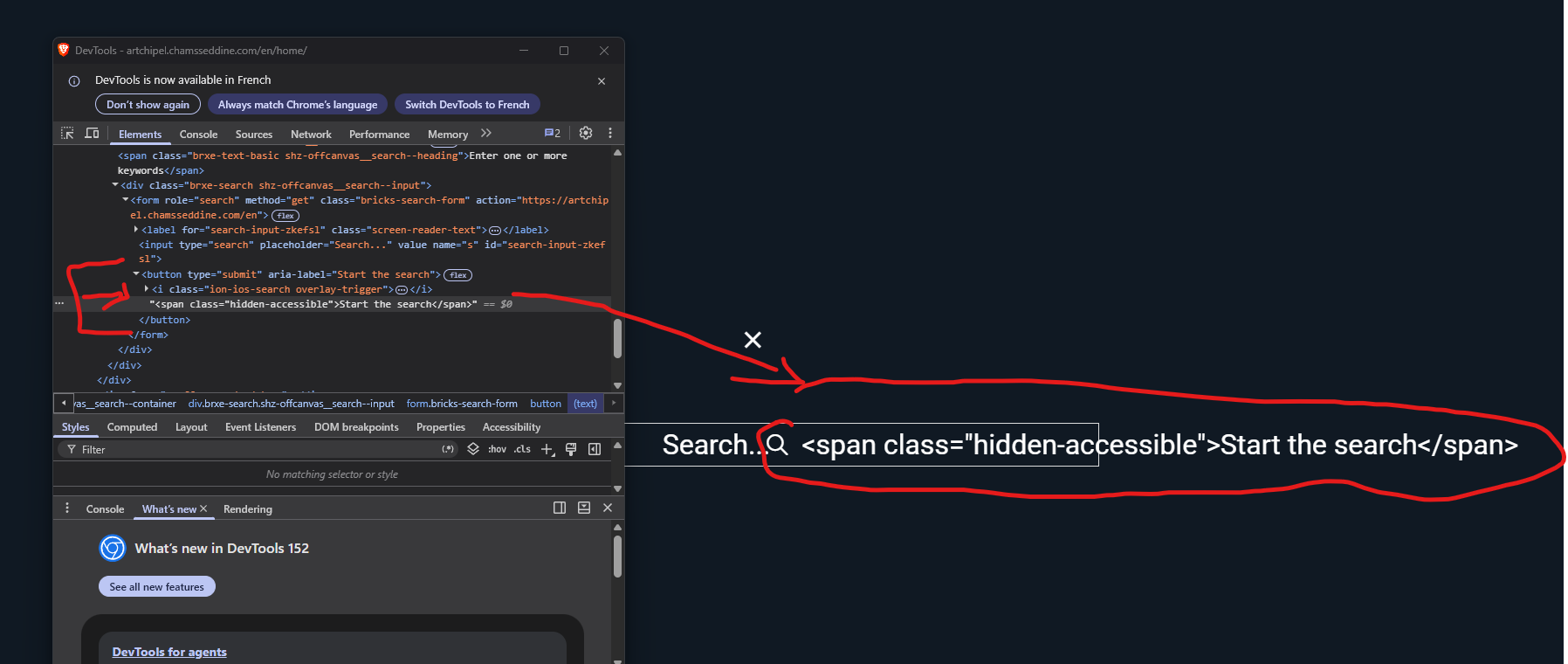
SOLVED: Search Element Button/Icon: the span tag placed inside the text field is no longer interpreted

Browser: Any
OS: Any

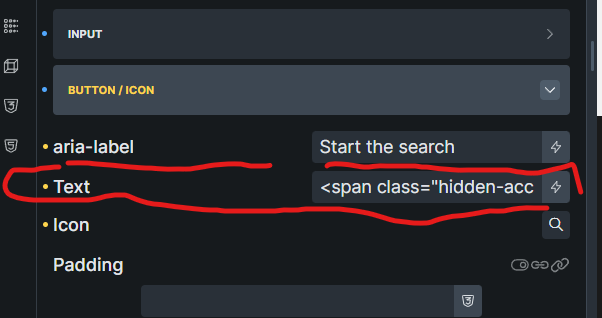
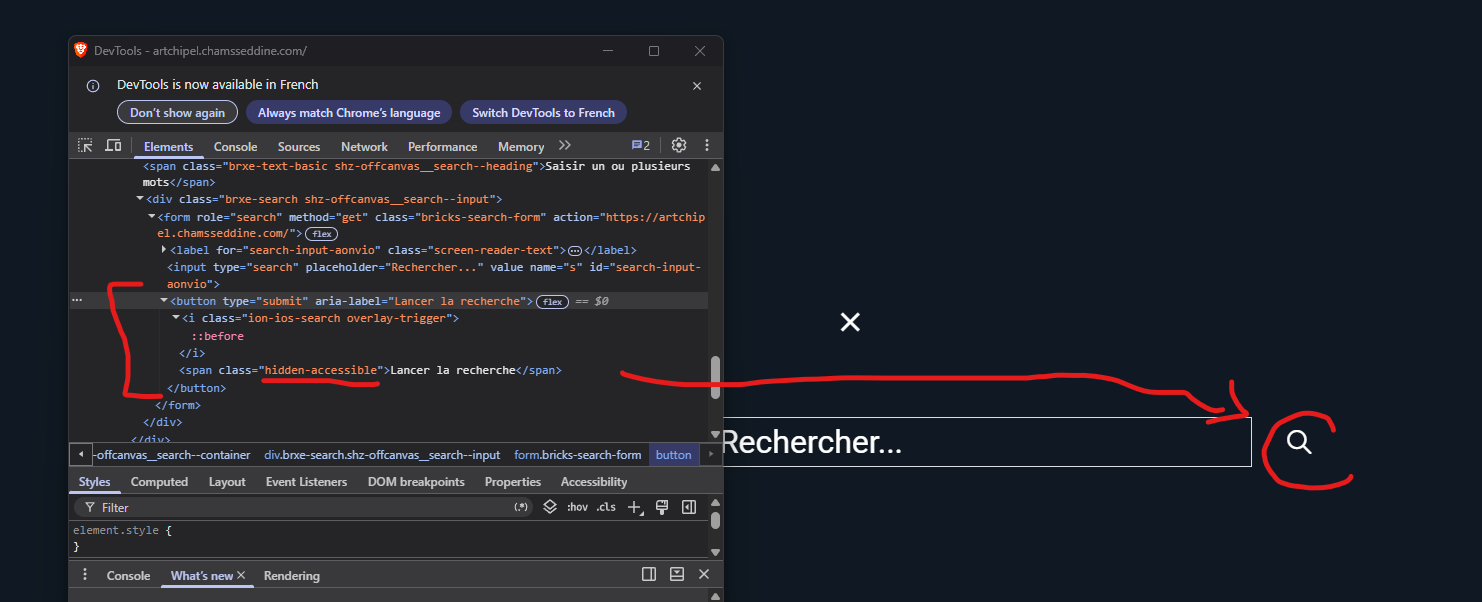
In the ‘Button/icon’ section, in version 2.3.11, the text could contain an element such as <span class"=myclass">my button text, which is permitted in a button from an HTML semantics perspective as span is not an interactive content.

Since version 2.3.12, the span tag is no longer interpreted as HTML but as plain text. Is there a reason for this change?

Hi,
Thanks for your report!

I can see the behavior change you are referring to, but I cannot confirm from the current context whether this was an intentional sanitization change or an unintended regression.
We will need to confirm this internally.

Seems to be the same root cause as this one: WIP: <a> tag not working anymore in form after update.

Yes, I saw it. I think it can be related to the same behaviour

We’ve addressed this in Bricks 2.3.13, now available as a one-click update in your WordPress Dashboard.

Allowed inline HTML in the Search element’s button text now renders correctly again.

Please read the changelog entry before updating, and let us know if you experience any issues.