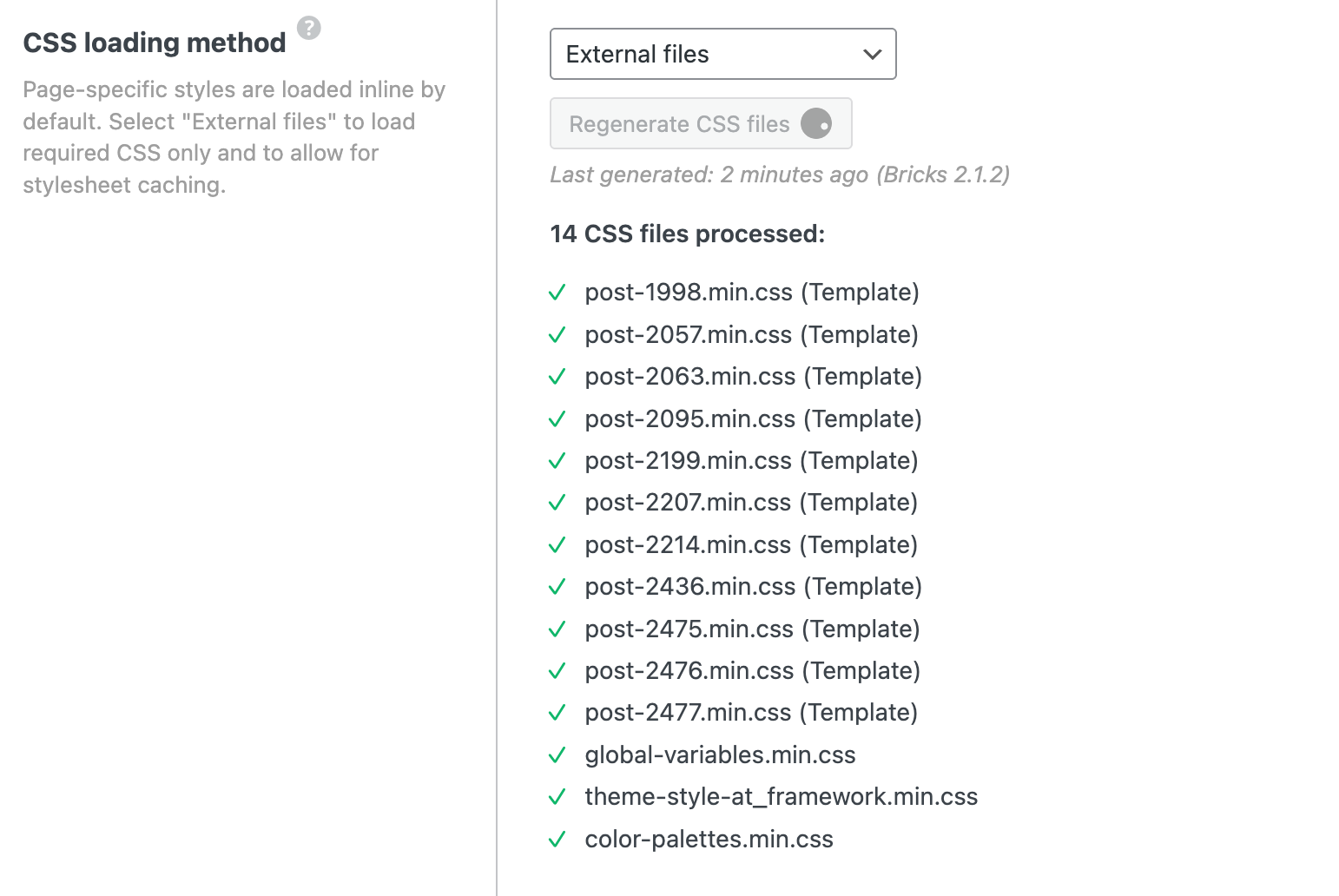
Using bricks v2.1.2 and did a regenerate css in the performance tab in settings. This broke my whole website layout, it’s not getting better when doing it again, refreshing cache, disabling cache plugin etc. I also tried inline styles option, also not working.
ok, I’m glad that it works with inline. But, to see the issue, I would need to see the “broken” version. Do you have a staging website, where you could switch to external files, and maybe disable all caching there as well?
sadly, not much Can you open developer tools, and see the network request when it gets stuck? What is the response, and are there any console log issues?
I was just able to replicate it! In my case, this is happening because:
There is a PHP query loop somewhere on one page
Inside this PHP query loop, you are calling a PHP function that does not exist anymore.
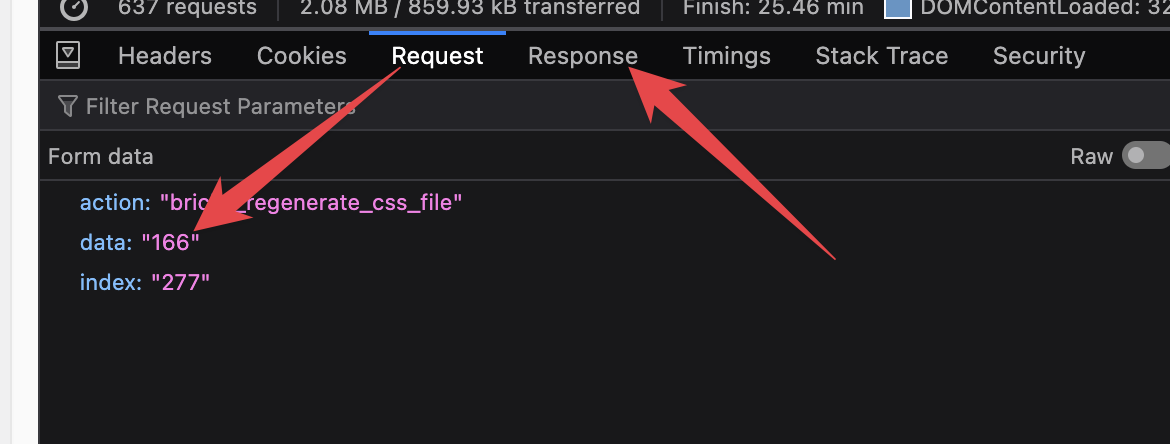
The best way to see which file is causing the issue is to open the developer tool and monitor when the regenerating stops. Then you open the last request, and under the “Request” tab, you should see the data parameter, which will tell you the ID of the post that contains the nonexistent PHP function.
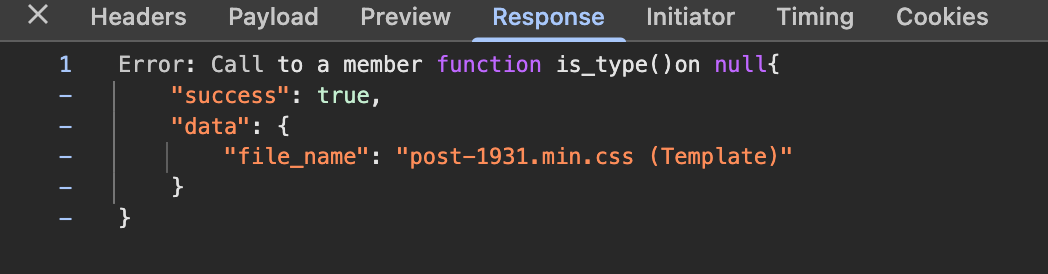
If you open the “response” tab, then you will see the error, which will also tell you the name of the function.
thank you so much for confirming! I’m glad you were able to solve it, and like I’ve mentioned above, I’ve recorded the issue in our internal bug tracker, so once it’s solved, we will update this topic.
 Can you open developer tools, and see the network request when it gets stuck? What is the response, and are there any console log issues?