Hi friends! I don’t know if this is due to the 2.0 update, if it’s the standard behavior of Bricks, or if I’m doing something wrong.
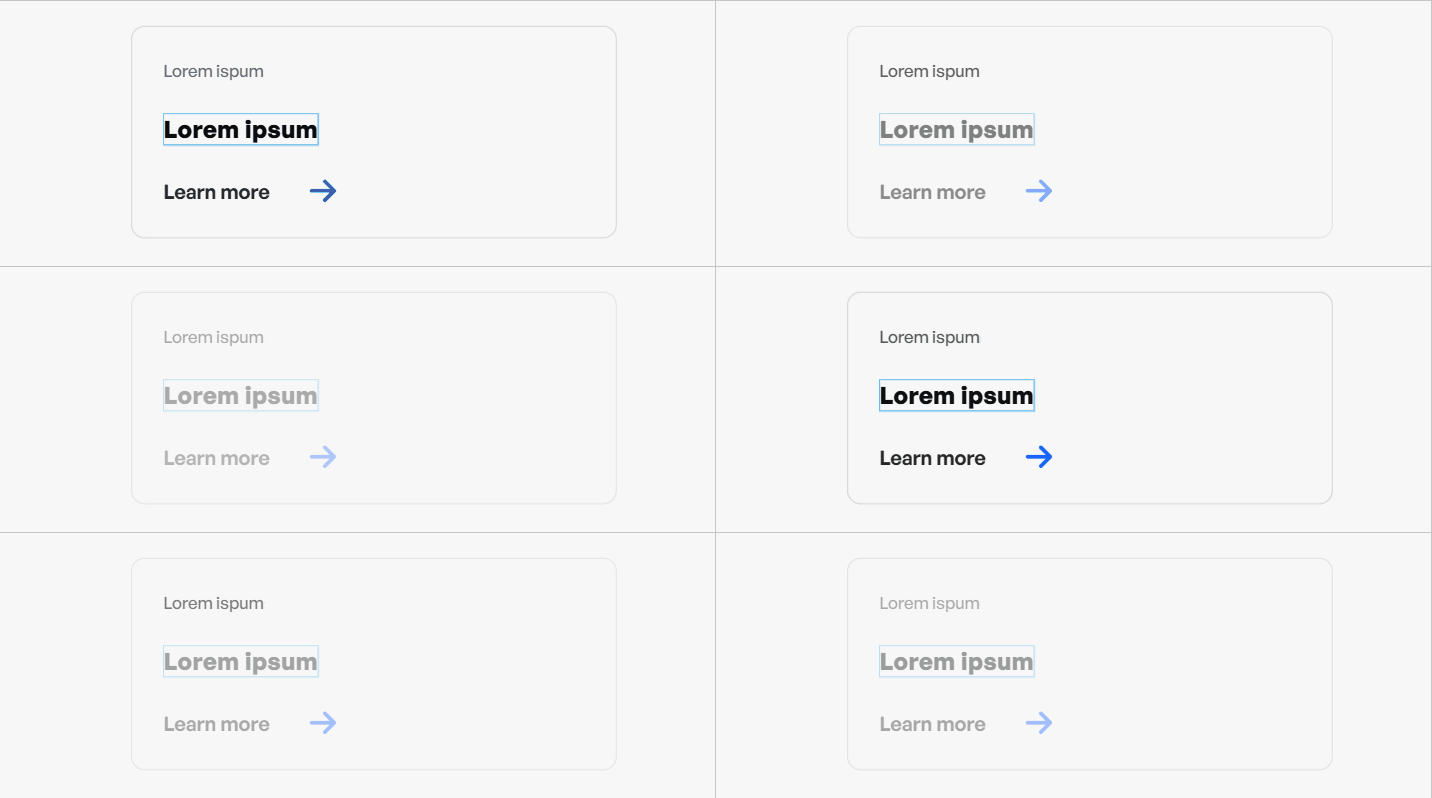
So, I’m experimenting with the Query Loop. I haven’t done anything special; I assigned the query loop to a custom CPT on a card, and what I notice is that the entire section keeps slightly blinking. It looks like it’s fading in and not fading out. Visually, it gives me the impression that Bricks is constantly searching for something and trying to load something (maybe I’m wrong) because it keeps blinking like that. I’m attaching a screenshot.
My question is whether the blinking is just a visual indicator that the element contains a query loop, or if it’s something I’m doing wrong, or if it’s on Bricks’ side?
See my GIF taken from Bricks. It blinks endlessly. And because of that, I constantly think it wants to do something or awaits something or is doing something - Perhaps this is just my mind.
I’ve been getting blinking in query loops too since updating. Also super slow to select and modify elements. Perhaps there are still A LOT of bugs - disappointing.
Oh, in my case, I am far from being disappointed with 2.0. Realistically, these things (bugs) happen. I just want to know whether it is me or if this is intentional or what - A clarification, so to speak?
I’d love to see an answer from the Bricks team on this one, as I’m seeing this as well and it’s quite annoying. I’d like to be able to turn it off, if that’s an option.
I don’t know if it’s just meant to be a visual prompt that it’s loading loop data, or whether it’s a bug, but either way, I don’t want it
We are aware of this issue, and someone already reported it to us via email ticket.
We already prepared a fix for this. If anyone wishes to test the fix, kindly send us an email and I will provide the zip file (Please use your purchased license email when sending, and include this forum thread URL as a reference)
We’ve fixed this issue in Bricks 2.0.2 now available as a one-click update in your WordPress Dashboard.
Please take your time to read the changelog entry before updating: Bricks 2.0.2 Changelog – Bricks, and let us know if you continue to experience issues.
I have Bricks 2.0.2 with ACF Pro, Automatic CSS and Frames installed, using the card framework, the card I have is using an icon selector custom field in a services CPT and I have this issue. Screen capture is show here Redirecting...
thank you for letting us know. I’m curious how can I replicate this one? I’ve tried locally, with 2.0.2, but however I tried, it’s not flashing anymore (unless it’s loading).
As a first step, can you share your card structure, so that I can try as well. But before sharing, please also try the following:
Disable all plugins, yes, including ACF and Frames, just to rule that out. Try to make a loop with default Bricks dynamic tags instead.
Check if there are any browser console errors. Maybe there are, which could give a hint on what could be wrong.
Do all query loops on your page "blink, or only this one?
I still manage to get blinking query’s. Mainly if i assign a color to a icon list icon or text by a acf color picker field. Then also the builder doesn’t reflect the changes correctly while the browser does it perfect.
It even blinks inside the blinking query… So double blinking when i reload the query in the builder and change a blinking triggering element.