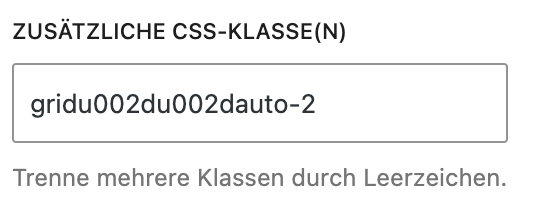
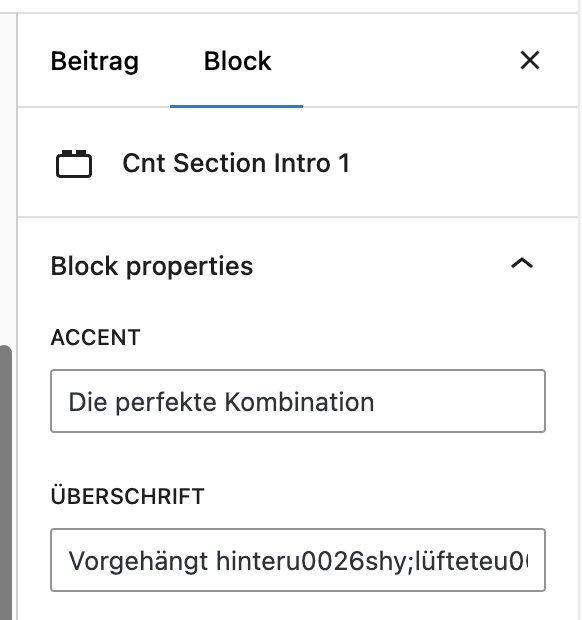
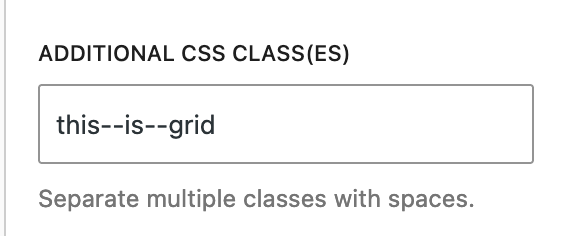
what do you mean by “non-Bricks page”, because if you do not edit the page with Bricks, there should not be any “Duplicate (Bricks)” text/command.
I tried to add some Gutenberg content and assigned a custom class, with two dashes. Then I also tried to add some Bricks content, so that I would have this button visible. When I duplicated the page (with Bricks function), and I checked the duplicated one, I still saw the correct class.
Hey @MichelyWeb,
I noticed now that you are using the 1.9.9 version (at least you tagged it), can you please update to the last one - 1.10.1, and check again, as this should be fixed since 1.10 version?
I would like to replicate this so that we can fix this. Is the block that is causing problems available as some plugin online, so that I can install it and replicate this locally? If yes, which one?
I’m testing this again and I saw that I overlooked and ­ problem. In the section that you sent, I don’t see these Block properties, where I can put this in.
Would you mind sending this block also?
I just tested this again in Bricks 2.3.6 and am no longer able to reproduce the issue. It appears the problem was resolved in one of the previous updates.
If anyone is still able to reproduce it in the latest version, please feel free to open a new thread and provide a reproducible setup.