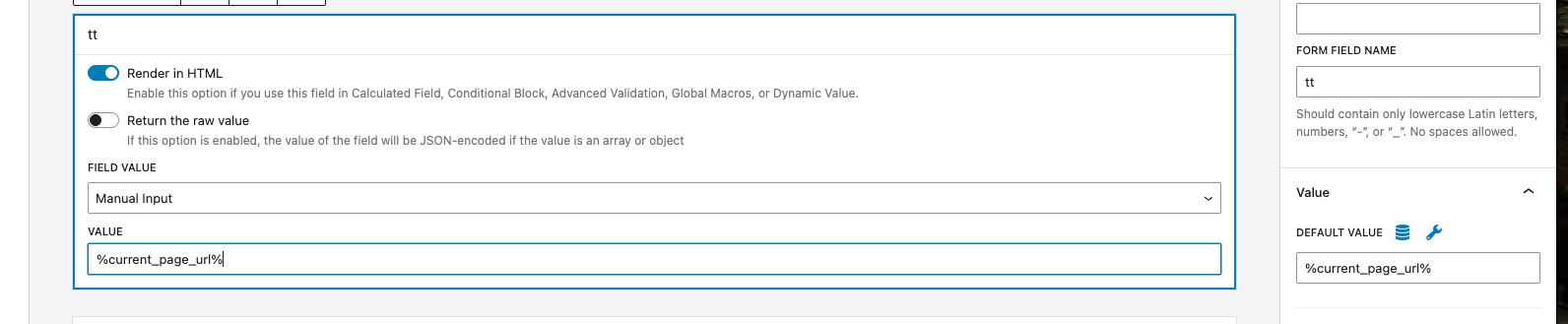
SOLVED: Popup AJAX still replacing current URL with /wp-json/bricks/v1/load_popup_content in Bricks 2.3.4

I’m still experiencing an issue with Bricks popup AJAX in version 2.3.4.

When “Fetch content via AJAX” is enabled, the current page URL gets replaced with:

/wp-json/bricks/v1/load_popup_content

instead of keeping the actual page URL.

I found an older forum post saying this was fixed in Bricks 2.3, but it’s still happening on my site.

Example:
I open a popup from:

/hiring-team/?for=493470

but inside the popup the URL/context becomes:

/wp-json/bricks/v1/load_popup_content

Anyone else still facing this in 2.3.4 or found a workaround?

Thanks :raising_hands:

Hey @Suleiman,

what is the dynamic data that you use there? I can’t replicate the issue with {post_url}?

Matej

Hmm, not sure if this is something that we can control, right?

Can you link the older forum topic?

Matej

Ok we can use {post_url} but this not working {url_parameter}??

Hey @Suleiman,

Thank you for this note. Yeah, looks like {url_parameter:my_key} is not working inside the AJAX popup.

I was able to replicate the issue, and I’ve added it to our bug tracker. If all goes right, it should be fixed in our next release :slight_smile:

Best regards,
Matej

1 Like

Hey Matej,

Thanks for checking this :slightly_smiling_face:

I just wanted to clarify another related issue with {post_url}.

Currently, {post_url} returns the URL of the post item inside the loop, not the actual page URL where the AJAX popup is opened.

So for example, if I open the popup from a page using a loop/grid, {post_url} still outputs the post permalink instead of the current page URL.
This becomes problematic when trying to pass the page context or current URL inside AJAX popups.

Maybe this is expected behavior, but having access to the current page URL inside the popup would be very useful as well.

Best regards,
Suleiman

Hey, yep, this is expected. If you open the popup from inside a loop, then {post_url} will return the URL of the post. Because most of the time, that is what you would use/need.


Matej

We’ve addressed this in Bricks 2.3.5, now available as a one-click update in your WordPress Dashboard.

Please read the changelog entry before updating, and let us know if you experience any issues.