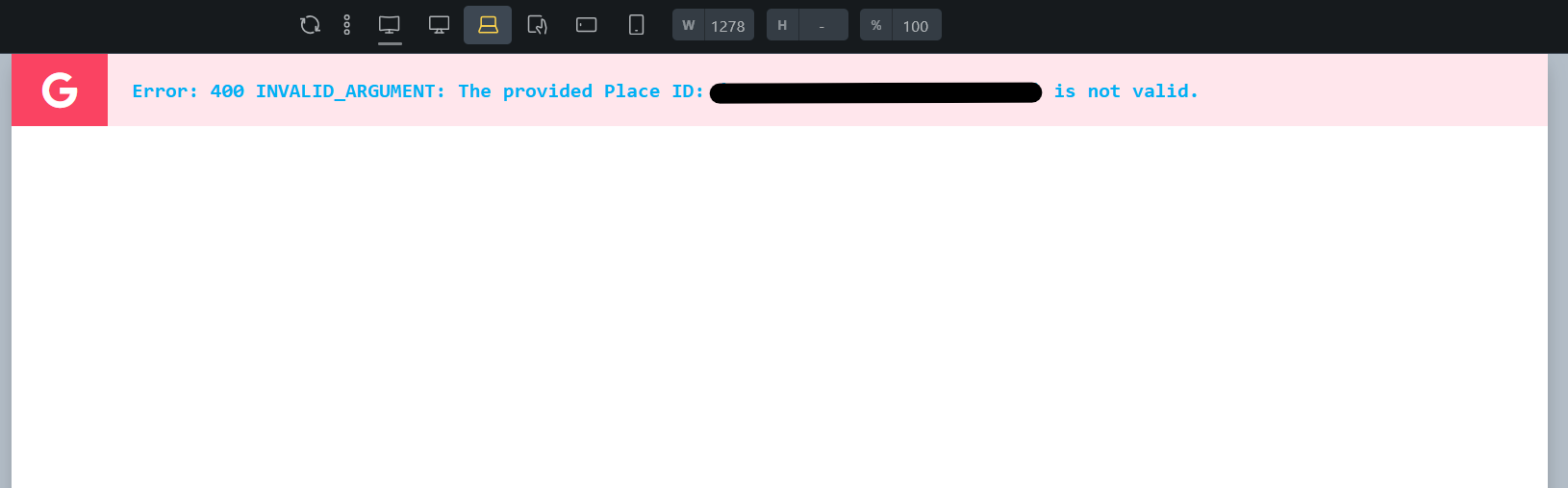
Very minor bug, but the .bricks-element-placeholder .paceholder-title inside the builder has the wrong color when the placeholder is a type of error:
Hi Suat,
Thanks so much for your report!
Unfortunately, I cannot reproduce the problem. Can you briefly show me how to reproduce this error message? Thank you!
Normally, these should be the “error” styles:
color: var(--bricks-text-danger);|
background-color: var(--bricks-bg-danger);|
Check how they are with you, and what they might overwrite.
Best regards,
timmse
Hi timmse,
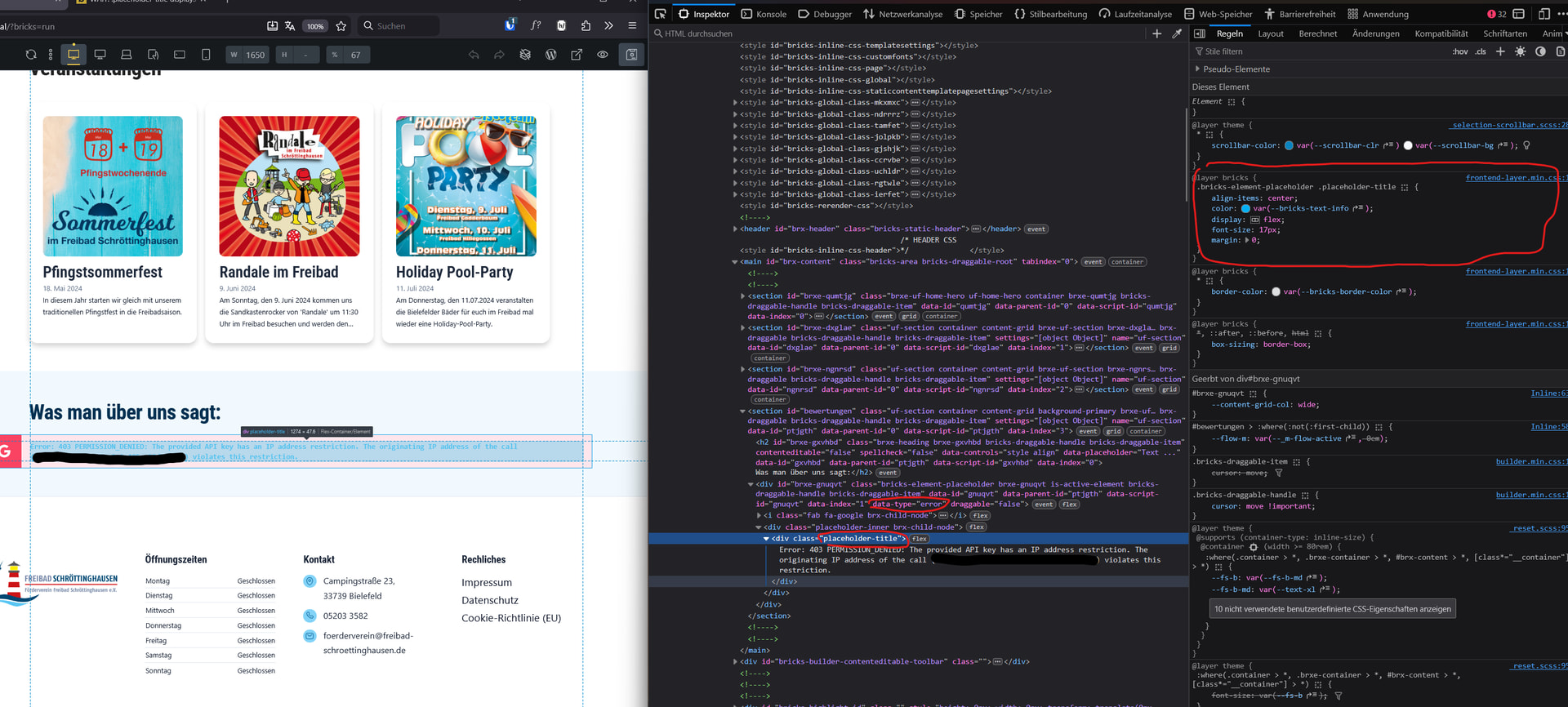
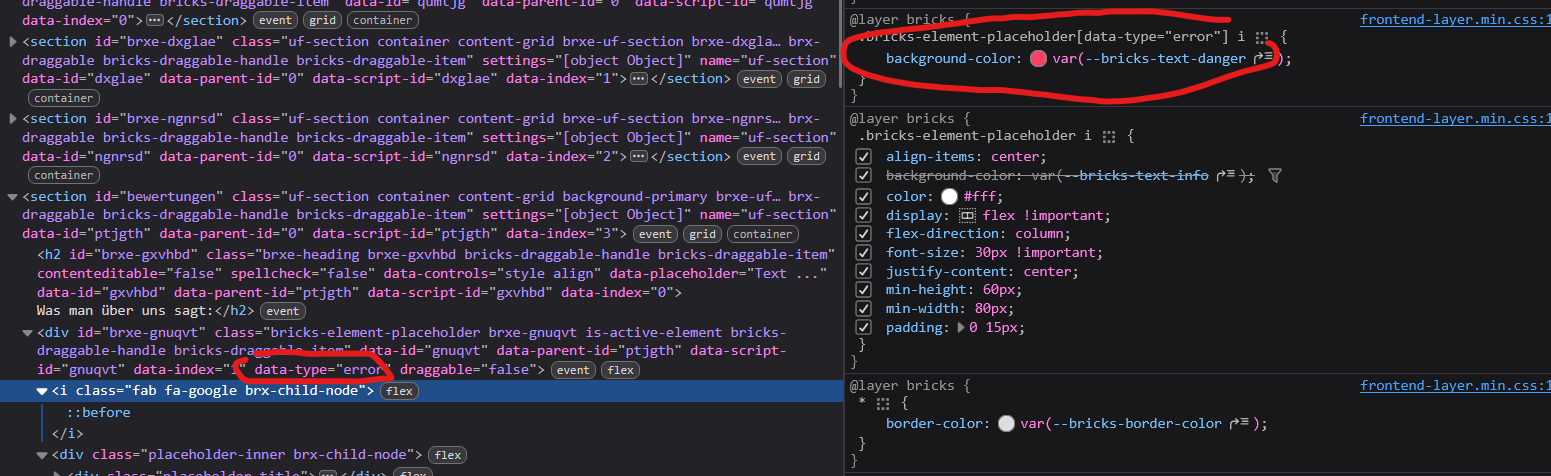
sure! while the icon inherits the --bricks-text-danger color by the data-type="error" the .placeholder-title class doesn’t and falls back to the default info-styling.
I hope it’s clear from this image.
I’ll add the code example of my custom-element to show how i invoke the placeholder for good messure:

Bestt regards,
Suat
Okay, one of my colleagues was able to reproduce the problem and we have created a task for it. It seems to be related to the order of the styles. We will get back to you as soon as the problem is solved.
We’ve addressed this in Bricks 2.3.3, now available as a one-click update in your WordPress Dashboard.
Please read the changelog entry before updating, and let us know if you experience any issues.