SOLVED: Pie Chart” element does not support classes

Browser: Chrome 137
OS: Windows 10 LTSC 21H2
URL: Link to a page that illustrates this issue

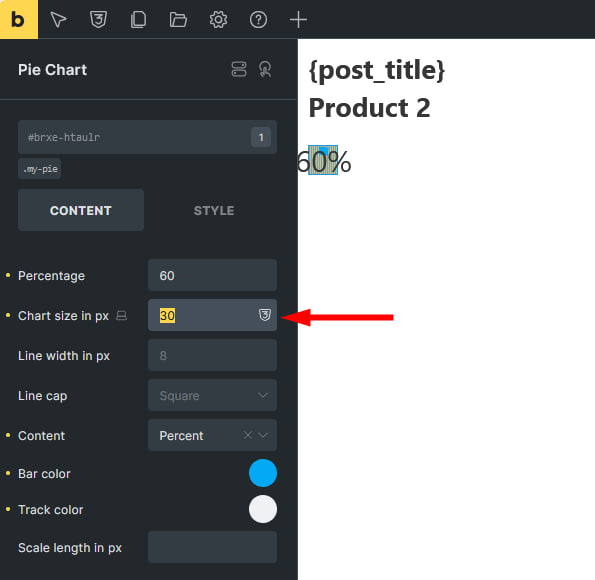
The “Pie Chart” element does not change size with the “Chart size in px” property when using the class. And in the mobile version the size does not change in principle. Even without the class.

Pie Chart is displayed by canvas that does not support classes and media queries

Hi @Mover,

thank you for your report. It’s confusing, yes, but for now, it’s only working if you set it on the ID level. I’ve created a task for this, so that we can figure out how to handle resizing the canvas, if it’s set via class.
About the mobile version issue, it was already reported here: WIP: Pie Chart element is not responsive

Thank you,
Matej

We’ve addressed this in Bricks 2.4.2, now available as a one-click update in your WordPress Dashboard.

The Pie Chart now follows chart size values set through a class, including responsive class values.

Please read the changelog entry before updating, and let us know if you experience any issues.