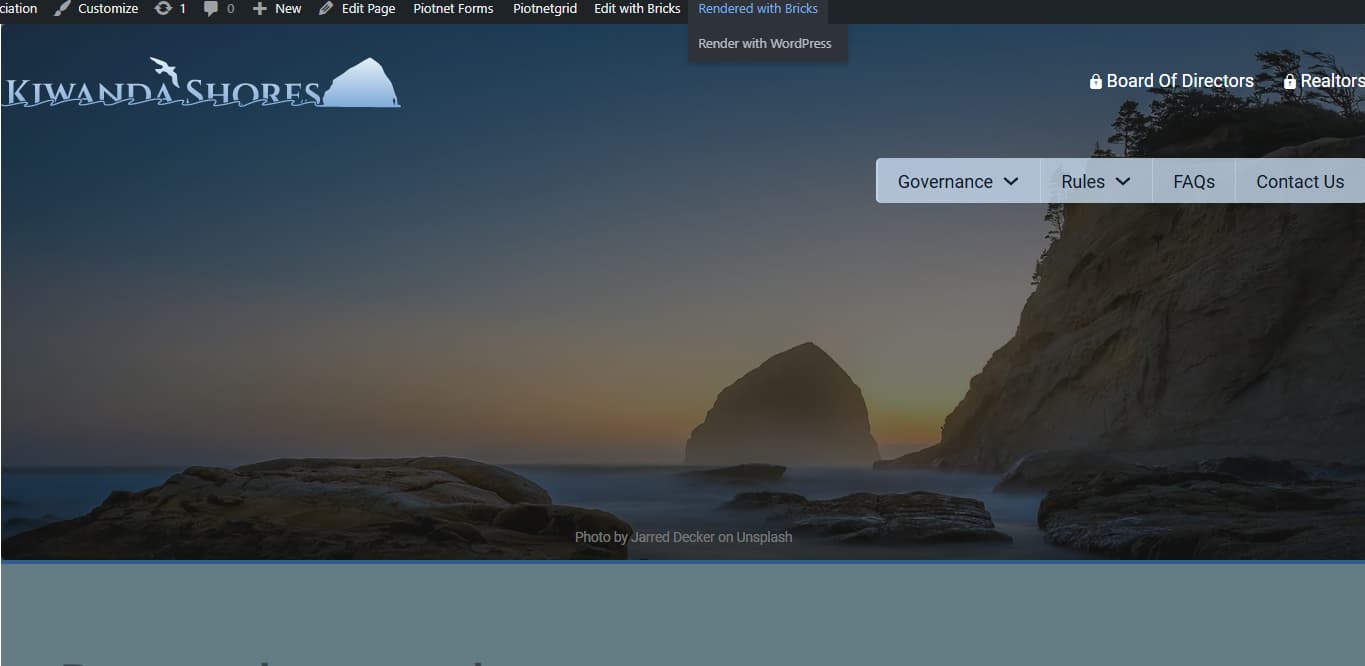
Once I apply a password to the page, the password protection template applies with a boxed layout even though wide is specified. The template content is in an article tag instead of main and a “wordpress” class is applied.
The dynamic post title in a heading element stops outputting as well. You can see the heading tag is in the hero section though.
That’s usually an indication that the page is rendered with WordPress instead of Bricks. While logged in and looking at the page on the frontend, check the wp admin bar. If it says “Render with WordPress”, click “Render with Bricks”.
I found this same issue is still happening in Bricks 2.3.9.
For the password page, when viewing either the template, or an actual password page on the front end the ‘Render with Bricks / WordPress’ doesn’t show in admin menu.
I found that this renders full with when viewing the template on the front end, but then when viewing on a password protected page it’s rendering boxed (It’s a CPT if that makes a difference).
We’ve addressed this in Bricks 2.4-beta (beta release), now available for manual download from your Bricks account.
Please read the changelog entry before testing, and let us know if you experience any issues. Note: beta builds are not recommended for production sites.