Hello,
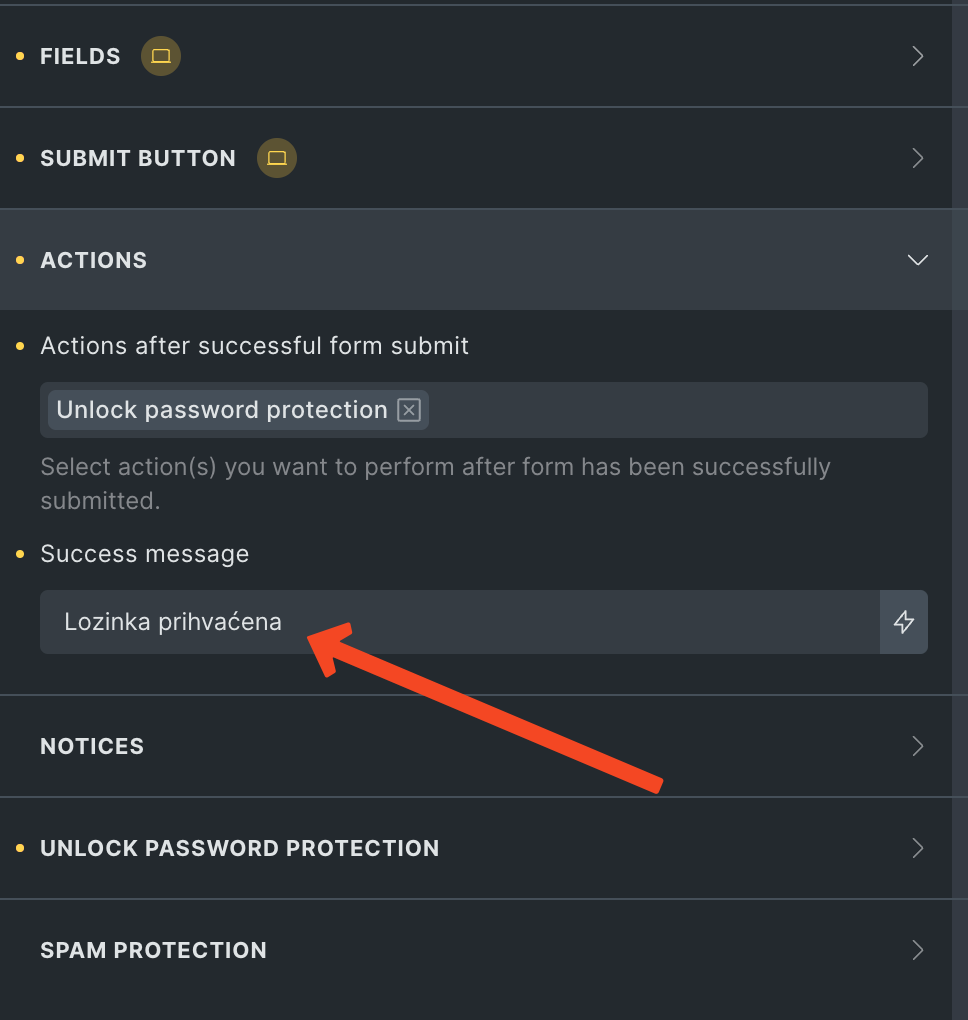
I noticed when I create the form for password protected Site, the success message which has to appear after successful password submission, doesn’t write the text I choose (wrote), but always some default message.
Please, check the screenshot where you can see the message I am talking about. So, instead of that message, the form on the frontend shows some other text.
The Bricks is Version: 1.12.4 (latest stable version).
Thank you very much!