If we use the pagination element for query loop on a page and the number of posts is not enough for pagination, we see in the front end that no div of the pagination structure is rendered. There is no problem here and everything is fine.
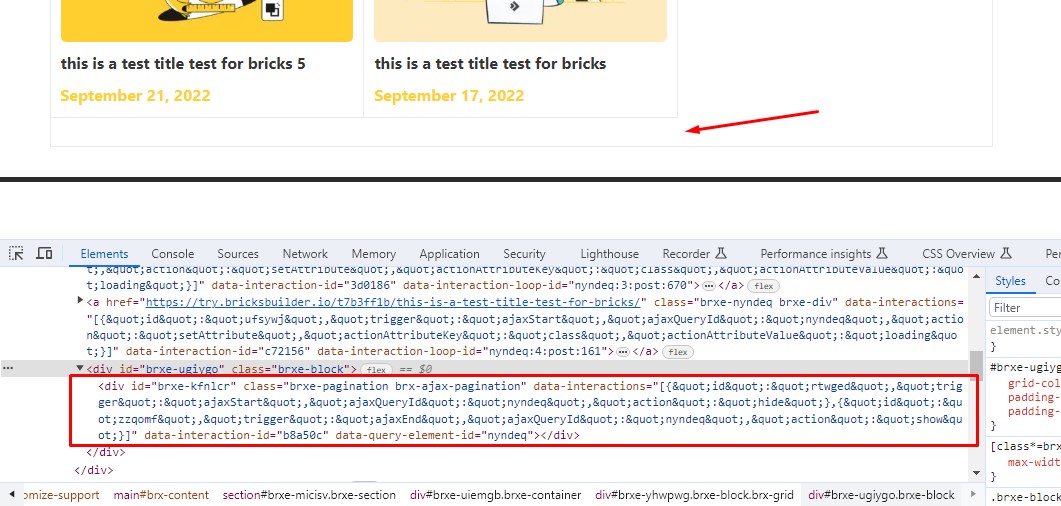
But if we use the pagination element on the archive template and the number of posts is not enough for pagination, a div of the pagination element will still be rendered (image below).
In general, if the number of posts is not enough to display the pagination, no html tags from the pagination element should be rendered in the frontend. Please note that this problem does not exist in wp pages and only in archive pages (posts and products).
Thank you for your report. I couldn’t replicate this locally with a normal query loop on posts (both on a page and an archive template). Can you please share the query loop’s settings or steps to reproduce the bug?
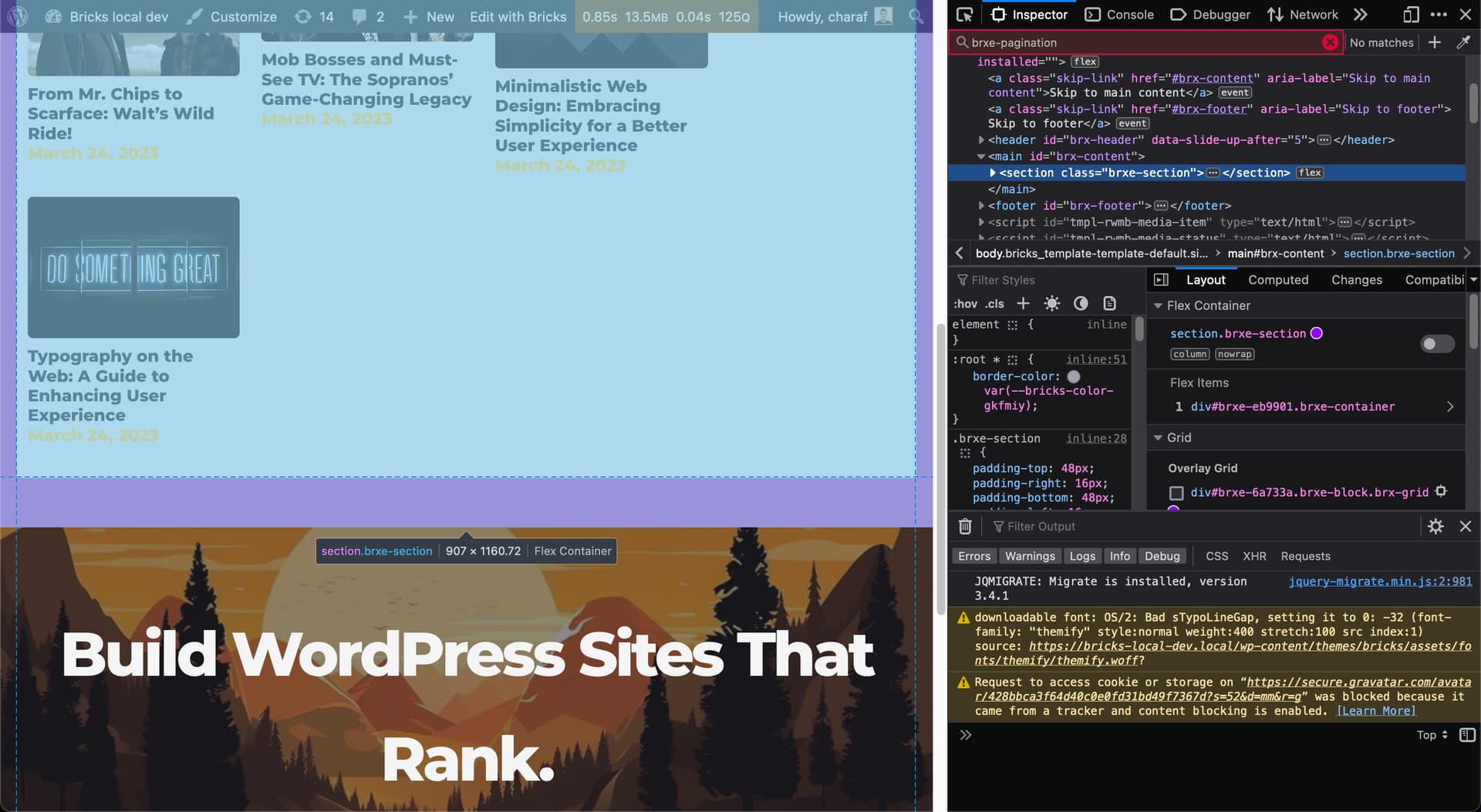
Hi @charaf, Please watch the video below. Your screenshot shows the main section of the page. The problem is that a pagination tag is rendered while there are not enough posts for pagination and the pagination element is disabled.
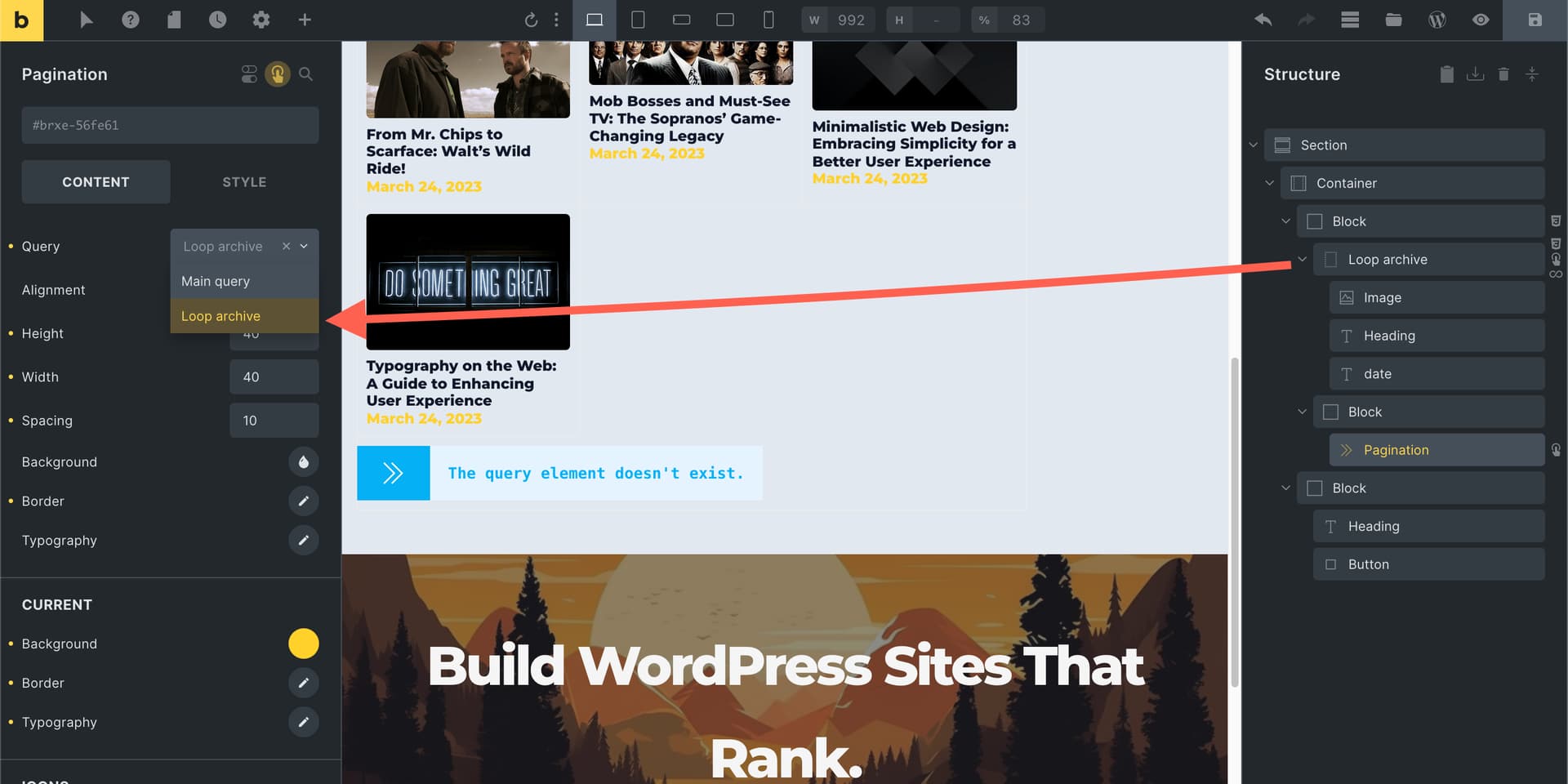
Can you please double-check if you’re selecting the correct container as I noticed it was some random ID when I first imported your template:
This might be a bug. In bricks, if we copy a query loop along with the pagination (which is connected to it) and paste it into another page, this problem occurs.
But this problem does not exist on a page (other than the archive). Please see the video below. When there are not enough posts for pagination, the pagination html code is completely removed from the page. But this is not the case in the post and product archive.
I don’t know if you were successful in reproducing this bug or not. But let me explain this in more detail this time.
Let’s say we have an archive for posts and display the number of 9 posts on each page of the archive. These posts also have categories.
Now, if you see a category whose number of posts is less than 9, the pagination element will be hidden, but there is still a div of it in the html structure. And this will leave an empty space for pagination on the page.
You may be wondering what is the reason for removing this div from the pagination element?
Because in this case, I can remove the empty space in this situation by using the following css.
root:empty{
display: none;
}
root is actually the parent div of the pagination element.
Hi @pzeylstra, Yes, the problem is solved. Could you please share a template of the page where you are experiencing the problem?
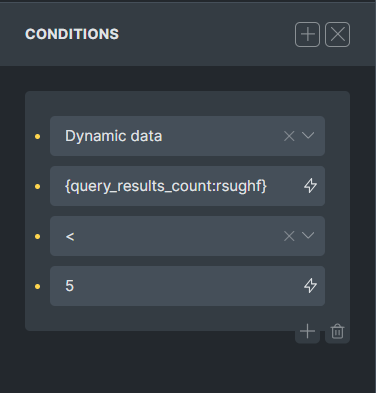
As a quick fix, you can use the conditions to achieve your goal.
It is this template: Home vakantiehuismakelaars | Vakantiehuismakelaars
It does work fine when I put the pagination element inside the card. However, that causes the pagination element to show up in every item of the query.
By the way, only select in the filter items that exist of one name. The ones with a space in it don’t work (is a ticket already for a long time).
Sorry, didn’t realize I can’t share the template url. It is on this page: Aanbod vakantiehuizen | Vakantiehuismakelaars
It is loading this template: /template/aanbod-vakantiehuizen/