Browser: Chrome 120.0.6099.71
OS: Linux Mint 21.1
URL: https://ora2023.2sinn.dev/
Video: Redirecting...
Steps to Reproduce:
I’m afraid I don’t have steps to reproduce, but I’ll happily provide access to my affected build.
Current Results:
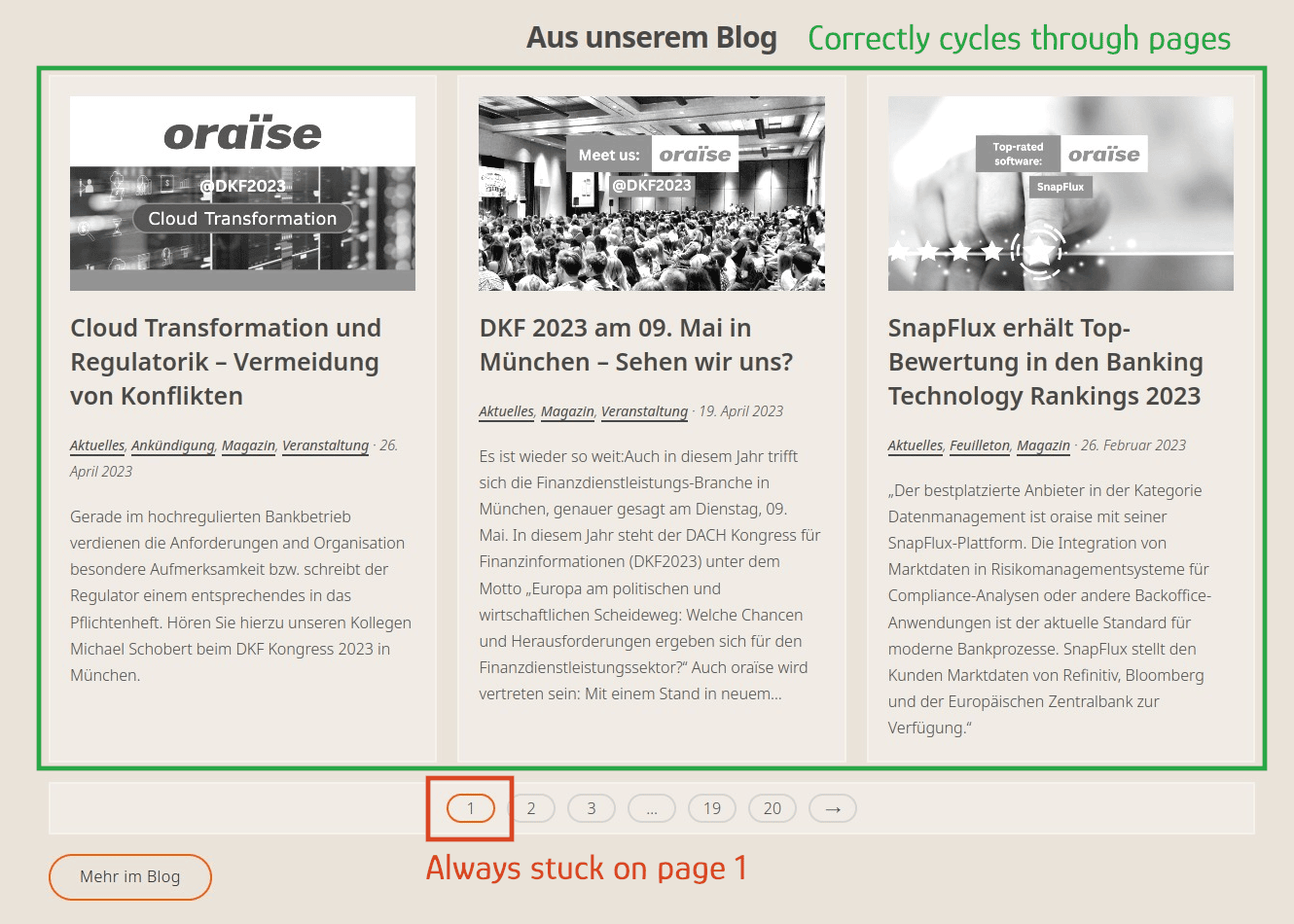
When using the Pagination module on the blog page of one of my website builds, everything works fine. However, on the front page, no matter what page I select in the pagination, page 1 is always highlighted in the link bar and I cannot select any pages between 3 and 19. The Pagination module is configured identically on both pages.
Expected Results:
The pagination should work the same way on all pages of the build.
Screenshots
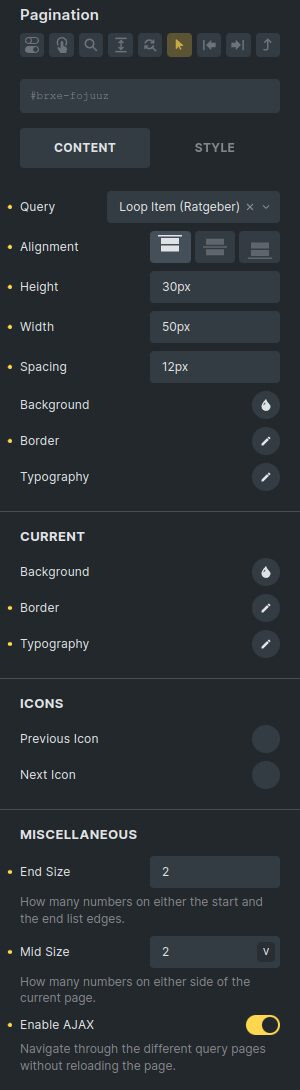
The following screenshot shows my settings in the Pagination module on both my front page and blog page.
Please let me know if I can provide any further information. I thought this might be something coming from a server config issue, but this dev environment is on different hosting than the live site (https://www.oraise.com), where I disabled the element on the front page until there is a fix for this.