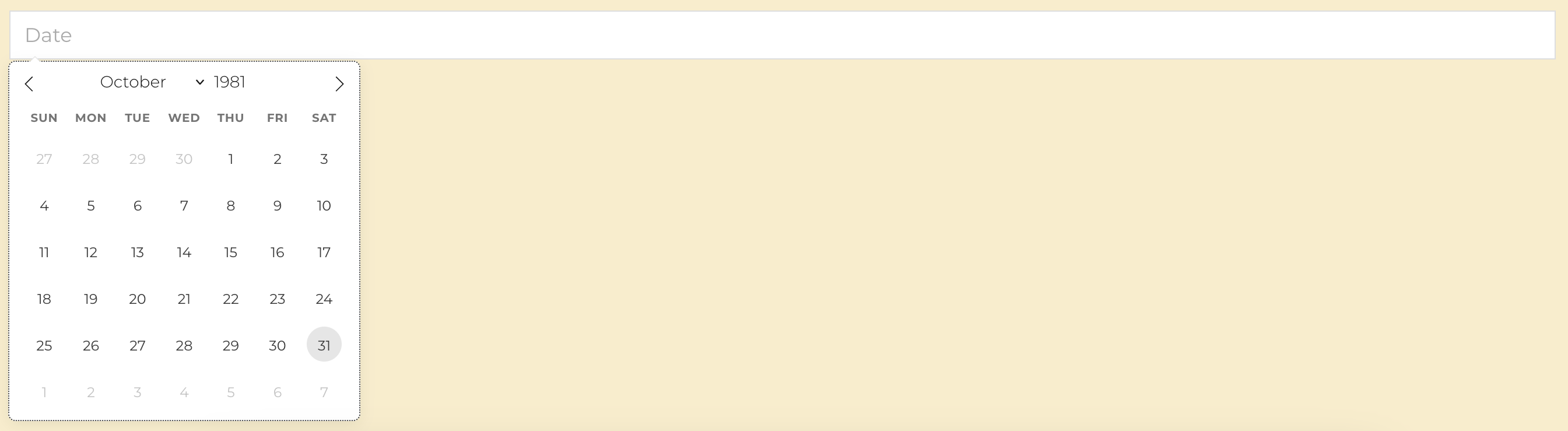
It turns out … my wife was not born
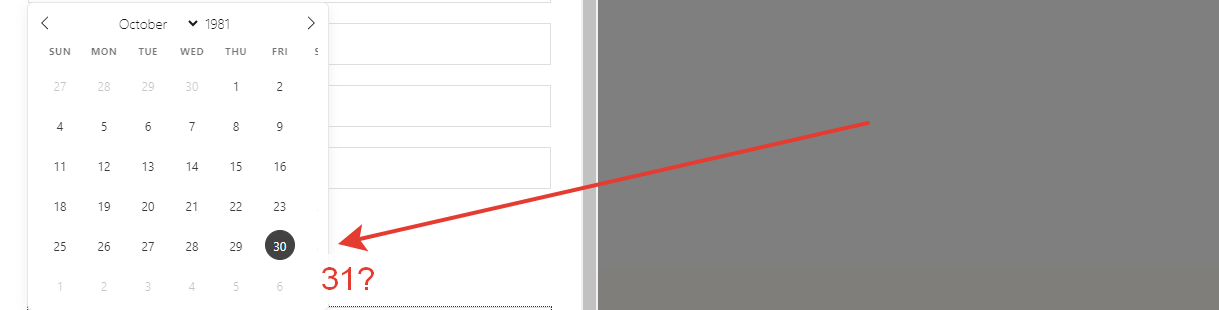
Also, I would like to be able to:
- be able to enter the date manually on the keyboard
- change to another language, for example, the name of the days of the week…
Hi @zippa71,
Thank you for your report. Fortunately, your wife was still born according to my calendar:
Seems like Saturday is hidden in your screenshot:
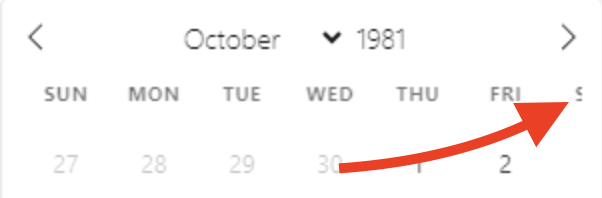
Did you make any CSS changes or is it showing up like that by default?
Great improvement suggestions, I’ve added them to our board 
Best regards,
Charaf
Hi @zippa71,
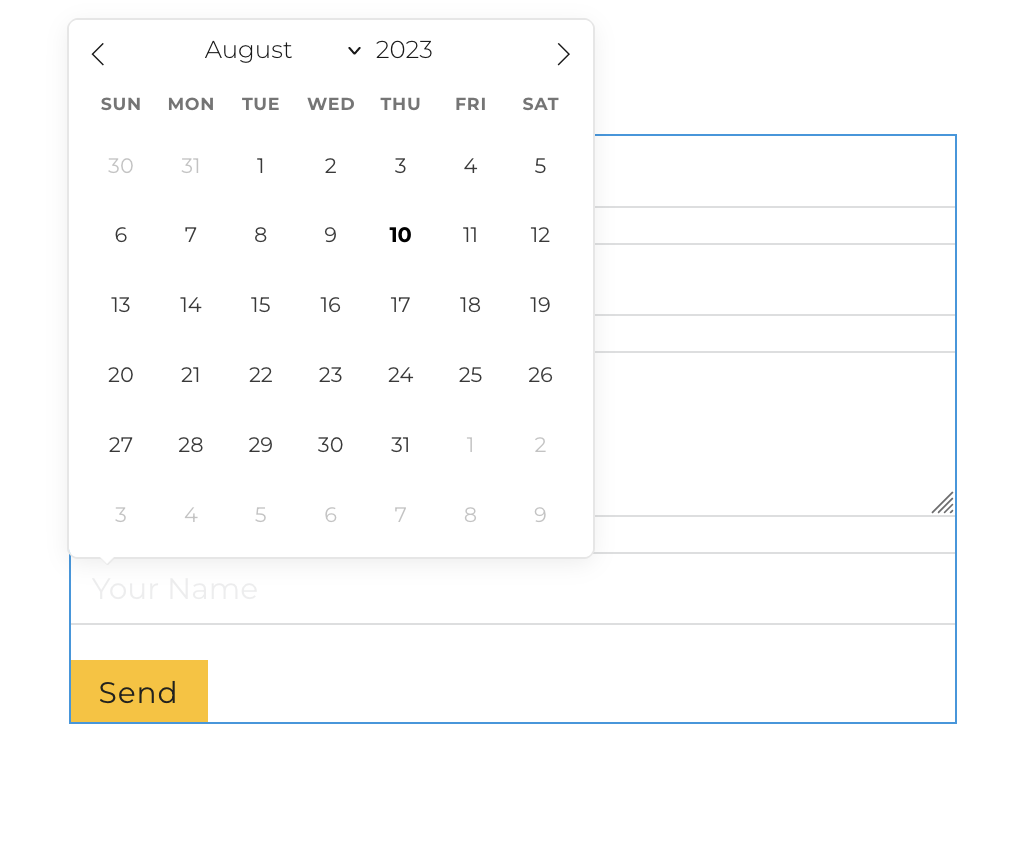
Even in a popup with 600px I don’t get that padding in your screenshot.
Did you add any custom padding/margin? or how can I reproduce this exactly?
Best regards,
Charaf
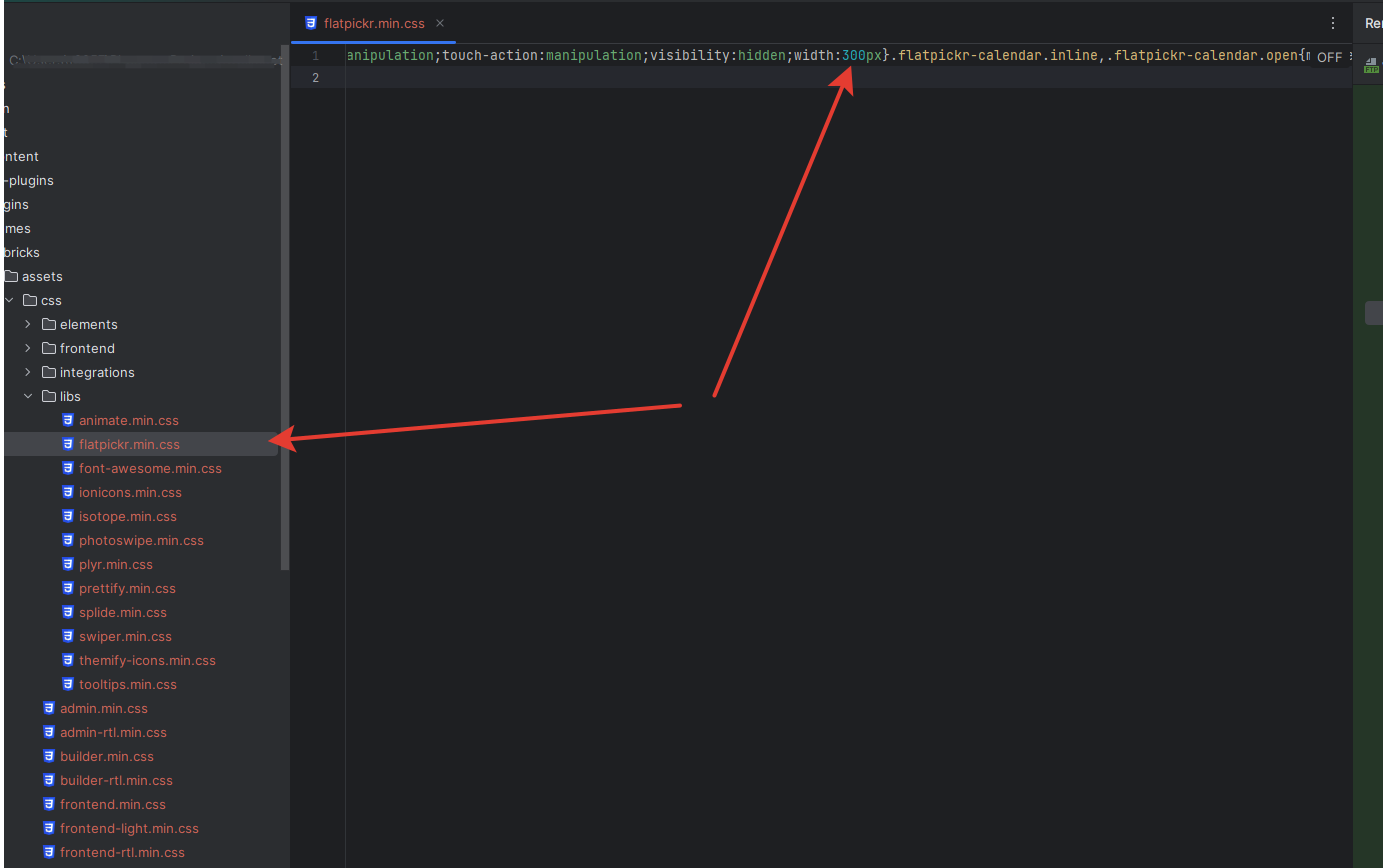
The width should be set to 300px but in your screenshot, it looks like it’s being overwritten somewhere else. Can you please share a URL or something that can help me reproduce this? I’ve tried replicating this in Chrome, Firefox, and Safari and they all seem to show it correctly in a popup that has a width of 600px.
Hi @zippa71,
That’s odd. 300px should work fine, but in the earlier screenshot you shared the width seemed to be overwritten somewhere else to something other than 300px (or it was getting custom padding/margin). There could be a plugin conflict overriding the styles or something but I can’t tell for sure as I’m unable to replicate this after trying multiple browsers and setups 
But glad to hear you found a fix for your setup
Best regards,
Charaf
Hi Maximus,
We’ve added a language setting to the date field in Bricks 1.8.6, now available as a one-click update in your WordPress Dashboard.
Best regards,
timmse