rikhen
December 11, 2025, 9:47am
1
Browser : Brave v1.85.111OS : WindowsURL : https://resounding-wildebeest-041afb.instawp.co/components/ Video : https://jam.dev/c/a76d730c-42ca-41ec-b381-d6ebf770fd75
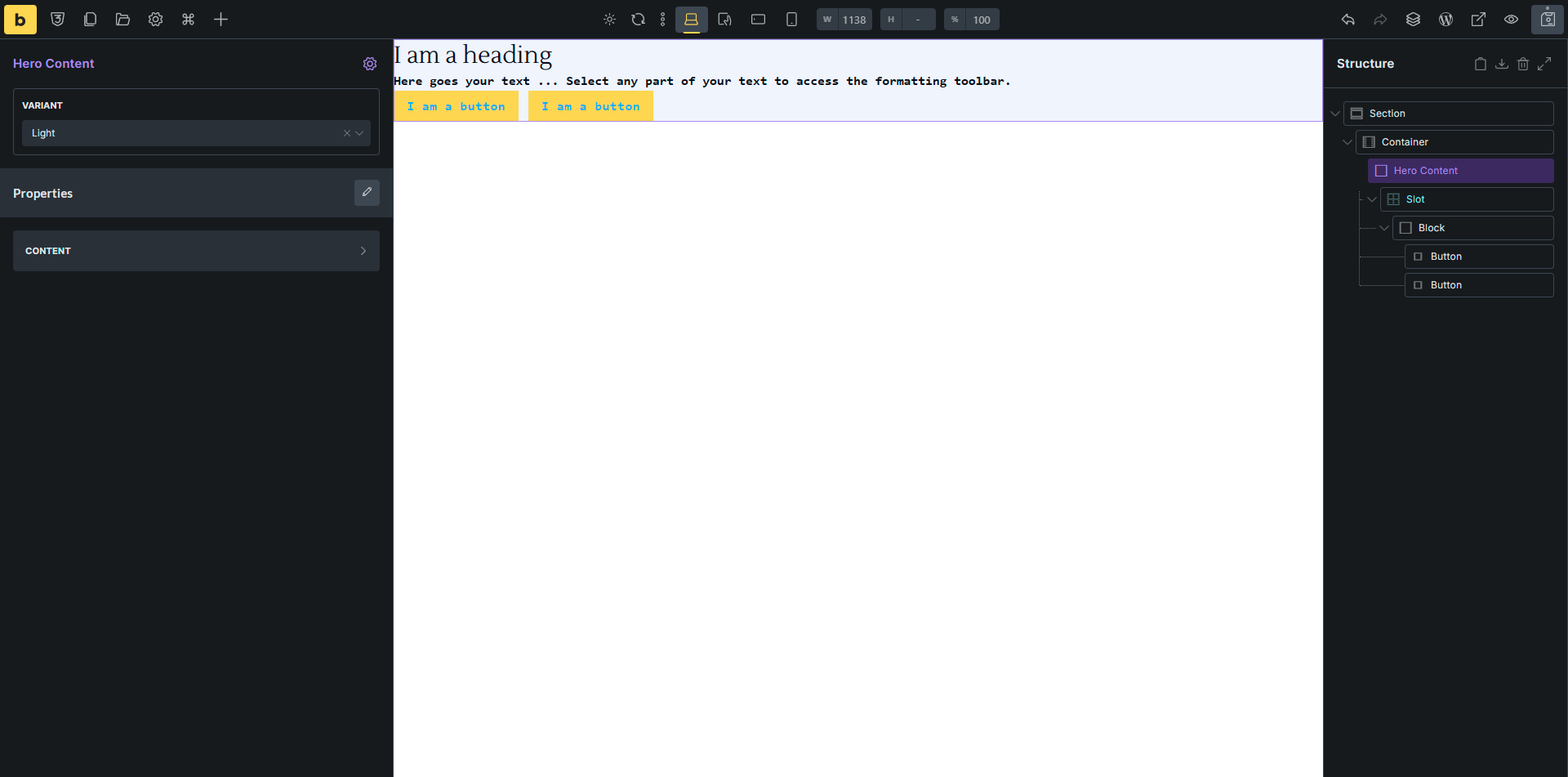
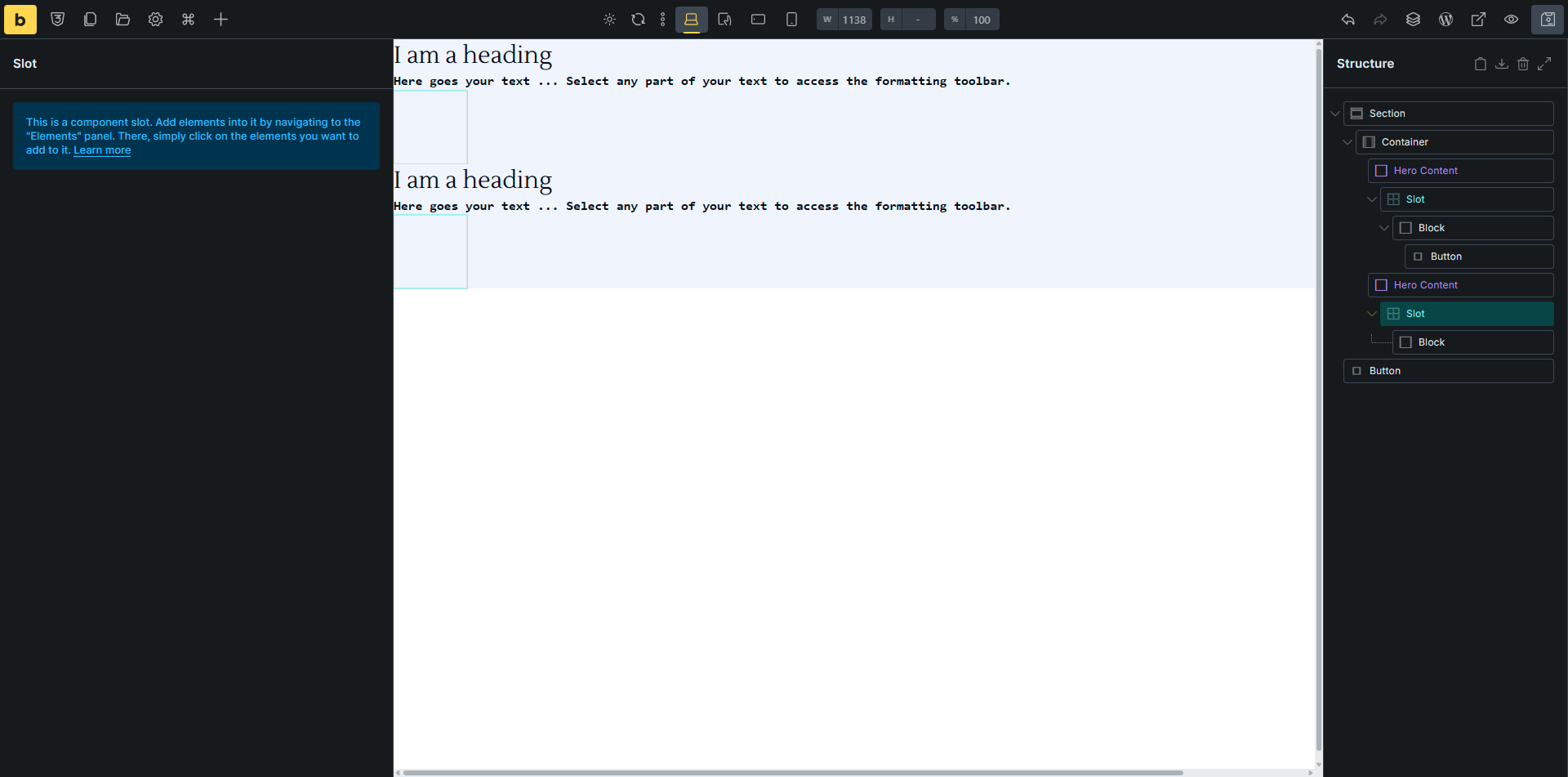
When adding elements to a slot and duplicating the component, the nested slot elements are either deleted or moved outside the component, as shown in the video link and screenshots.
Before duplicating:
After duplicating:
timmse
December 15, 2025, 12:46pm
2
Hi rikhen,
I reproduced the issue and added it to our bug tracker.
Best regards,
rikhen
December 16, 2025, 6:21am
3
Hey Timmse,
Cool that you were able to reproduce the issue! Looking forward to the next beta version
Best regards
timmse
January 20, 2026, 12:52pm
4
We fixed this issue in Bricks 2.2 RC, now available as a manual download in your account (see changelog ).
Please let us know if you are still experiencing issues.
As with any pre-stable release, please do not use it on a production website . It is intended for testing in a local or staging environment only.
rikhen
February 4, 2026, 8:55pm
5
Hi @timmse !
Thanks for the info. I can confirm that the issue has been solved.