Browser: Chrome 110 OS: macOS / Windows / Linux / etc. URL: Link to a page that illustrates this issue Video: Short screen recording that illustrates this issue (free tool: jam.dev)
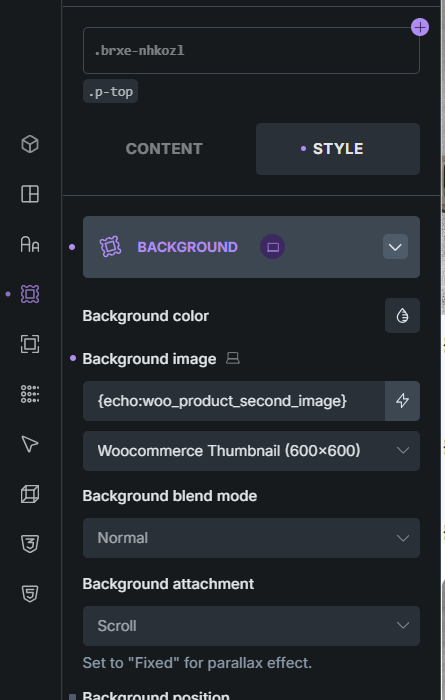
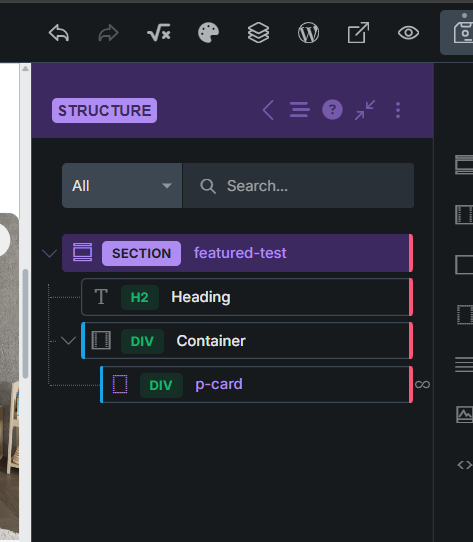
Hello, I have a component as product card. Inside this component, I use a PHP function that is defined in the child theme, and it works without any issues. However, when I place the product card component inside another component, the function doesn’t work. In short, echo:php does not work inside nested components.
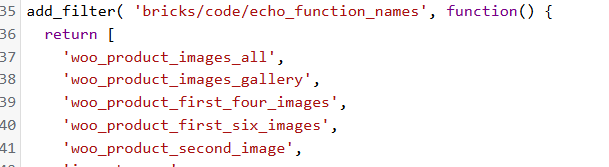
Have you already added your function name to the bricks/code/echo_function_names filter?
Since Bricks 1.9.7, any PHP function you want to call via echo:php must be explicitly allowed:
You can put this in your child theme’s functions.php or a code snippets plugin.
If you’ve already done that, try also enabling Custom Code → Enable code execution in Bricks settings.
Then in the builder, add a Code block and test it directly, e.g.:
<?php
echo woo_product_second_image();
?>
This will confirm whether the issue is with echo:php or the function execution itself in nested components.
This is how I get the URL of the first gallery image for WooCommerce product.
The function returns the URL of the first gallery image if available, or falls back to the featured image URL if there are no gallery images. Since it returns a URL string, it works well for both <img> elements and CSS backgrounds.
function woget_first_gallery_image_url() {
    global $product;

    if ( is_object($product) && is_a($product, 'WC_Product') ) {
        // Get gallery image IDs
        $gallery_image_ids = $product->get_gallery_image_ids();

        if ( !empty($gallery_image_ids) ) {
            // Return URL of the first gallery image
            $first_image_id = reset($gallery_image_ids);
            return wp_get_attachment_url( $first_image_id );
        } elseif ( $product->get_image_id() ) {
            // Fallback to featured image URL
            return wp_get_attachment_url( $product->get_image_id() );
        }
    }

    return '';
}
Important: If you use this function inside Bricks Builder via echo:php, make sure to add your function name to the bricks/code/echo_function_names filter to allow it to execute.
thank you for your report. @Binu pointed out a few good points, but if it all works then it’s something else.
I’ve tested locally, and I can’t reproduce the issue though. What if you just {echo:...} your function out in basic text element inside a nested component. Does it work then?
Additionally, can you export both components for me to test?
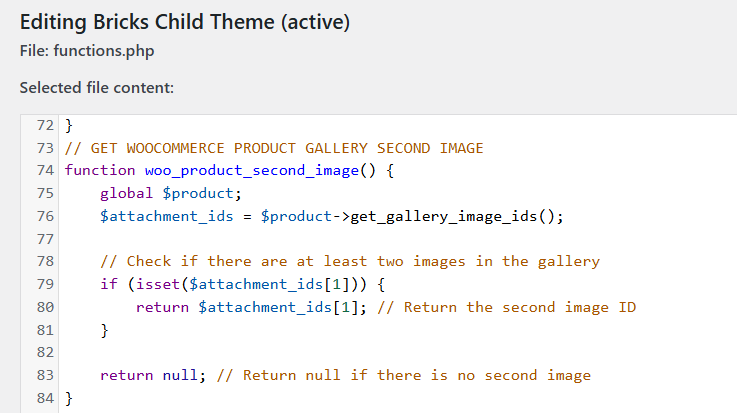
function woo_product_second_image() {
    global $product;
    $attachment_ids = $product->get_gallery_image_ids();
    if (isset($attachment_ids[1])) {
        return $attachment_ids[1]; // Return the second image ID
    }

    return null; // Return null if there is no second image
}
I added both of them, but it’s already a nested component. Still, just in case, both are available in the link. The function is the same as here. After setting everything up, when you hover over the product card image, the second image should appear. It works when it’s just the p-card component or when it’s a template, but it doesn’t work once I place it inside another component. (Please make sure the product actually has a second image.)”
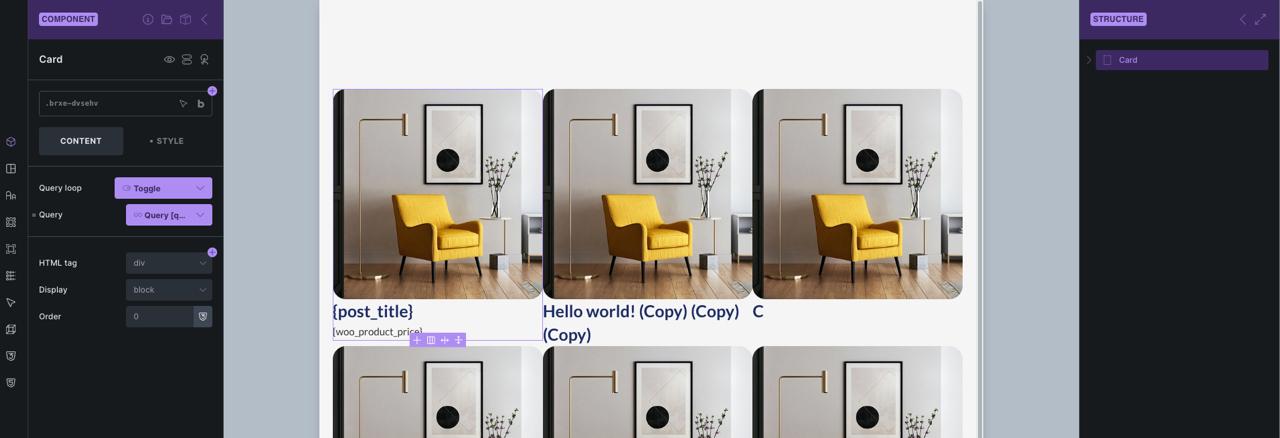
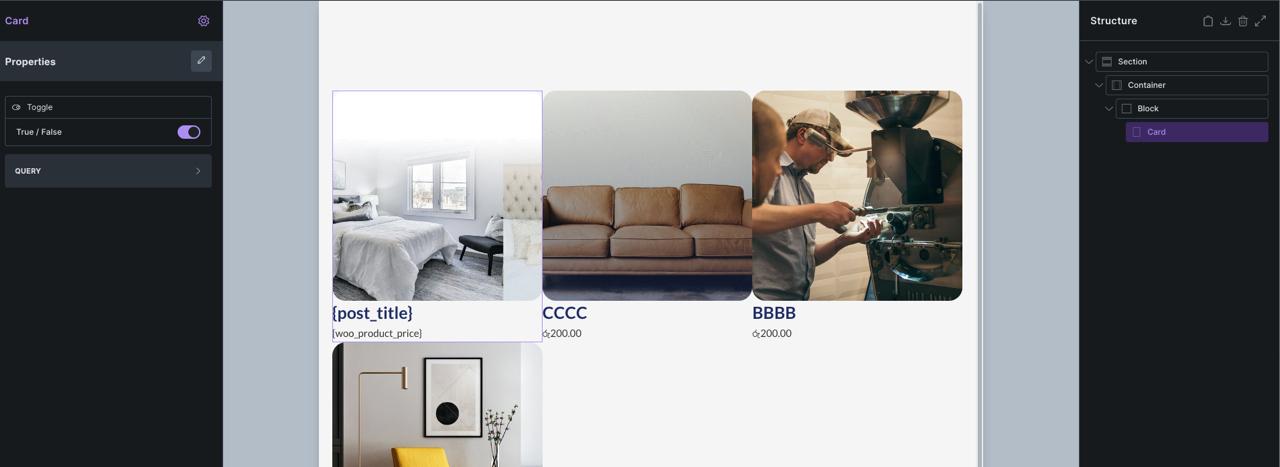
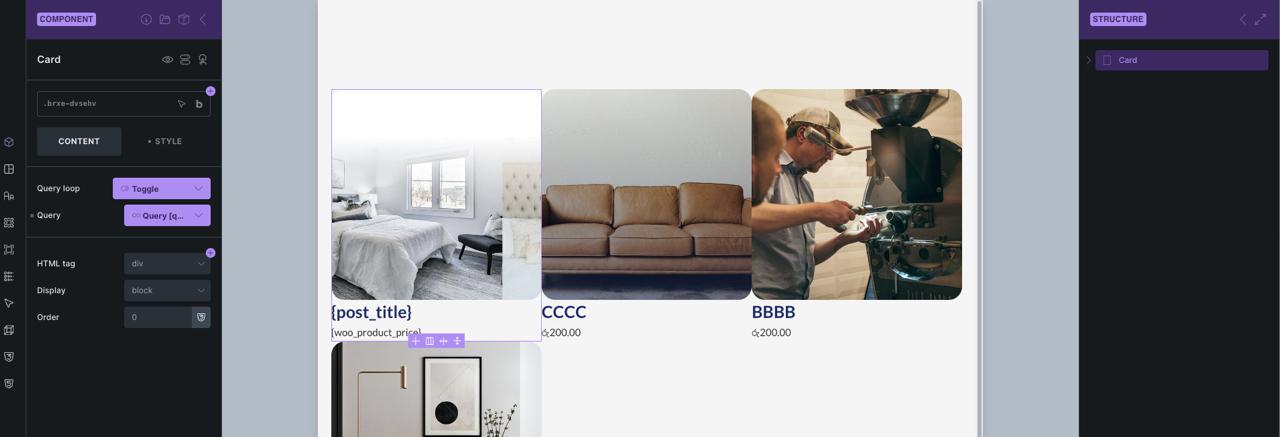
Thank you so much @Binu . Your suggestion helped me overcome the issue, even if in a different way. Thank you so, so much. Using it as a background image didn’t work, but echo works in this form. Since you were so helpful and offered an alternative perspective, I’d like to ask you one more question if I may? The p-card component sometimes needs to take queries from its own query property and sometimes from the parent element. But when you add a property as query, it doesn’t let us leave it empty. Have you encountered a situation like this, and what solution did you use? I thought about putting two different p-card elements into a single component and then using the query property with conditions for visibility, but I’m not sure how healthy that would be in terms of performance
Ahhh, I had completely forgotten about the query toggle. This is exactly the solution I was looking for. I can’t thank you enough. Thank you so, so much for doing me this wonderful favor. If you have a “buy me a coffee” link, I’d love to treat you to one. Really, thanks a lot. @Binu
I’m glad you solved everything with the help of @Binu (thanks!). But for the first issue, yep, now I can confirm it, and I’ve recorded it to our internal bug tracker.



 Thanks for your reply.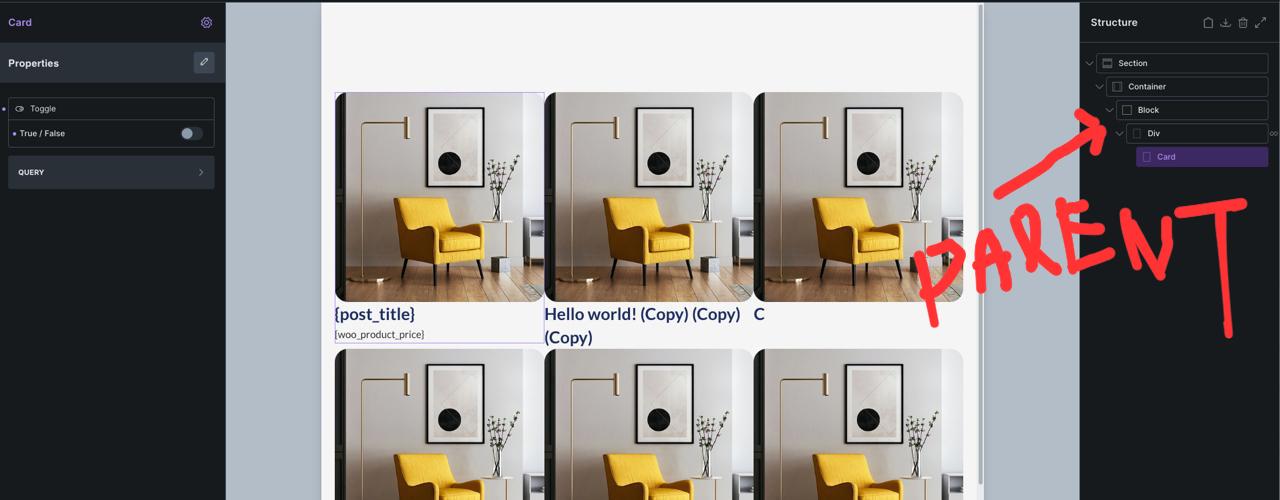
 Really appreciate the coffee offer, that’s super kind of you!