we are using a section templates which gets included into a loop as a shortcode.
background styling of the section is directly related to the generic id.
In backend it works fine and the styling is as expected.
In frontend the id of the section gets renderes as class - which is fine - but the custom stlyes are not migrated to the class and got lost. If you open dev console and add the former id the frontend style of the element is fine.
If we add the styles by using a class it works - putting styles to the template element leads to the missing css in frontend only.
workaround is using classes - which is fine, but it seems to be a bug, when the looped section id gets migrated to class but not its styles.
Unfortunately, I cannot reproduce the issue. Would you be so kind as to provide a live link and a screencast using https://jam.dev showing and explaining how to replicate the issue?
this is a screenshot of a simple Section Template, populated with one Blog Post,
there is a section with 2 columns (standard 50/50), in the left column there is just a title, in the right there is just a background image set as {featured_img} with specific attributes to show the background with repeat, 200px size (green arrows)
btw: i also experienced another small bug here, that the setting e.g. for background-repeat or background-size is not shown correctly (even after saving and reloading the whole page) → red arrow
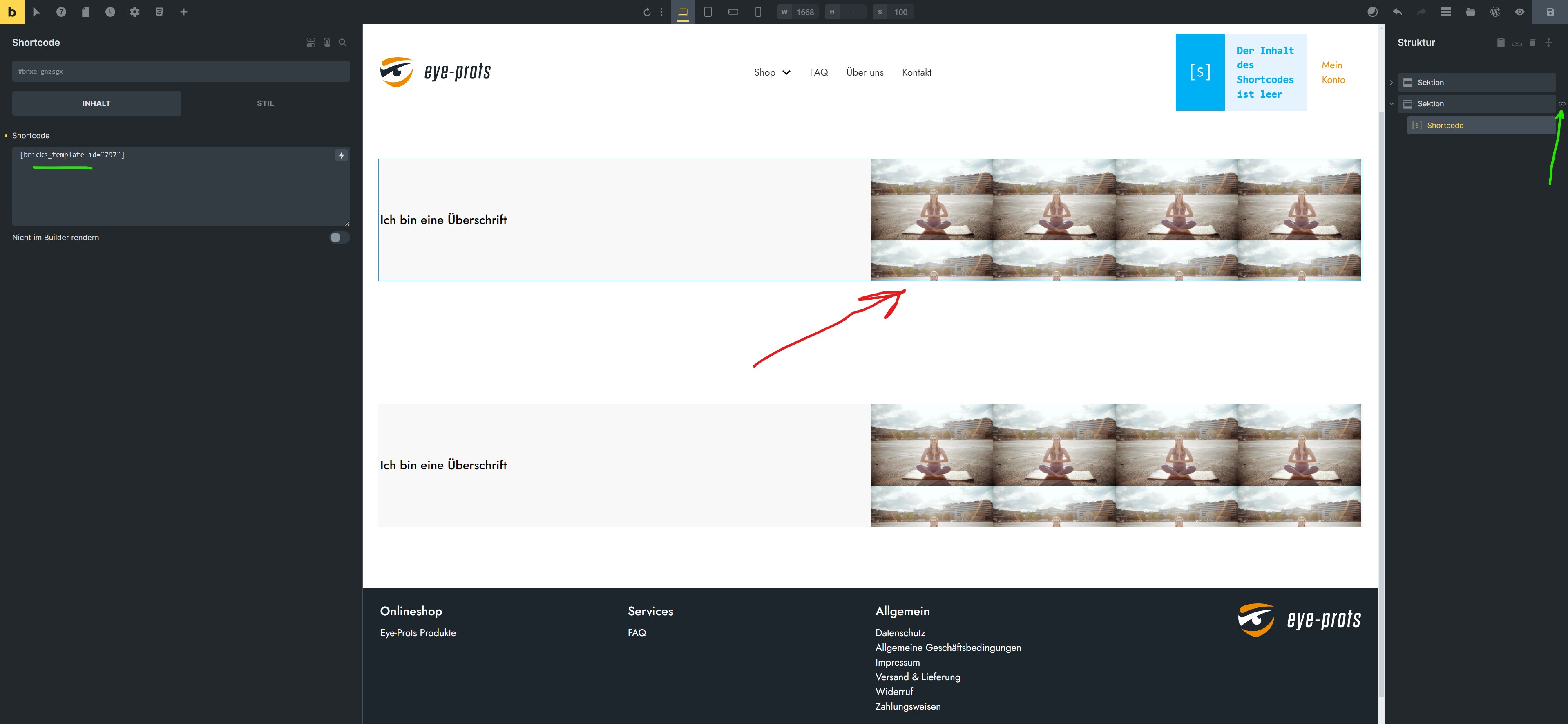
thats a screenshot from a normal page with a loop section (green arrow) which contains only a shortcode to my section template
as you can see on the red arrow, here the preview for the background is correct
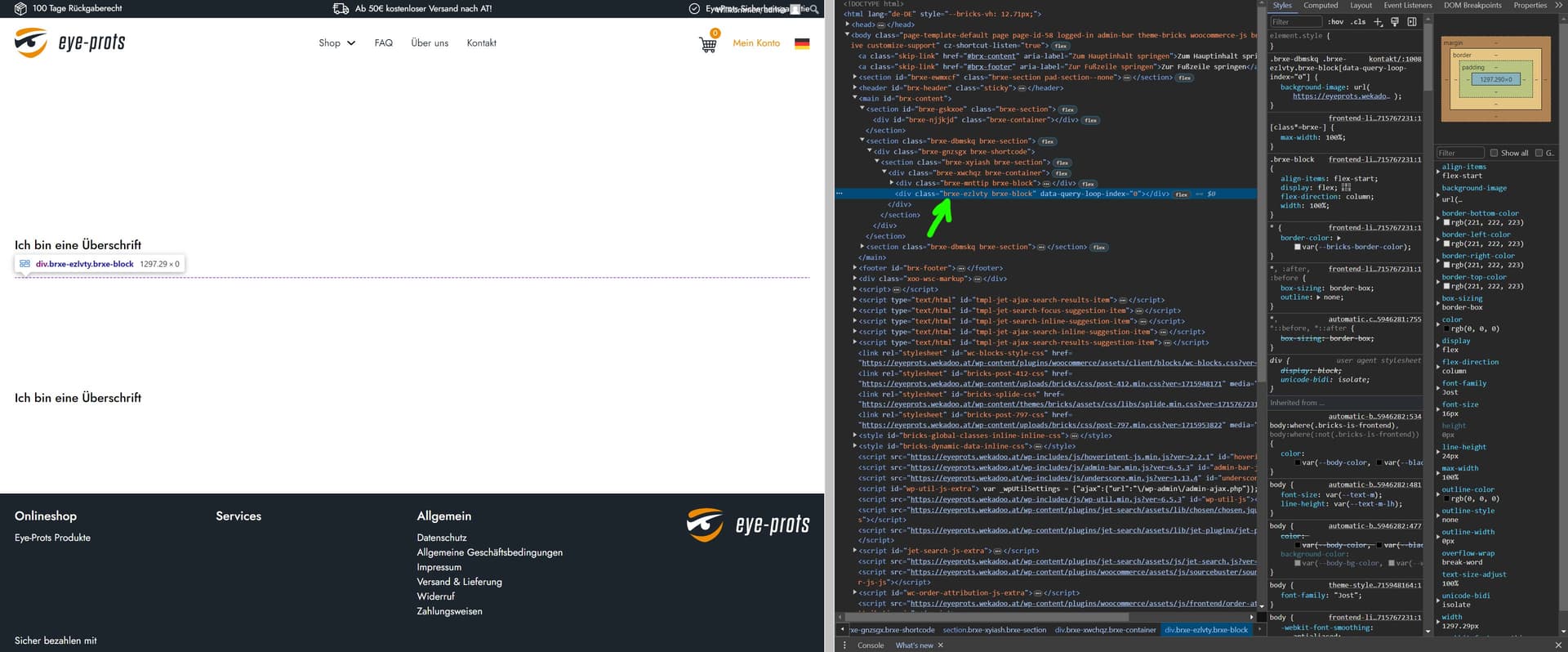
screenshot from the frontend: my two 50/50 columns are now full width and all the settings which were directly done do the element itself (not through classes) are gone. so there is no background with my specific repeat and 200px size settings etc.
IDs of the elements are converted to classes → green arrow
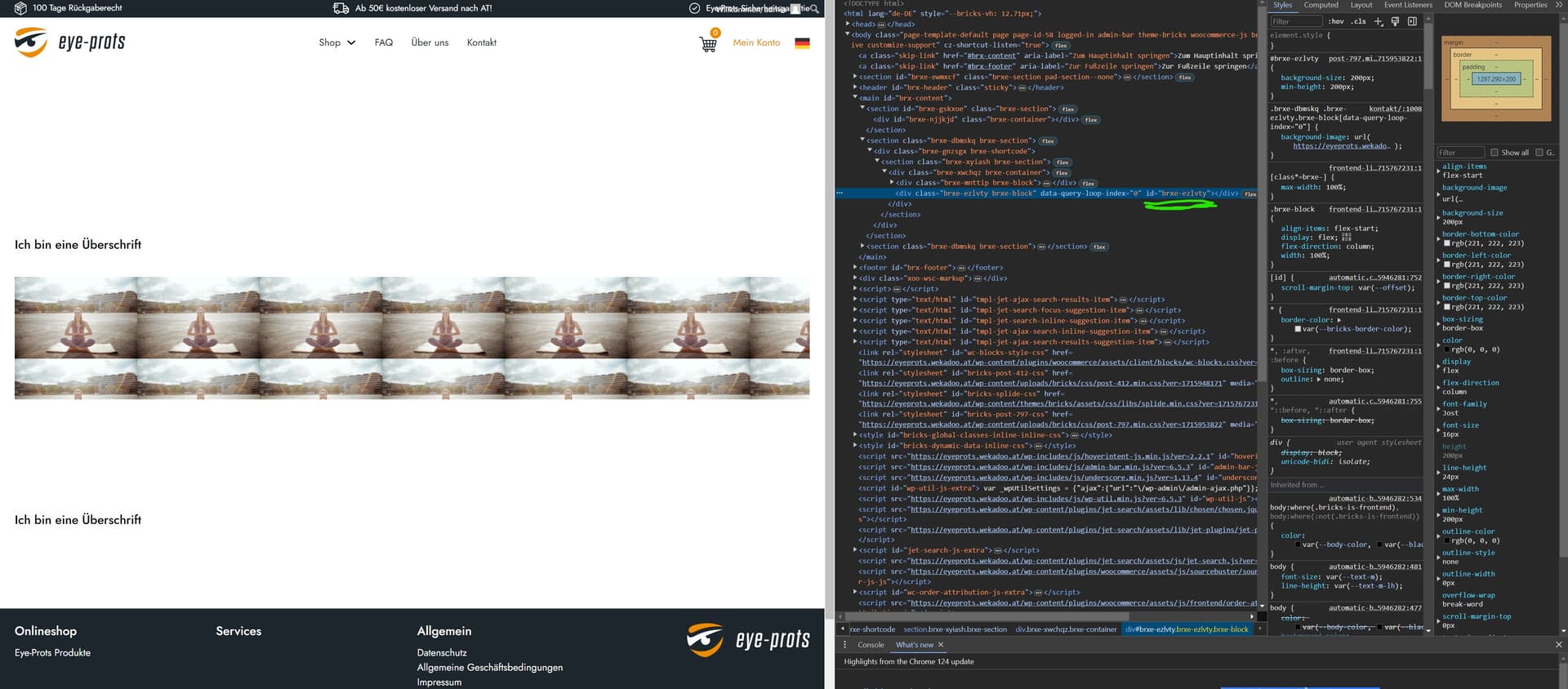
the reason most likely is, because the IDs of the elements are converted to classes, and when i manually add the html code to set the ID, all the settings which have been applied in the builder are correctly shown again. i only did it on that one section to demonstrate (green underline).
it’s logic that in the loop there cannot be multiple items with the same ID, but when it is converted to classes, it should be made sure that there are also the settings correctly converted/transferred