Browser: Chrome 135.0.7049.115
OS: Windows
Hi,
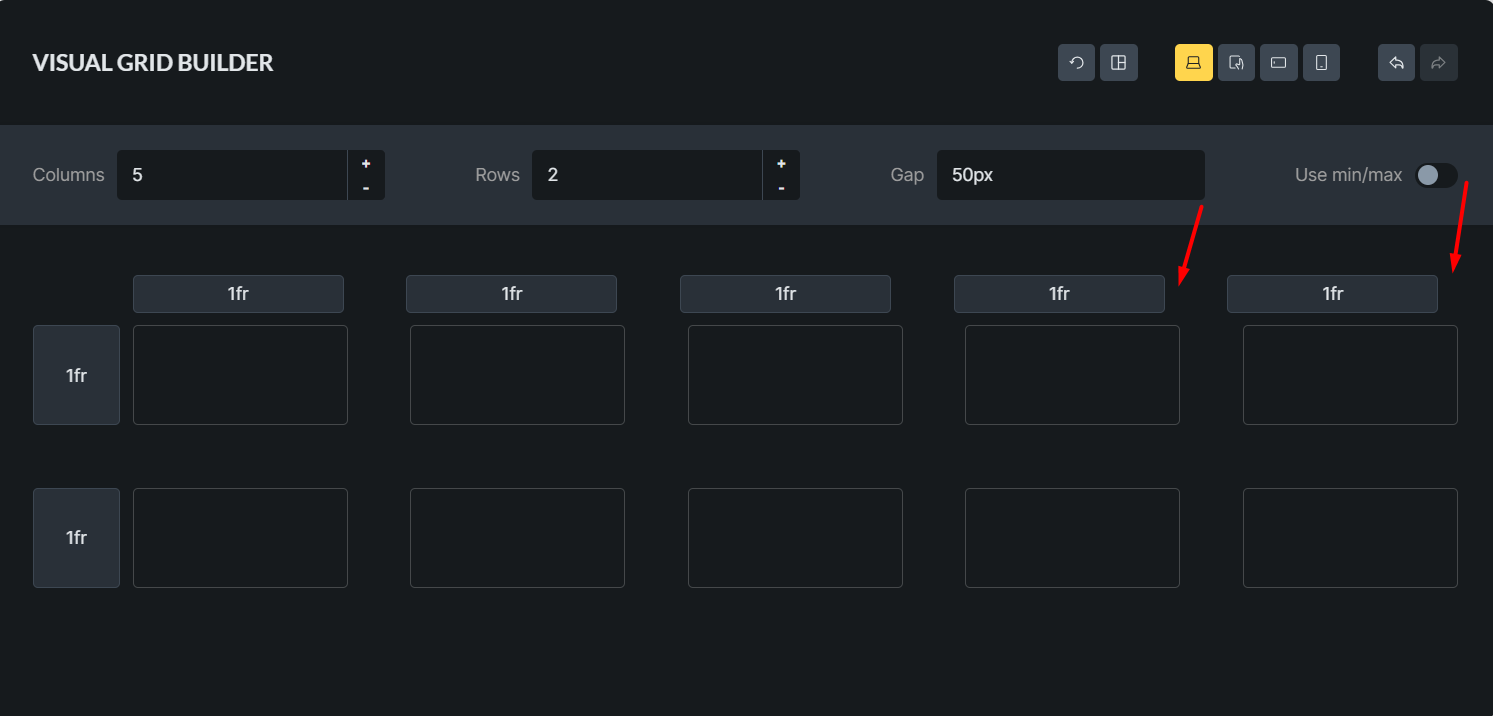
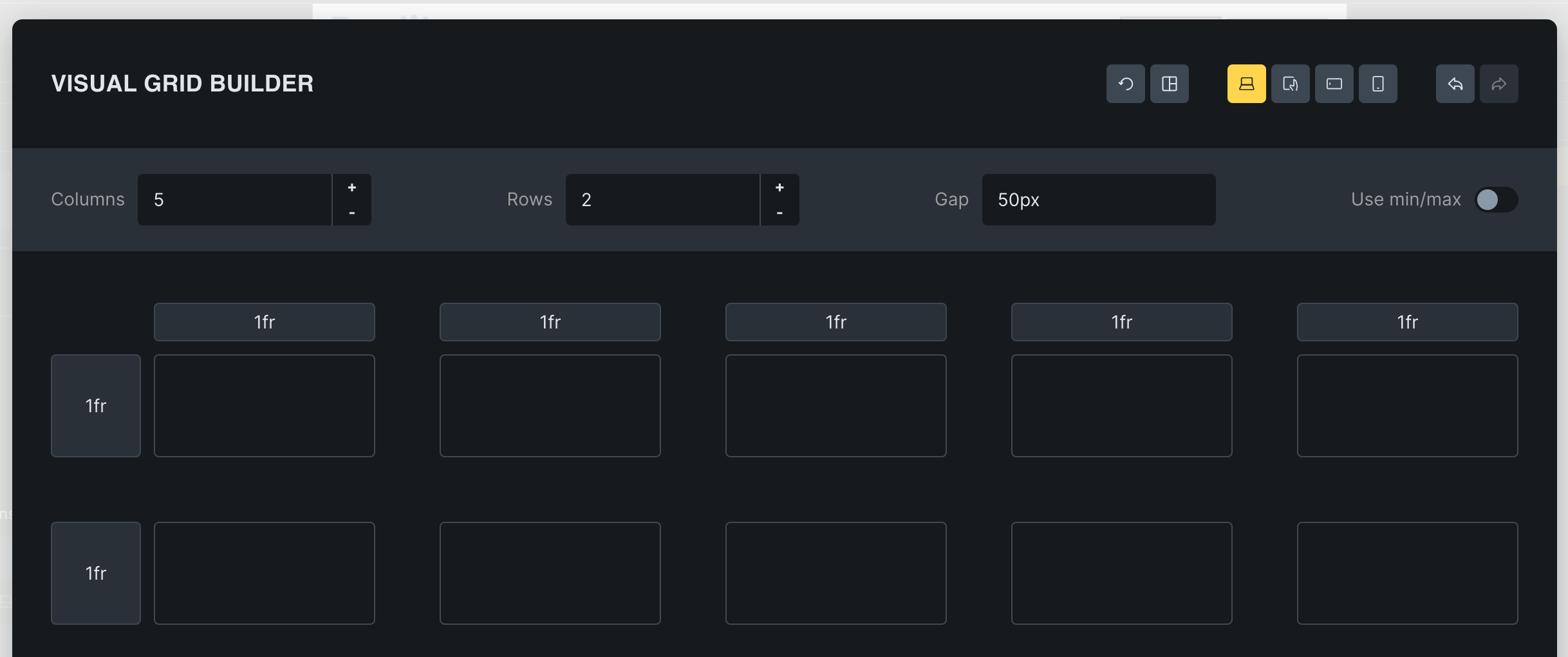
If the number of Columns is 5 or more and the Gap value is 50 or more, there will be a deviation in the Visual grid builder.
Browser: Chrome 135.0.7049.115
OS: Windows
Hi,
If the number of Columns is 5 or more and the Gap value is 50 or more, there will be a deviation in the Visual grid builder.
Hi Hosein,
Thanks again for your report!
Unfortunately, I can’t replicate it 
Could you examine the styles and see what is causing this offset?
Best regards,
timmse
Hi timmse,
First of all, I think if you zoom out your browser tab, you’ll see the problem.
It seems that the problem is with the grid-template-columns value of the Visual grid builder header which is 168.95px 168.962px 168.962px 168.962px 168.95px. When I change it to 1fr 1fr 1fr 1fr 1fr, the problem is solved.
Thank you
Why should I zoom out of the browser tab?
I also see pixel values, but not the problem, so it’s hard to guess what it is in your case.
Why should I zoom out of the browser tab?
This problem seems to be based on the resolution size of the screen. On displays like mine, this problem exists by default.
Since there is no problem with your default screen size, I wanted you to zoom out to see the problem.
Well, I already asked you here about your screen resolution and unfortunately didn’t get a concrete answer 
Anyway, if I reduce the width of my browser window enormously (yes, my screen is pretty giant), I can see the problem 
Well, I already asked you here about your screen resolution and unfortunately didn’t get a concrete answer
Yes, you are right. Sorry I forgot🙏 My resolution is 1920 x 1080 with a scale of 125%.
Thanks again
Hi Hosein,
We fixed this issue in Bricks 2.0 beta, which is now available in your account.
Changelog: Bricks 2.0-beta Changelog – Bricks
Please let us know if you are still experiencing issues.
As with any pre-stable release, please do not use it on a production/live website. It is only meant for testing in a local or staging environment.