ainom
1
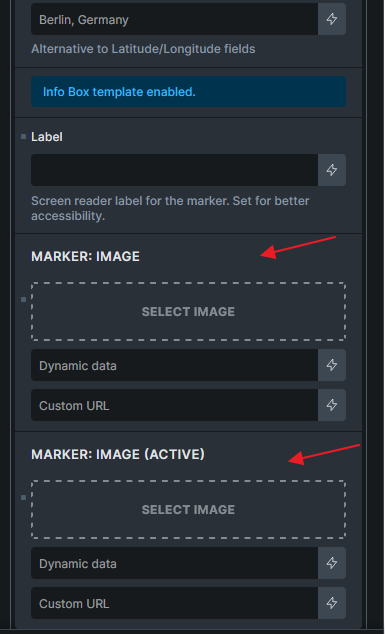
I have a custom post type “Business”. These posts a custom field for the address and an image field for the map marker to use (business_map_marker).
I added a map to a “single” template for Business posts. In the map, I selected the map marker field ({acf_business_map_marker}) for the marker image.
In the editor, it looks fine.
On the front end, the marker is always the same marker as is used in the editor (based on which post is set with “populate content”.
@ainom
First of all, what map setup you are using.
Static, Query loop or Sync with query?
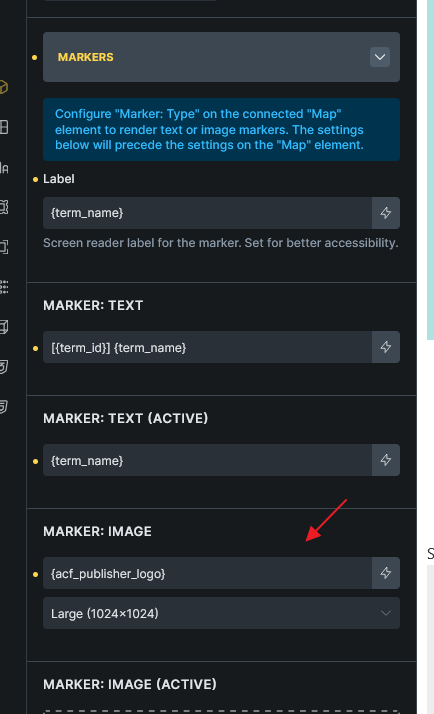
If Query loop, you should set it on Addresses of the Map element
If Sync with query, you should set it on the Map Connector’s Markers group
Regards,
Jenn
ainom
3
I suppose the closest answer would be “static”. It’s not in a query loop…the map element in on the template for “Business” posts.
Hi @ainom ,
Thank you very much for the clarification.
I can replicate this Static setup bug on my local site.
Recorded this into our bug tracker.
Regards,
Jenn
We’ve addressed this in Bricks 2.3.6, now available as a one-click update in your WordPress Dashboard.
Please read the changelog entry before updating, and let us know if you experience any issues.