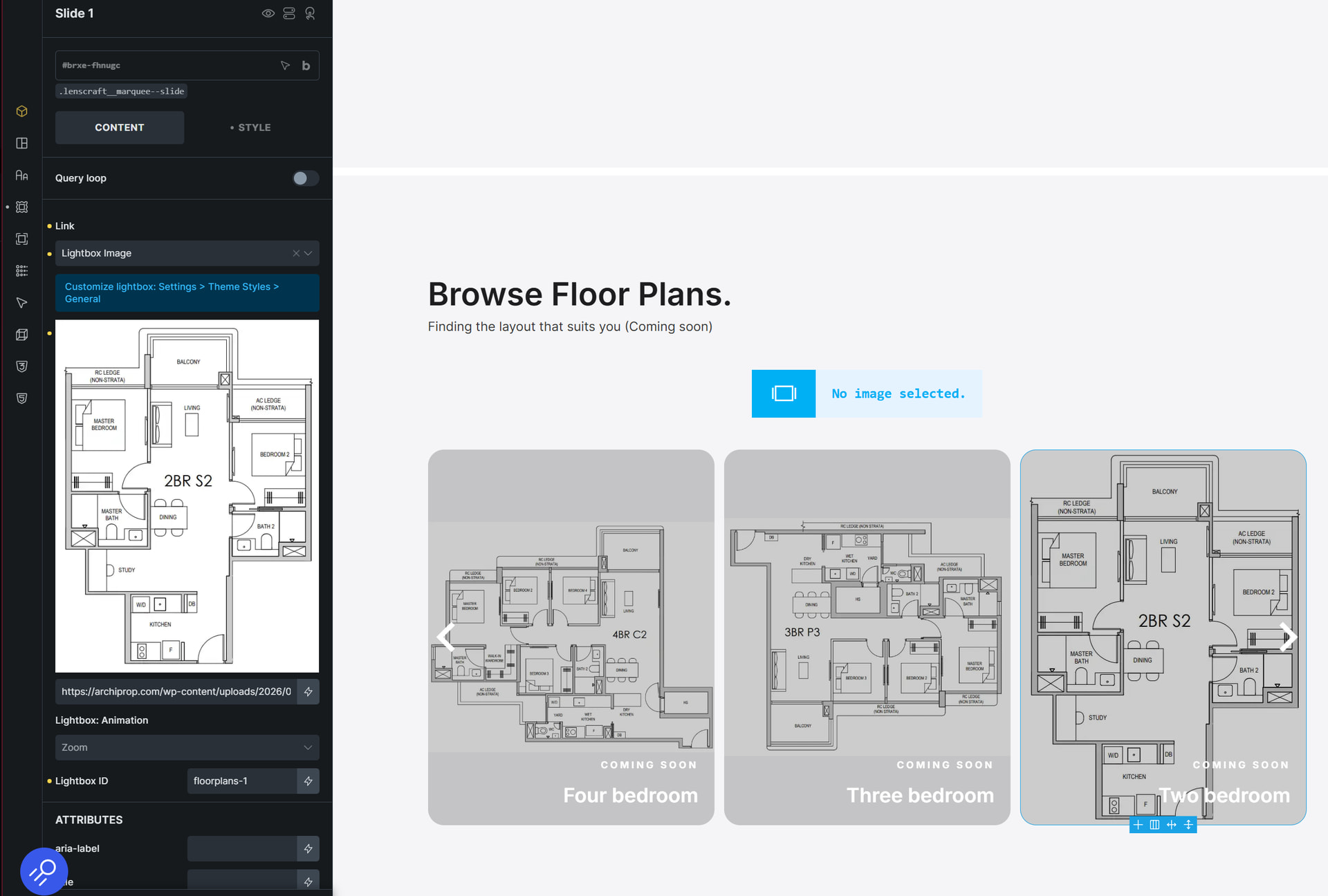
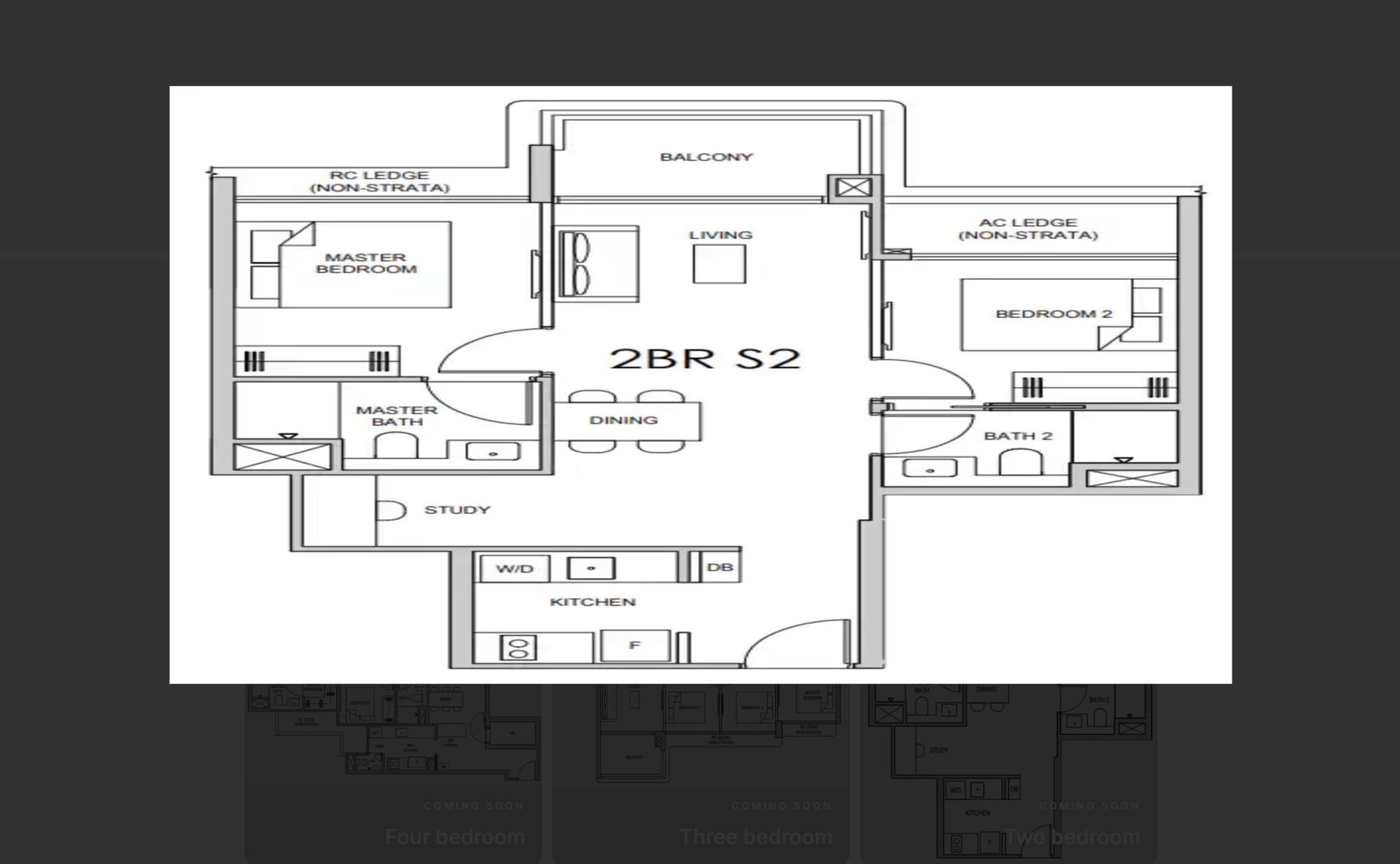
Hi, I have a question on lightbox in slider element.
Right now when I add lightbox into the respective slides, the lightbox defaults to 1920x1080. Some of my images in slider is portrait size. As a result they can stretched horizontally by default.
I saw some documentation on making images “Full” size but those were more for another element i believe, not for Sliders.
May I know how do I set the lightbox to adhere to respective image sizes and proportions, please?
Thanks!
Hi Shay,
Unfortunately, you can’t set custom sizes for the lightbox right now—that currently only works with the direct “link to lightbox” setting. That’s why I’ve moved your thread and created an internal task regarding this.
Until this is implemented, you should avoid using external or custom URLs, since the problem doesn’t occur with images from the media library—in that case, the image size can be reliably determined.
We’ve addressed this in Bricks 2.4-beta (beta release), now available for manual download from your Bricks account.
Please read the changelog entry before testing, and let us know if you experience any issues. Note: beta builds are not recommended for production sites.