SOLVED: Jet engine cpt issue in bricks

Browser: Chrome 138.0.7204.50
OS: Windows

Hi bricks team,

On my test site, I have a CPT (with jet engine) whose name and slug are faq. There is also a page with the name and slug faq. In fact, this slug similarity is because the page is recognized as cpt archive.

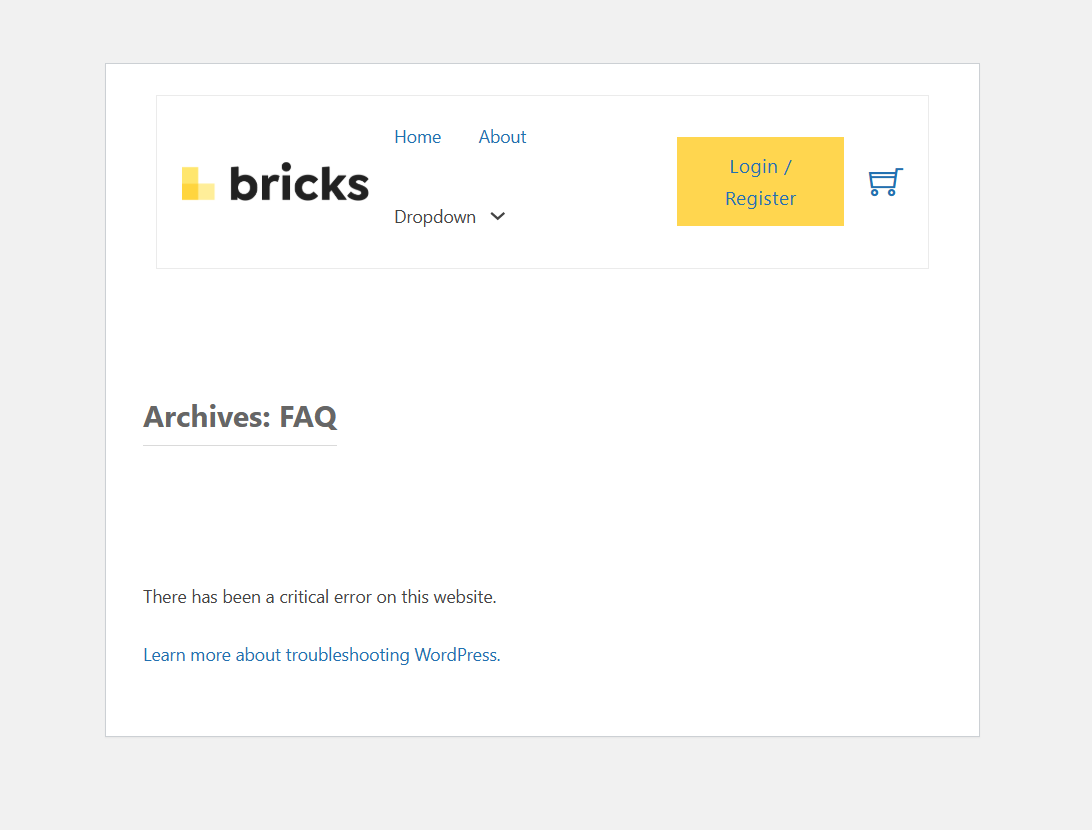
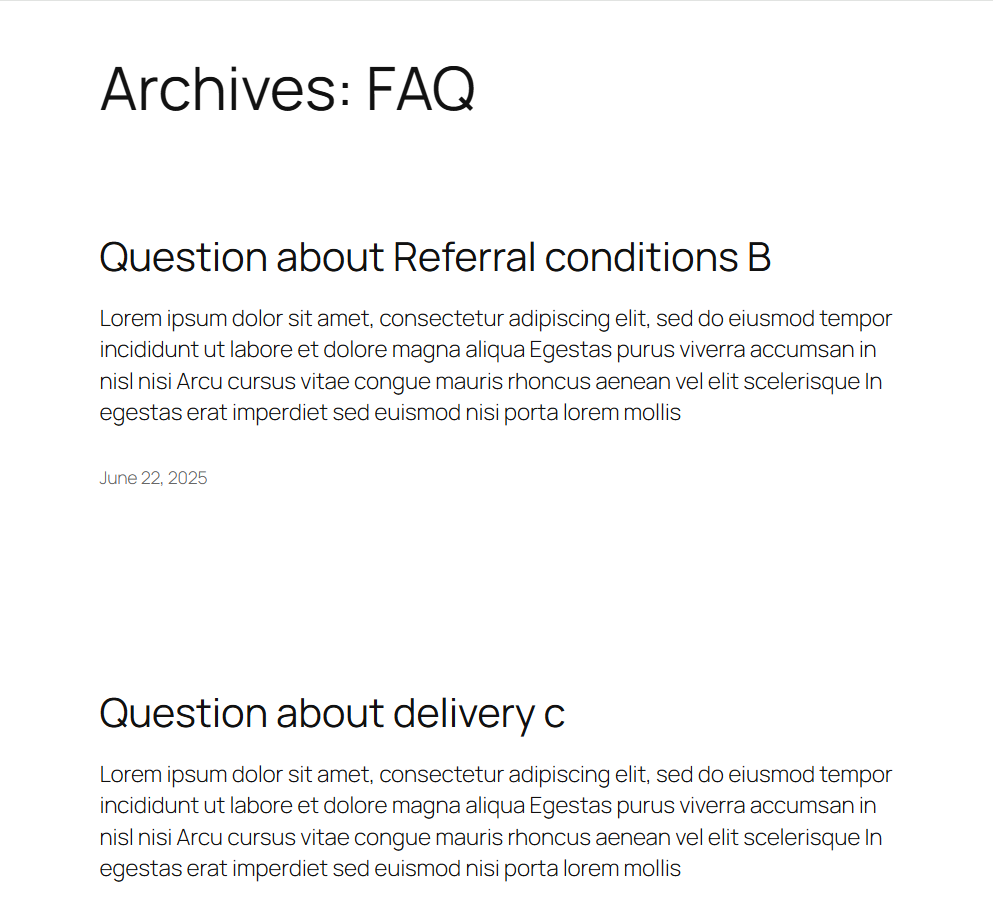
The problem is that when we view the page, it is completely broken. But in the 2025 theme, the archive renders.

Is there a problem here, or is it better to have different cpt and page slugs?

Bricks

2025 Theme

Have you tried to disable archive in JE CPT settings?

Enable WP_DEBUG and see what the generated errors are.

Hi @itchycode And @Illarion,

Have you tried to disable archive in JE CPT settings?

I tried it before but it didn’t work. I did it again now and then saved the permalinks and it worked fine. Thanks!

Enable WP_DEBUG and see what the generated errors are.

Yes, of course.

[01-Jul-2025 15:22:20 UTC] PHP Fatal error: Uncaught Error: Class ā€œBricks\Element_Postsā€ not found in /public_html/wp-content/themes/bricks/template-parts/content.php:34
Stack trace:
#0 /public_html/wp-content/themes/bricks/archive.php(13): include()
#1 /public_html/wp-includes/template-loader.php(106): include(ā€˜/home2/gerozair…’)
#2 /public_html/wp-blog-header.php(19): require_once(ā€˜/home2/gerozair…’)
#3 /public_html/index.php(17): require(ā€˜/home2/gerozair…’)
#4 {main}
thrown in /public_html/wp-content/themes/bricks/template-parts/content.php on line 34

Hi @HOSEIN ,

Did you disable the Posts element in Bricks > Element Manager?

This element will be used if you have no custom template created for your archive pages.

Regards,
Jenn

1 Like

Hi Jenn,

Yes, that’s right. If I enable the posts element, the problem is solved. So should the posts element always be active? Even if we don’t use it? Because now the query loop is the best option.

Yes Hosein.

I will discuss with the team and maybe we will set it as a Mandatory element like Container as well.

1 Like

We’ve fixed this issue in Bricks 2.0.2 now available as a one-click update in your WordPress Dashboard.

Please take your time to read the changelog entry before updating: Bricks 2.0.2 Changelog – Bricks, and let us know if you continue to experience issues.
1 Like