Browser: Chrome Version 142.0.7444.60 (Official Build) (arm64)
OS: macOS
URL: https://lerako.edynam.com/
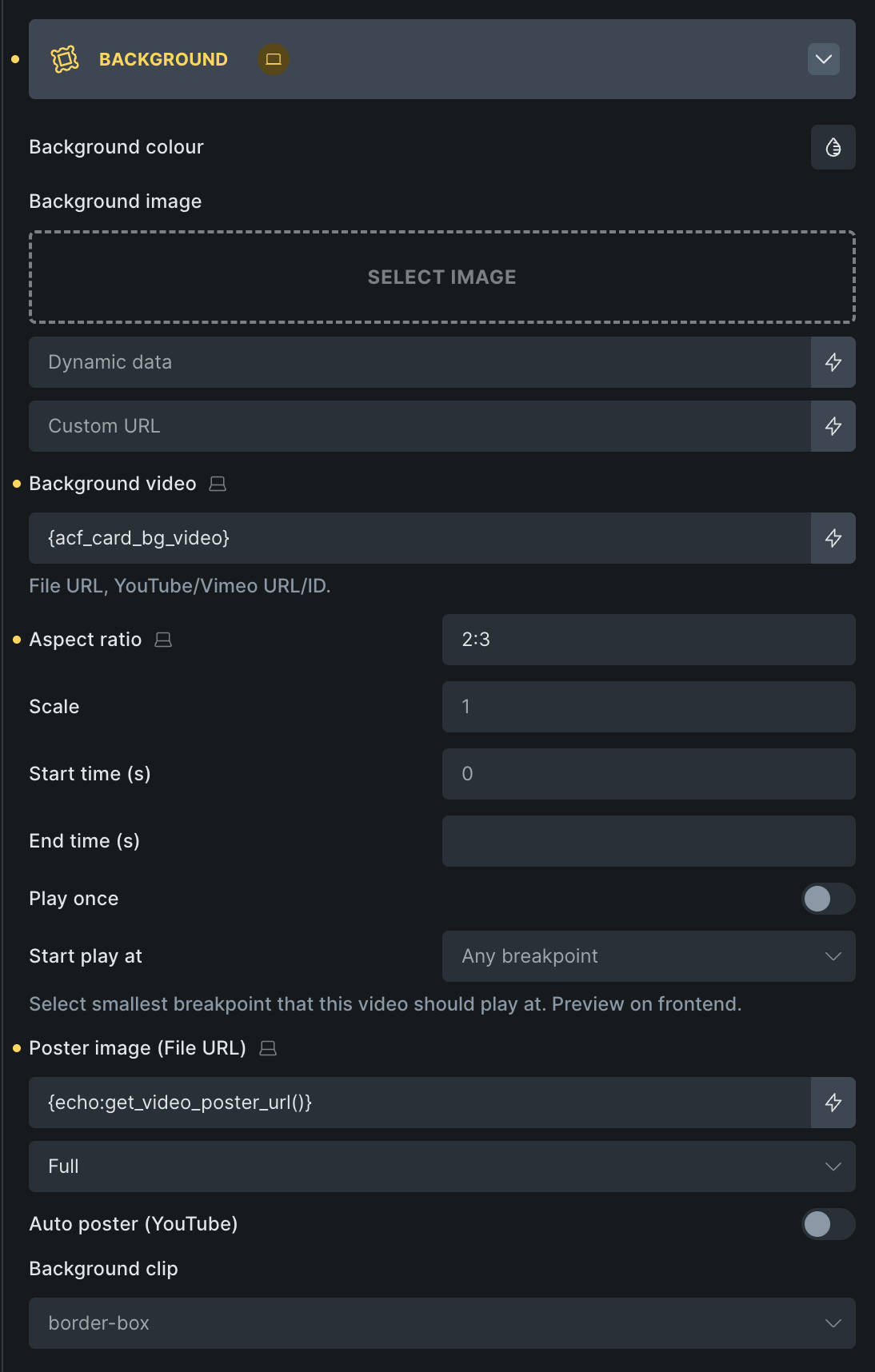
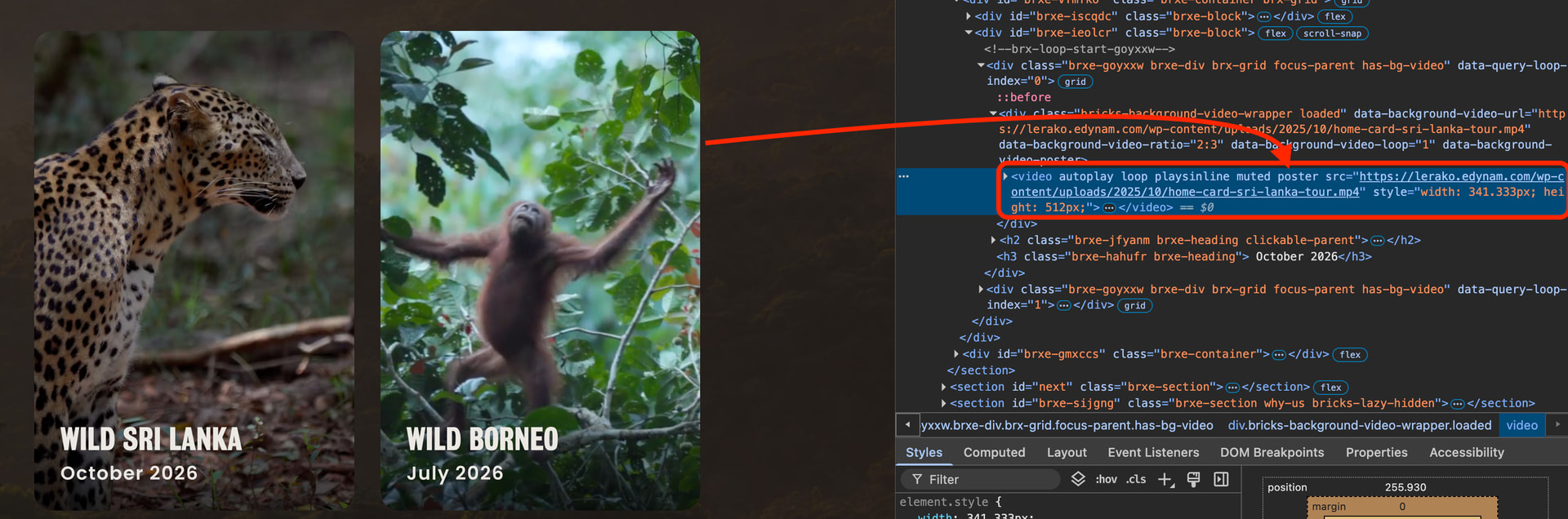
When trying to add a background video poster using dynamic data, the image does not appear. For reference, I am using ACF for a custom CPT and have tried:
- using the image field and returning the image URL
- using the image field and returning the image ID
- using the file field and returning the file URL
- using the file field and returning the file ID
I even tried making a custom function get_video_poster_url(), which does give me the URL when I use it on a text field but all of these attempts return an empty poster attribute on the video.
After some more testing, I found the issue only happened inside a query loop. When testing on my CPT’s single post page, it pulled the field in successfully.
I’ve tried disabling all plugins but the issue still stick occurs.
I’m happy to provide temporary access to the site upon request.
Thanks in advance!