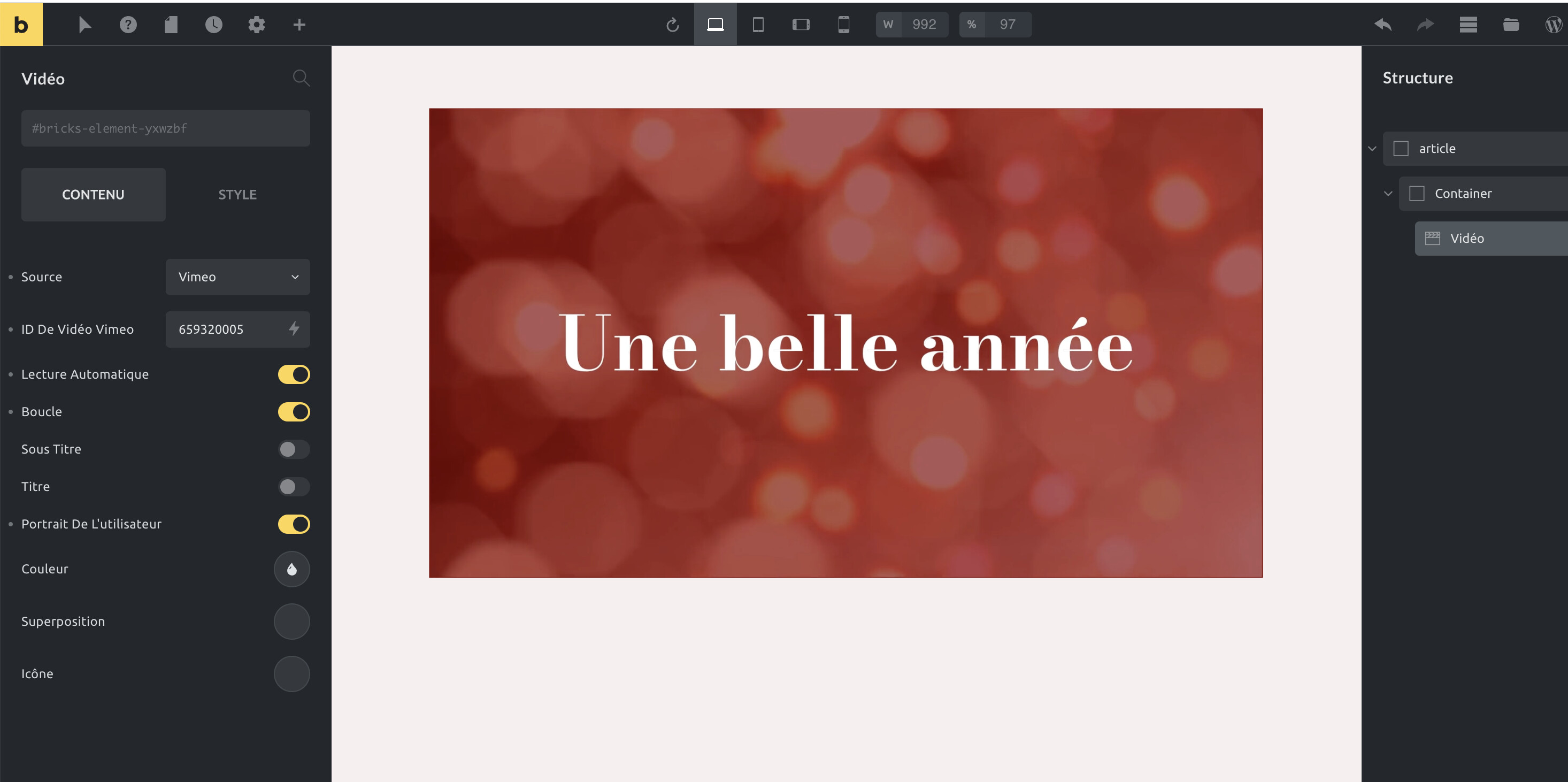
Hi there!
I’ve tried to embed a video from Vimeo without success.
Tried two different paths : from URL or with Vimeo ID.
And let it public…
Output on the page is the link.
Any idea to fix it ?
Thanks a lot!!
Hi there!
I’ve tried to embed a video from Vimeo without success.
Tried two different paths : from URL or with Vimeo ID.
And let it public…
Output on the page is the link.
Any idea to fix it ?
Thanks a lot!!
Hi Frederique,
The screenshot doesn’t match the URL you’ve provided. You’re using the video element in the screenshot, which works fine. However, when I look at the code under the given URL, you’re using the rich text element?
We currently have a confirmed bug with embeds in the rich text element if you’re using the rich text element to render post_content (instead of the post content element), but I’m not quite sure if this matches your problem.
Would you please explain the steps of how and where you’ve added the Vimeo video?
Best regards,
timmse
Thanks a lot Tim
The link is the vimeo one and screenshot shows us that video works well into Bricks but not after editing.
i’ve just add a screen video here > Dropbox Capture
Hm strange, I cannot reproduce this. Would you mind trying to remove every element on the page and rebuild it? Shouldn’t take too long 
If that doesn’t work at all, please send temporary login credentials + a link to this thread to help@bricksbuilder.io.
Best regards,
timmse (whose name is actually Stefan, not Tim  )
)
Rooooh  You sign timmse
Unfortunaly, issue’s remaining, I’ve sent an email to Luis and support no urgency, have a wonderful end of year!
Hello @frederiquegame
Thank you for the login credentials.
As @timmse explained, the current Bricks version has a bug with the {post_content} tag when rendering embed code like the Vimeo iframe. This will be fixed in the coming Bricks release.
The Bricks content for that page was replaced by the Bricks template you assigned to all the pages of your installation. That template contained a {post_content} tag to load the page Gutenberg content, that is why the Vimeo video was not loading.
I added an exclude condition to exclude this particular page of using the page template, and so, it now loads the page Bricks content, which contains a Video element.
This is happening to me. I have some gutenberg content embedded in the Bricks page, and I’m trying to add the vimeo video in the Bricks portion, but it keeps saying the video doesn’t exist, or that it’s a bad link or whatnot.
I don’t have a ton of time to devote to troubleshooting this so I am just going to embed the video via gutenberg for now, but the layout is not as flexible and this seems like an imminently fixable bug. Not sure why it hasn’t been addressed yet when others noted it so long ago. Encourage the bricks tech folks to address it.
As a somewhat casual user I feel like I find a lot of bugs that I as a somewhat layperson don’t have the knowledge or bandwidth to fix. We are using this platform for our website because it’s what the designer used, but in terms of doing maintenance content updates it seems more buggy overall than I would prefer.