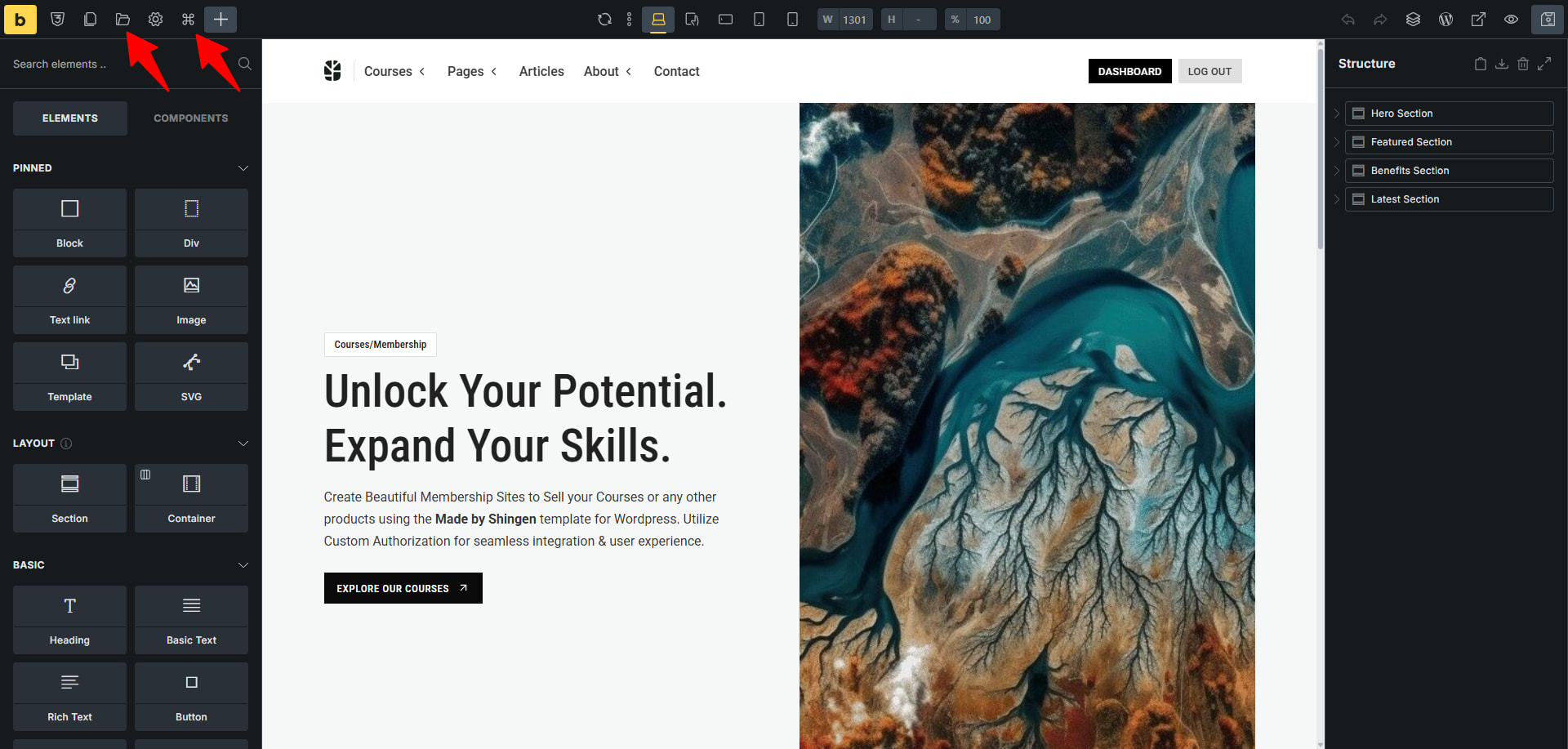
I’ve located how to swap between pages and custom posts when using Instant Navigation in Bricks 2.2… But how do you switch between Bricks templates (Header, Footer, Single Post, Archive, etc.)? I can’t seem to find a list of templates to switch between within the builder.
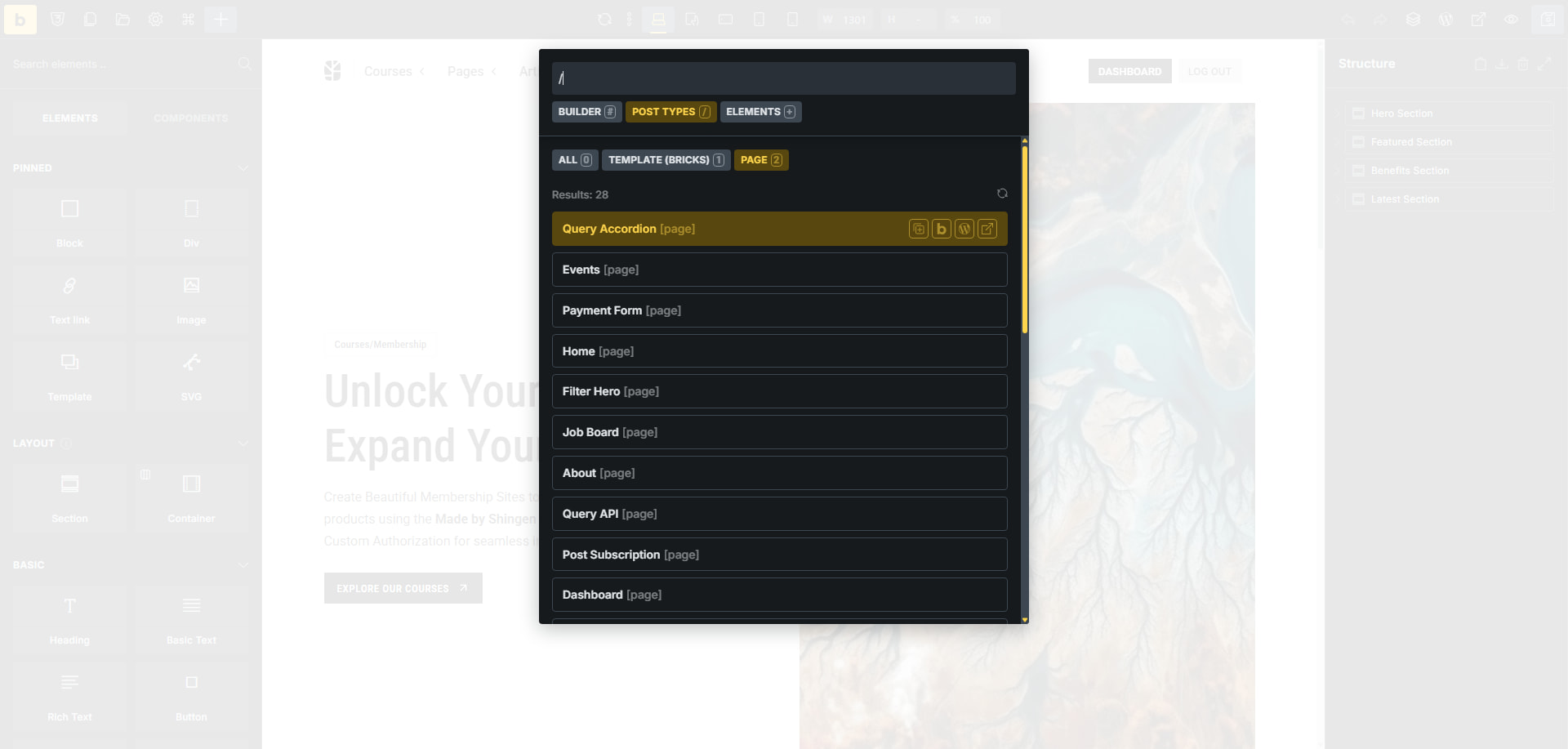
Plus, you can use the Command Tool to search through all of them in one place. Super slick and fast. You can learn about it here: Command Palette – Bricks Academy
Hi there! Thanks for the reply - but this isn’t quite what I’m looking for.
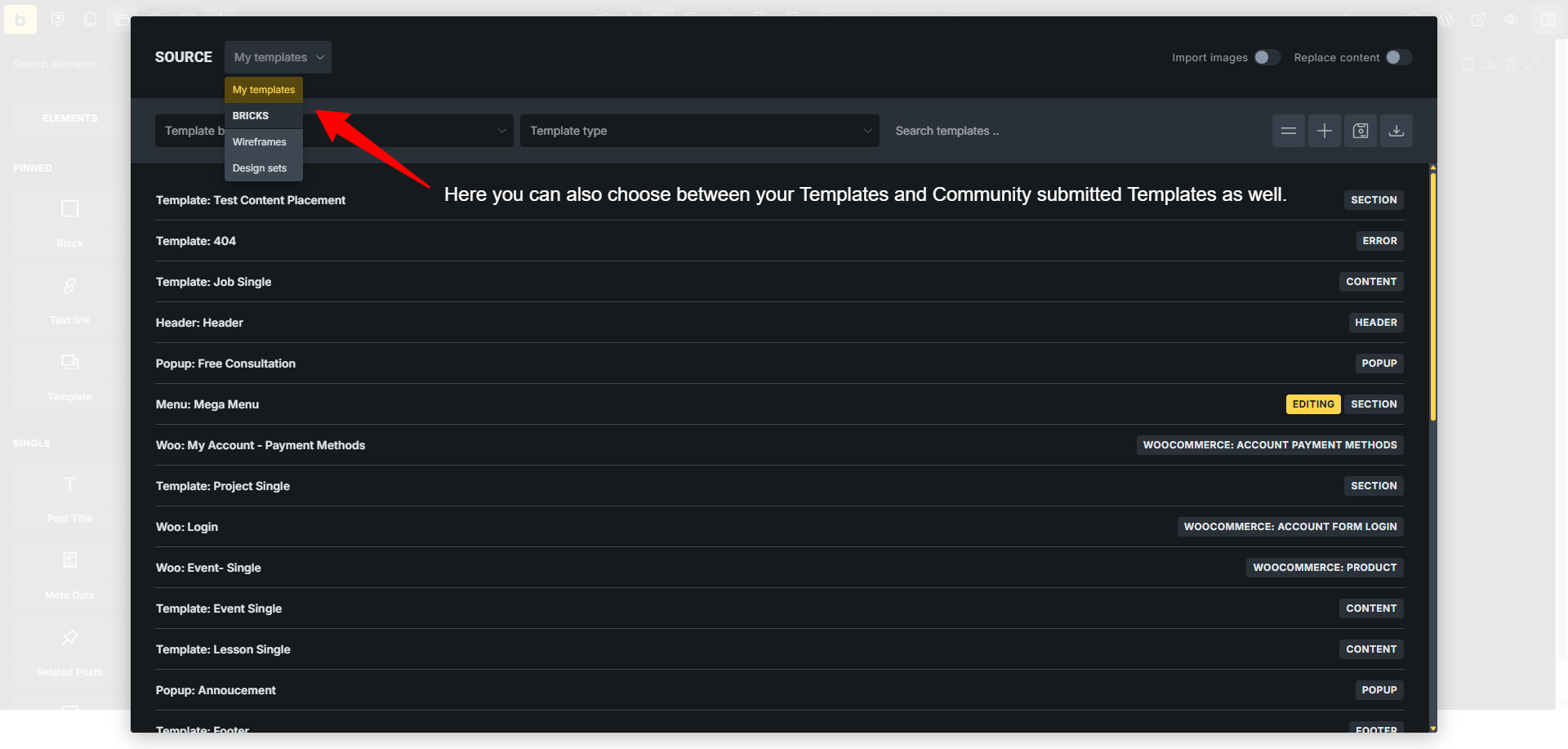
To clarifyI am not looking to Instantly Navigate between Design Templates, I want to Instantly Navigate between Bricks Templates (Header, Footer, Single Post), etc.