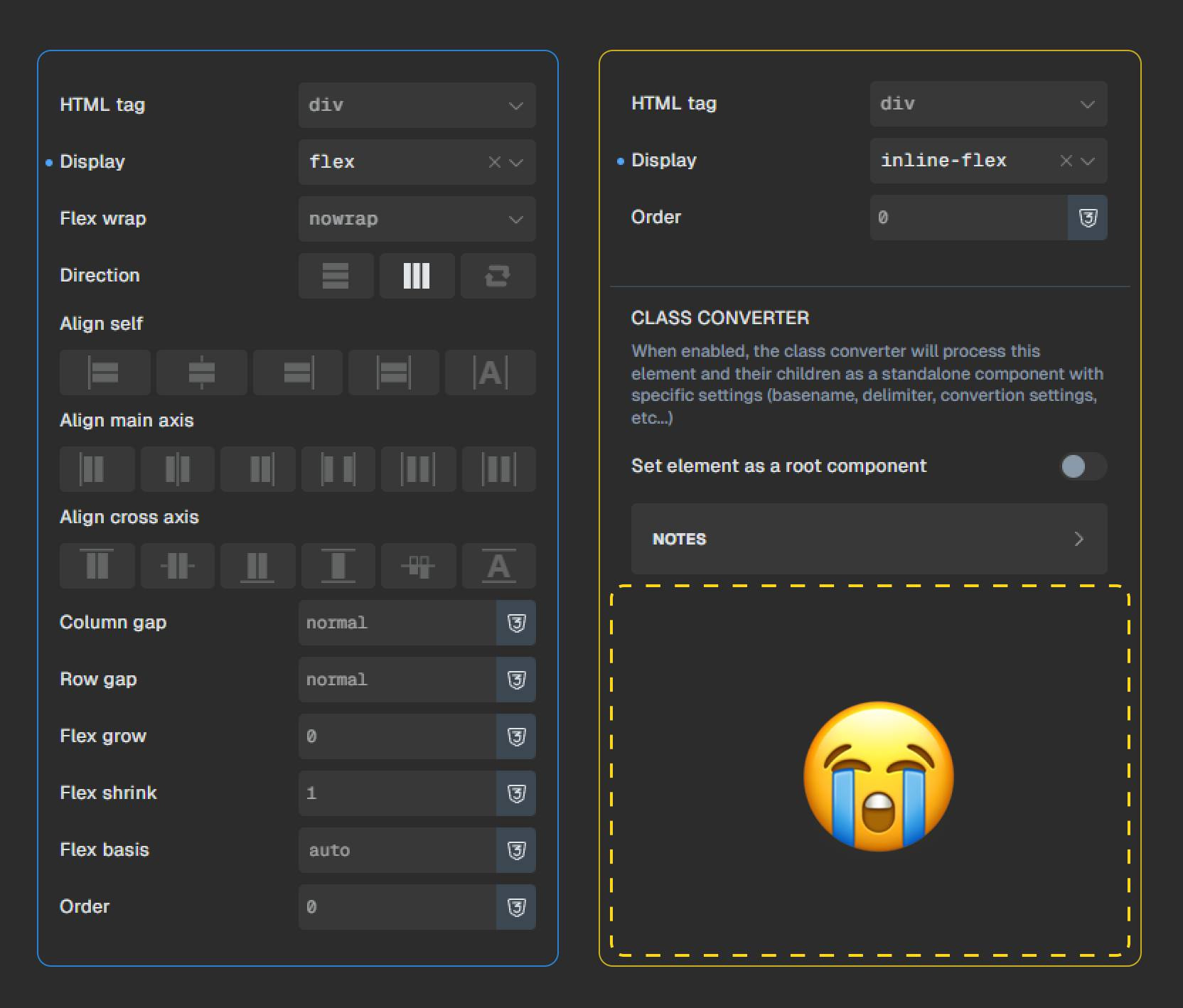
How do You handle items or containers displayed as inline-flex?
Custom CSS or some trickery with classes near by?
Curious of your solutions, and honestly missing a bit an immediate and notaworkaround way of working.
I was been told by Matt Hiass to report in here the issue, but I suppose this is done by design, and “inline-flex” belongs to the custome display types, therefore there’s no UI controls - so is it maybe more of a feature request?
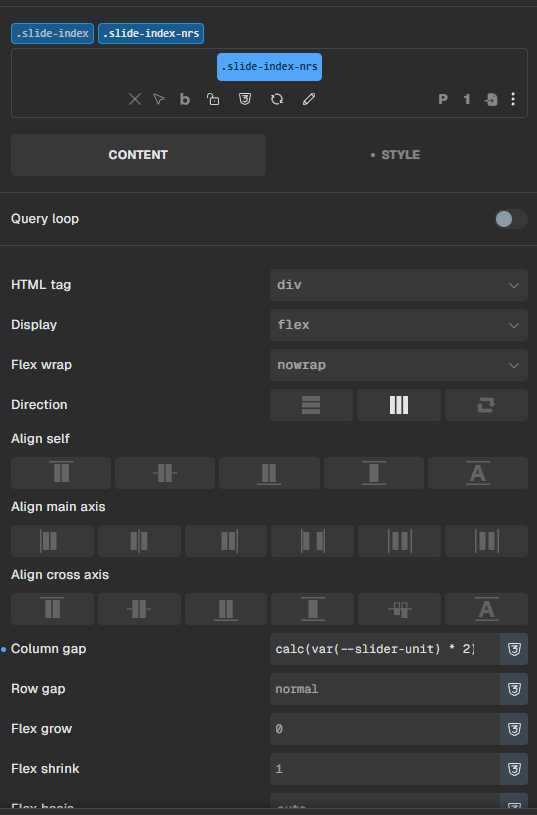
In this case .slide-index is set to inline-flex, while a more detailed class orchestrate the inline-flex. That’s m..ok - even if it leads me to have more classes than I should (plus - i’d prefer to have a cleaner DOM, just a personal taste). That brings me to a topic i already said in the past - having complex selectors too, would resolve in a less class filled DOM - but it’s more than ok, i adapted my worflow, so it’s more like i’m being fassy, i admit. But hey, it’s all about improvement and positive critique, hopefully leading to a better and more complete product, which we all like to love to work-with
Yeah, you’re right. It’s more of an improvement, so I’ll move it. However, I agree that it’s currently quite cumbersome to use inline-flex—especially with layout elements.
We’ve addressed this in Bricks 2.4-beta (beta release), now available for manual download from your Bricks account.
Please read the changelog entry before testing, and let us know if you experience any issues. Note: beta builds are not recommended for production sites.