I was playing with the beta version a little bit on one of our card design that has an intial number and then go us up to a number that is retrieved from the attribute data-target.
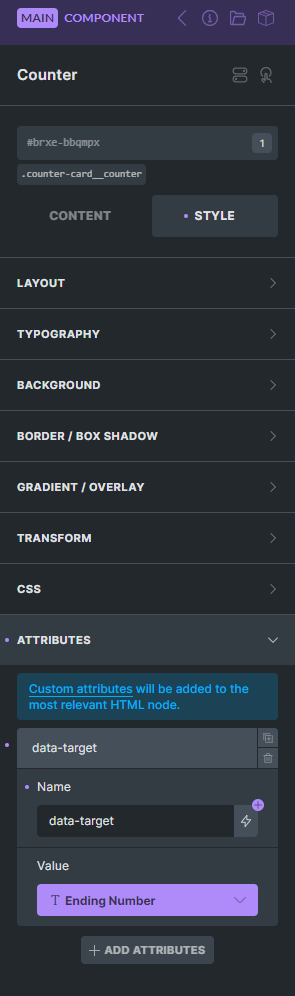
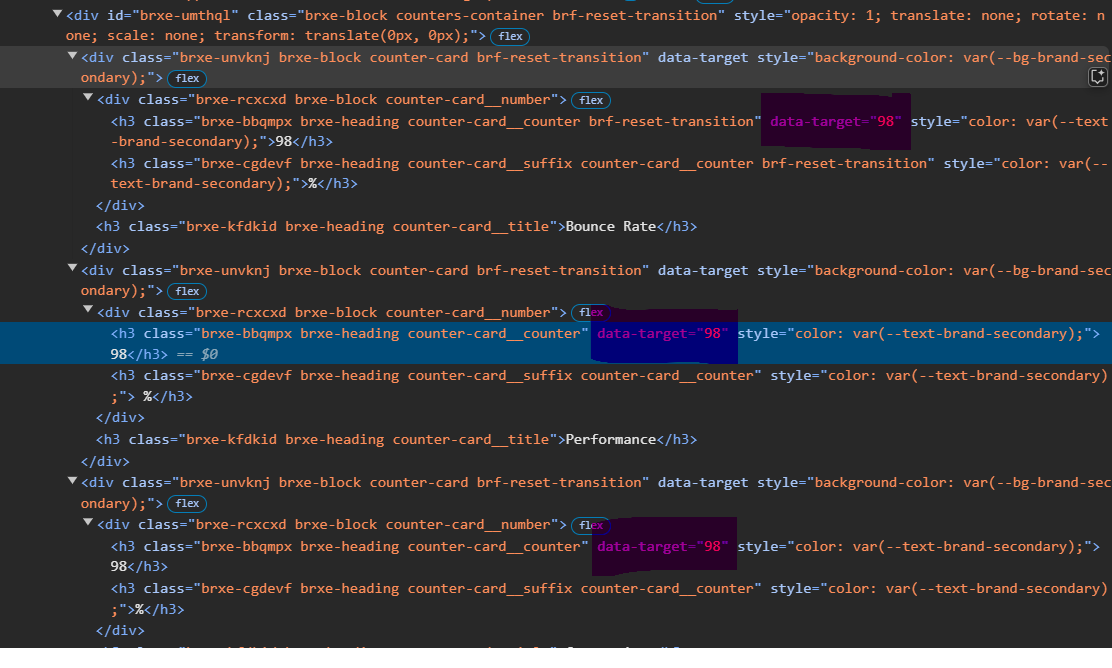
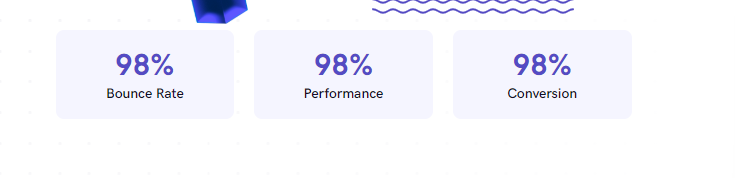
I’ve tried mapping this data-target attribute using a property for it inside the component and upon creating multiple instances with different property values, I found out they all render the same number in the front end.
No I didn’t do a query loop, just duplicated and filled the values manually. I don’t have anything special going on that would interfer with the rendering of the correct html value.
Does the property in your case have a default value? if it doesn’t that could be the reason it shows empty.
Hmm, I’ve tested same. Is the “98” in your case the default value of the property?
If not, to which card you set this value? Before or after duplicating?
Actually I just checked the deafult value in my case was 99, I taught it was 98, because they all still have 98 nomatter how many instances I created.
but when I disconected the property from the attribute, it was 98 there, which is the value I had there and I didn’t remove it, I just linked the property. so I guess that’s where 98 was coming from in my case.
When I removed the 98 and then linked the property, I get empty value just like you now.
Yep, that’s it Thank you for checking this out. This also explains why I got an empty attribute (because I didn’t have any value before), and why you got 98.
 Thank you for checking this out. This also explains why I got an empty attribute (because I didn’t have any value before), and why you got 98.