Browser: Chrome/Firefox
OS: Linux
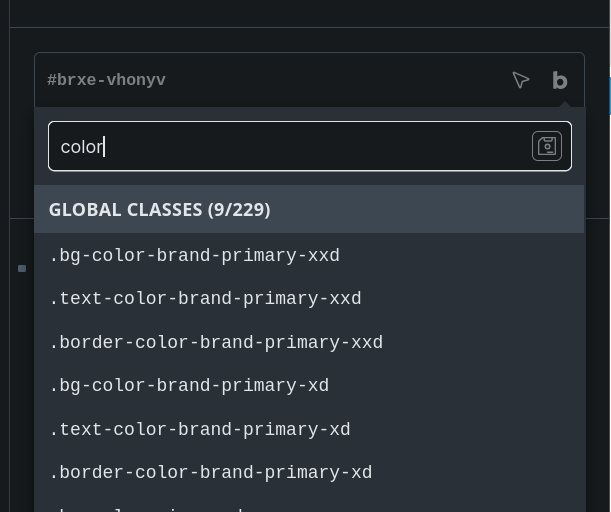
When importing a Color Palette with utilities, the utilities show as active in the Style Manager and in the generated CSS, but they don’t show up in the Bricks Editor under Classes unless I manually click one of the utilities off and then on again. In the below images, I clicked border-color off and on again for –color-brand-primary-xxd, but not –color-brand-primary-xd. You can see that the three utilities for brand-primary-xxd are in the dropdown, but not the *-xd.
    {
      "raw": "var(--color-brand-primary-xxd)",
      "light": "var(--color-pine-xxd)",
      "darkModeEnabled": false,
      "dark": "var(--color-pine-xxd)",
      "id": "da4759",
      "utilityClasses": [
        "bg",
        "text",
        "border"
      ]
    },
    {
      "raw": "var(--color-brand-primary-xd)",
      "light": "var(--color-pine-xd)",
      "darkModeEnabled": false,
      "dark": "var(--color-pine-xd)",
      "id": "15ff73",
      "utilityClasses": [
        "bg",
        "text",
        "border"
      ]
    },
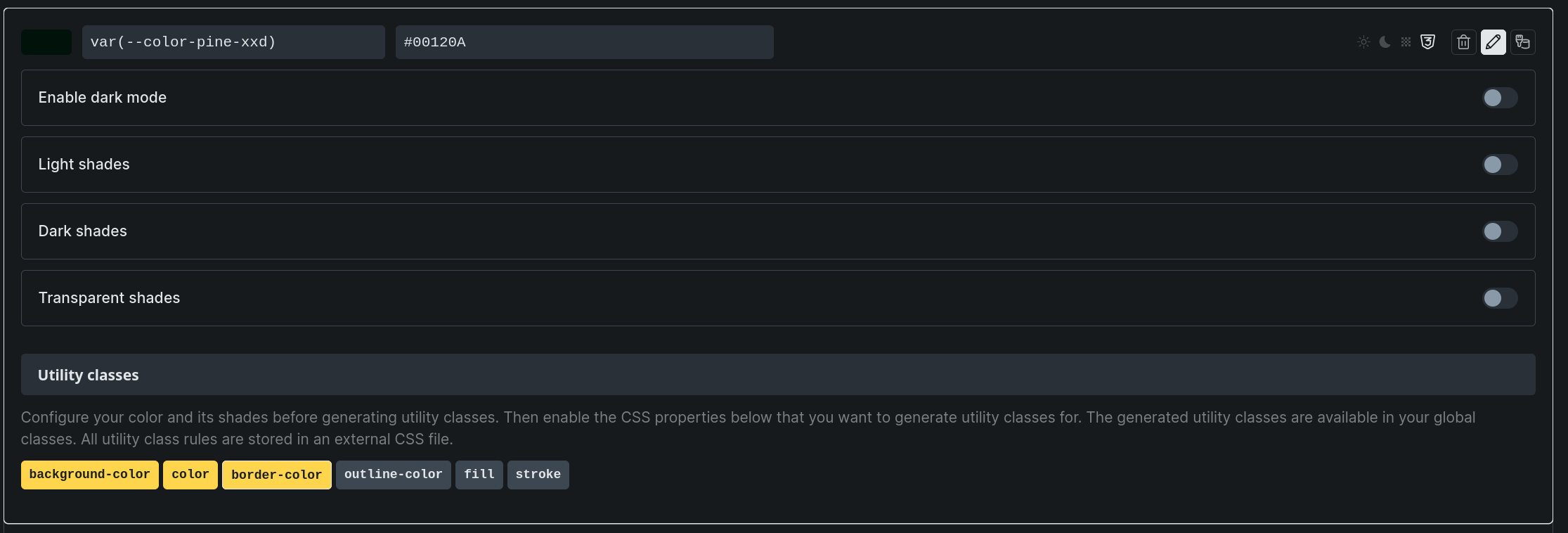
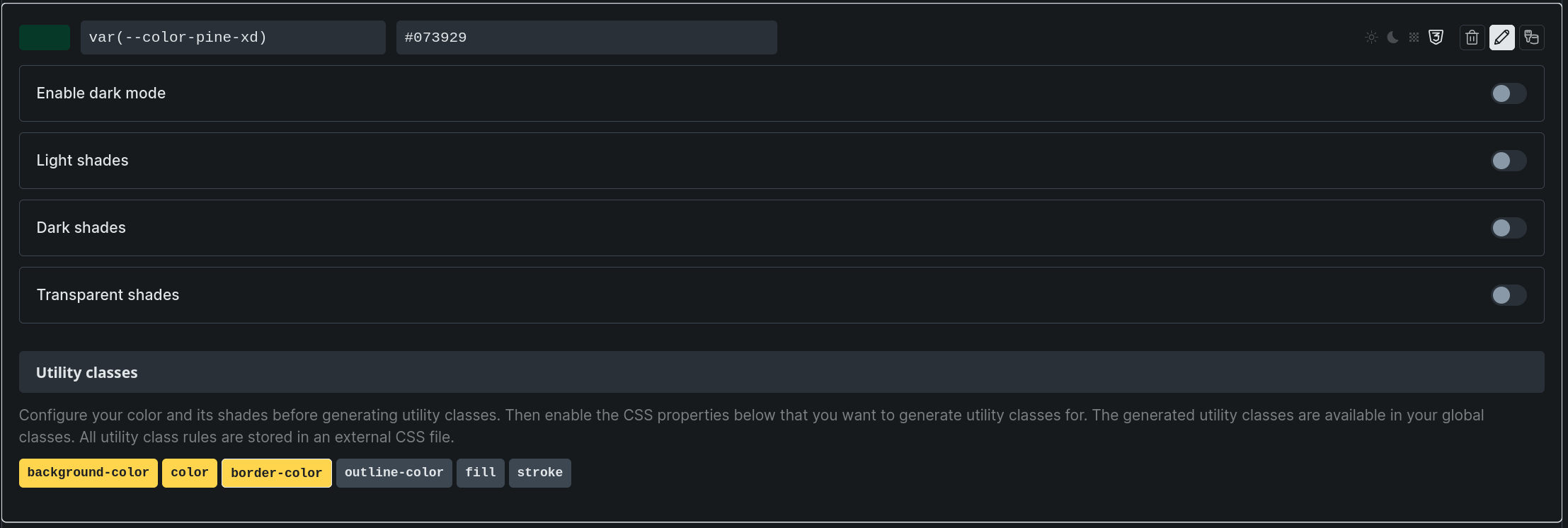
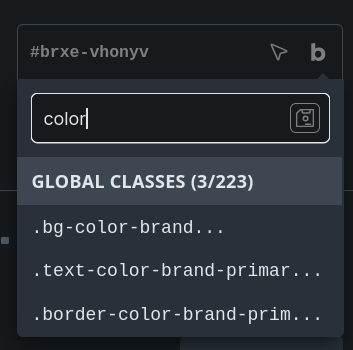
Once I’ve manually toggled a utility for color-brand-primary-xd and saved, it’s visible in the dropdown.
Note that the above palette has colors that reference other css variables, but I’ve confirmed it’s the same behavior for colors with static color values as well.
This seems like a bug since the UI suggests they have been fully imported correctly, but in reality would require a lot of manual labor to have them all show up in the editor when importing several palettes/shades/variants.