Browser: Firefox 147.0b3 (also Edge and Brave)
OS: Windows
URL: Link to a page that illustrates this issue
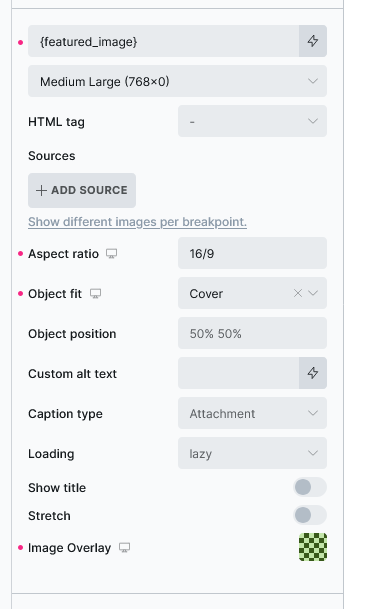
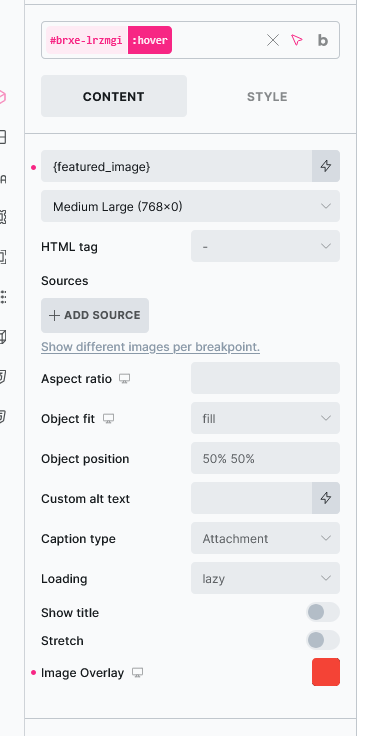
I have an archive template with a featured image. I have added an Image Overlay to it as in first screenshot. I have added a different colour overlay for the hover state (2nd screenshot) but nothing happens on hover on the frontend.
The CSS looks like this:
.brxe-valhyj .brxe-lrzmgi.brxe-image.overlay::before {
  background-color: var(--bdn-success-40)
}
.brxe-valhyj .brxe-lrzmgi.brxe-image.overlay::before:hover {
  background-color: var(--bricks-color-34bd59)
}
The problem is that the second rule should have the :hover pseudo class before the ::before pseudo element, like this:
.brxe-valhyj .brxe-lrzmgi.brxe-image.overlay:hover::before {
  background-color: var(--bricks-color-34bd59)
}