Would really be nice if bricks image element could render URLs from https://placehold.co/
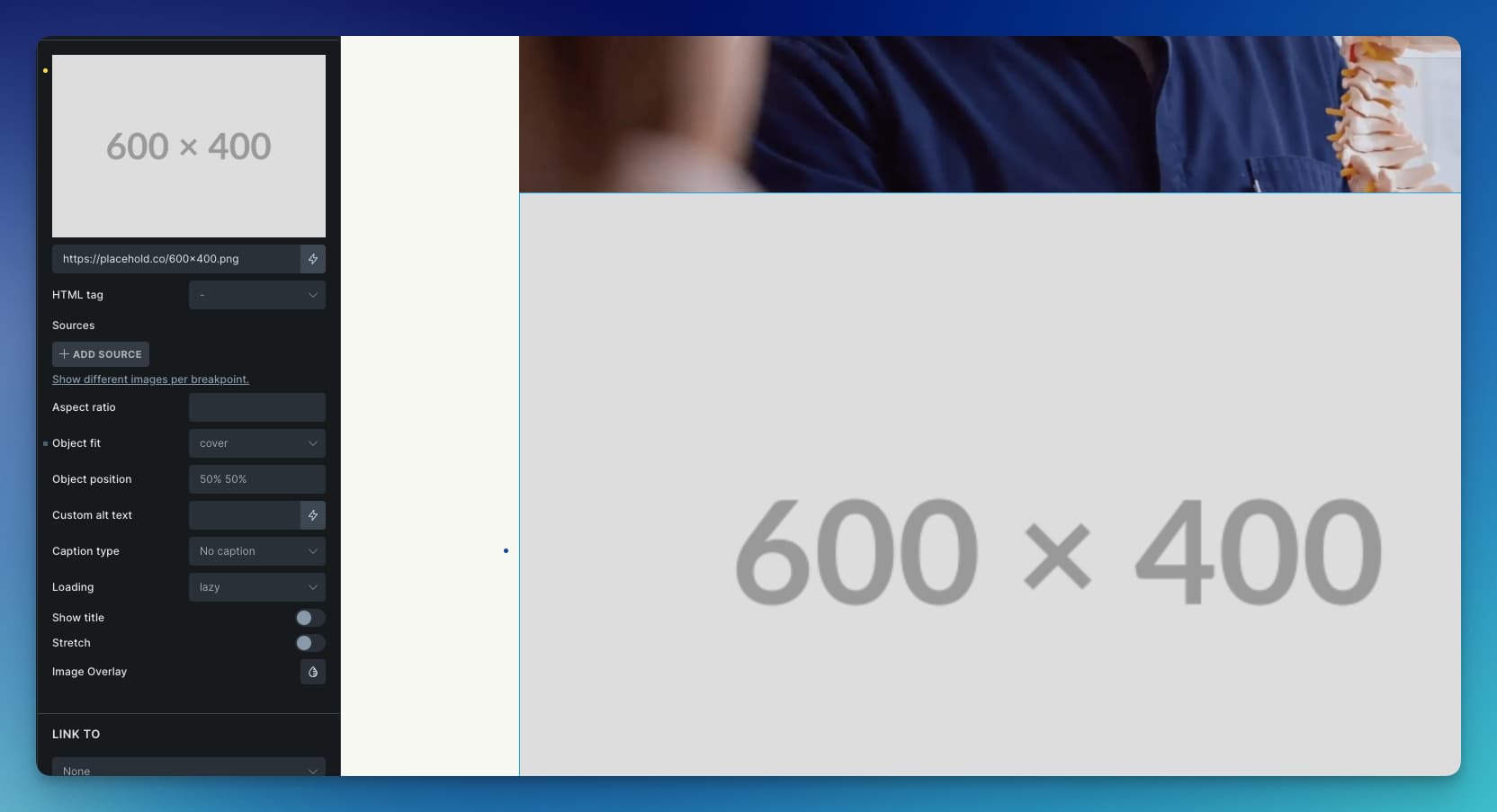
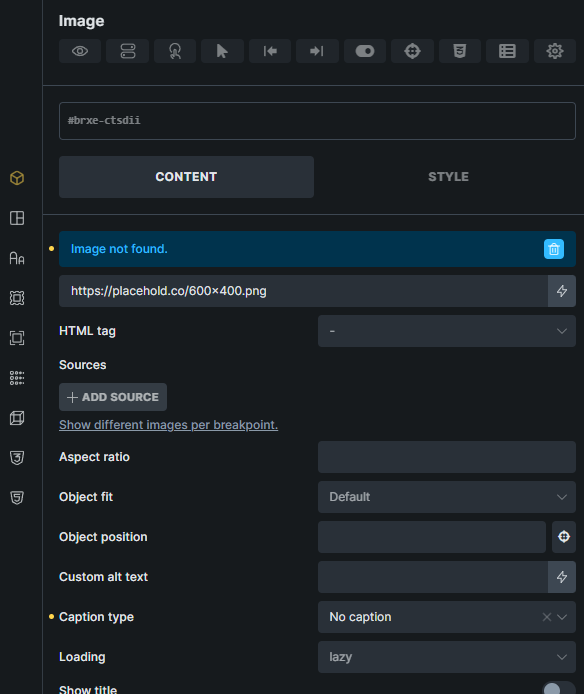
As of right now, bricks is trying to fetch the image in a way that doesn’t work. This should work, but doesn’t: https://placehold.co/600x400.png
Placehold allows you to get the EXACT PIXEL image size you need. Sometimes I need a banner size and sometimes I need just a small thumbnail. I could just put ANY size in the URL, and voila!
For those doing different portrait / landscape videos it’s also excellent.
No need to use a plugin to get random images from 3rd party sites / APIs, when I could just simply use a url for the image element like: https://placehold.co/600x400.png and get the exact size no problem, no plugin.
Advantages:
NO plugin needed.
NO impact on page render
PIXEL perfect image sizes you choose
Color options
Text or Size (optional) on the image
Retina sizes
Font choices
What do you suggest, give me clues… because I really would like to use placehold.co. Albeit, there are others that work like picsum.photos, but not as customizable as the aforementioned.
My apologies @SuatB and @emmanuelson! It was this Brave browser “shield” blocking it for some odd reason.
This may explain some other weird issues I’ve been having
Thanks for taking the time to help me with this! (now if I could get a mod to delete or move from feature request section).